
The desktop app
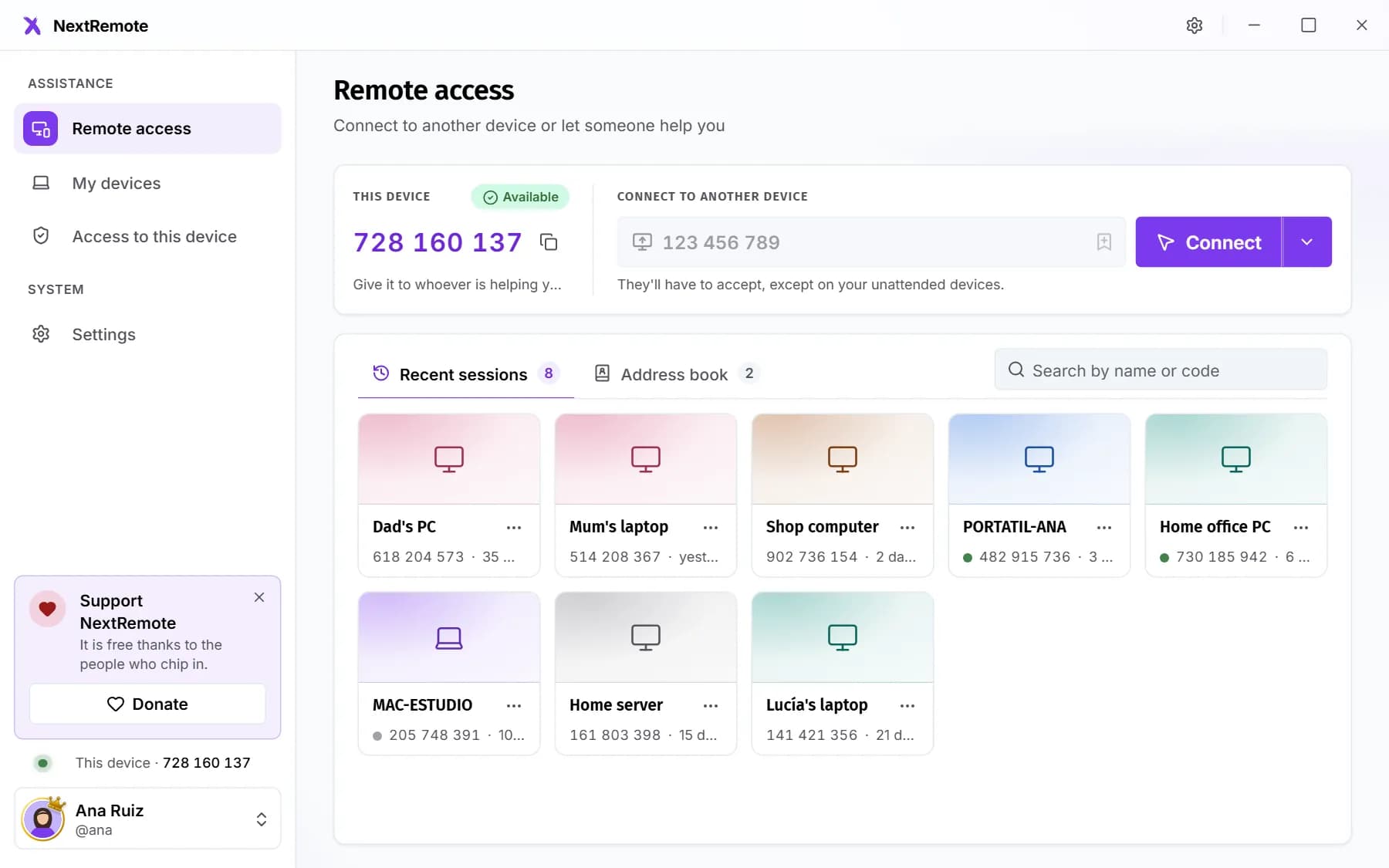
The app lives in the system tray and opens when you sign in to the computer. It has four pages.
Remote access
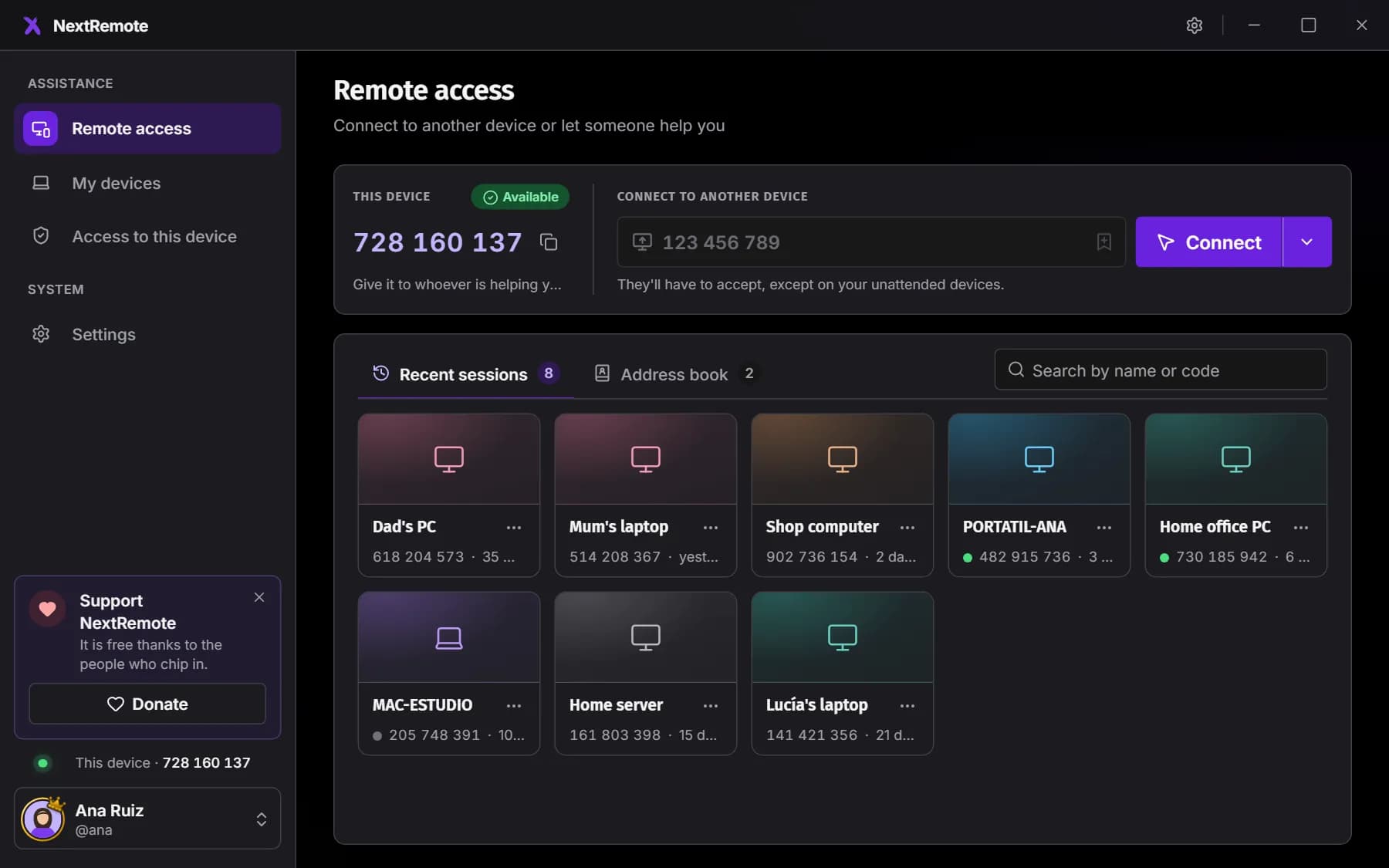
At the top, "This device's code", with a button to copy it. Below, "Connect to another device" and your computers under "Recent" and "Address book". This is also where you sign in.
Access to this device
Who can connect to this computer and what they can do: allow connections, control, clipboard, files, black screen, keyboard and mouse lock, declared recording, maximum duration and unattended access.
My devices
When signed in, the computers linked to your account, with their status. From here you connect, open their settings or unlink them.
Settings
Language, theme and the status of the service connection ("Connected", "Having issues", "Registering"…), with the installed version.
The tray
When you close the window, NextRemote stays in the tray so it can receive connections. Open it from its icon.
Tip: If you quit the app completely, nobody can connect with permission: the request will be rejected automatically.
If something goes wrong
It says "No service"
The NextRemote service is not responding. Restart the computer and, if nothing changes, reinstall the app.
It says "Blocked"
We have blocked this computer for misuse and it cannot receive connections. If you think it is a mistake, write to us.
The computer is linked to another account
The owner account can unlink it from the app or from "My computers" on the website. Then sign in with yours.