Help anyone with their computer, for free and from anywhere.
The other person installs the app and gives you their 9-digit code. You connect from the browser or the app, they accept and you see their screen. With chat, files and clipboard.
Helping someone with their computer should not cost money
NextRemote exists so that anyone can lend a hand from afar, without licences and without fear of scams.
Licences are expensive
Remote desktop tools usually charge per user or cut the session if they suspect professional use. NextRemote is free for everyone.
"Tech support" scams
Someone calls claiming to be from the bank or from support and asks to connect. That is why whoever accepts sees the username, photo and age of the account that connects, and can report it.
It should be simple
No routers to configure and no ports to open: the other person opens the app, tells you their code and accepts. That is all.
What it does
Everything you need to help from afar
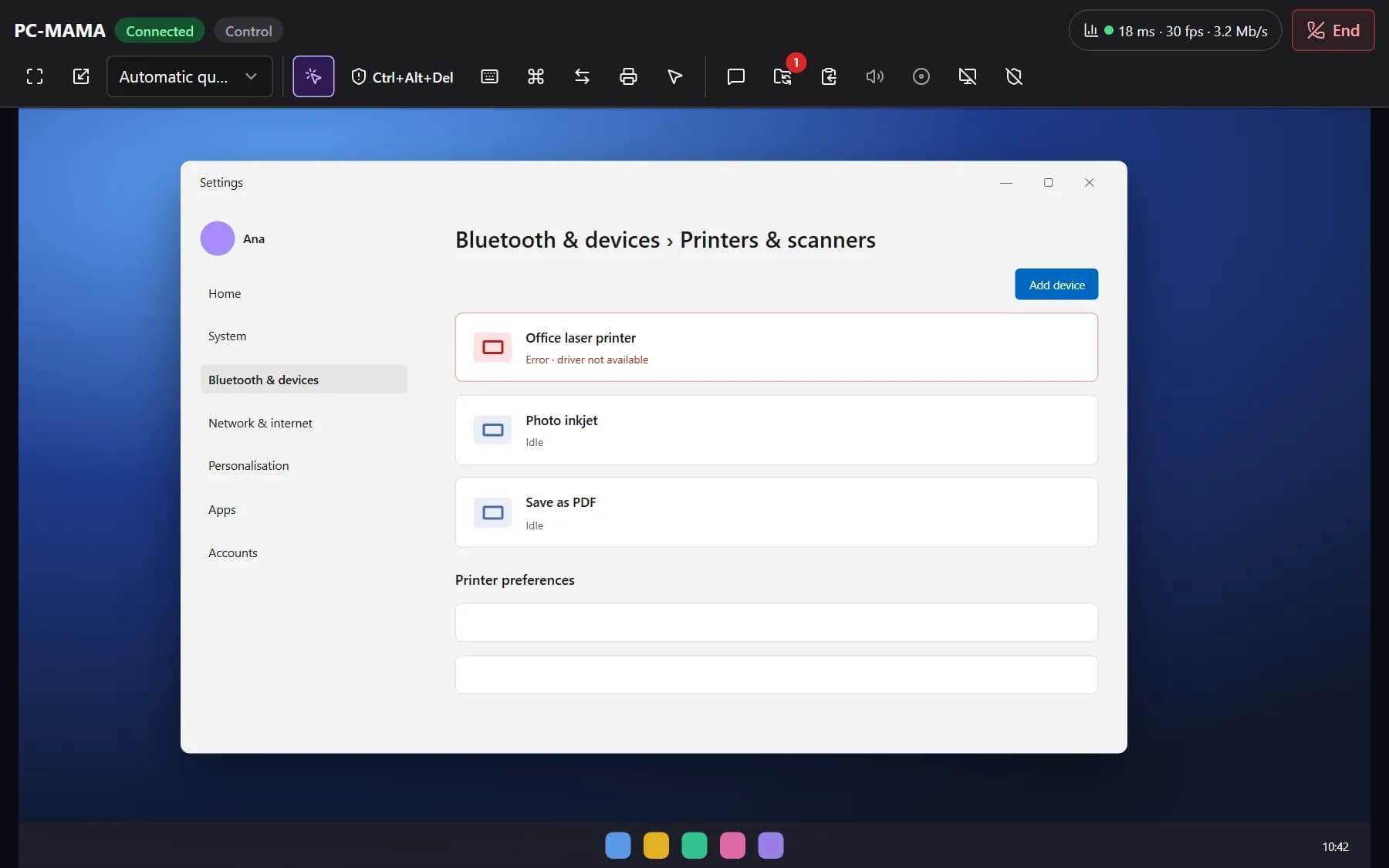
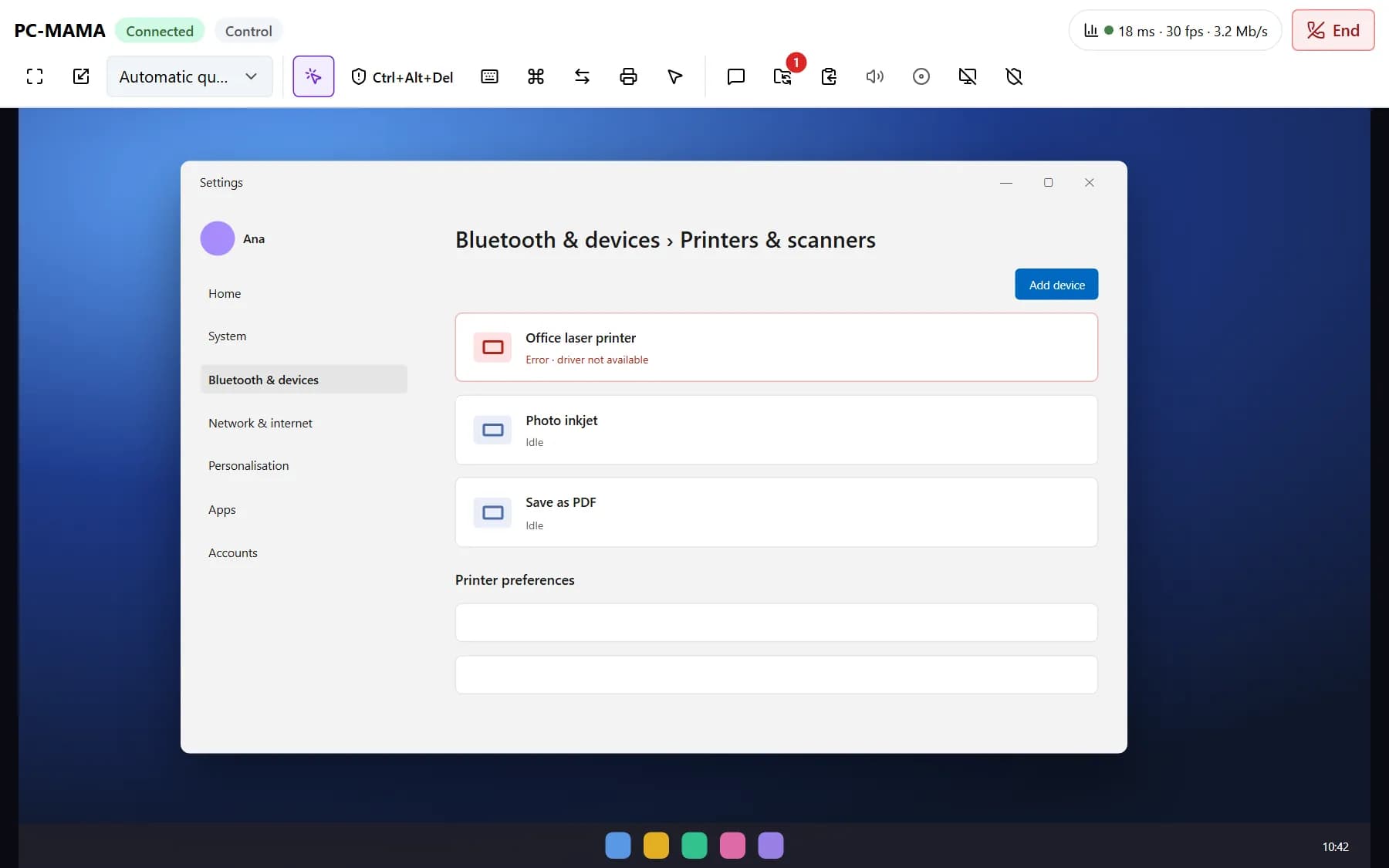
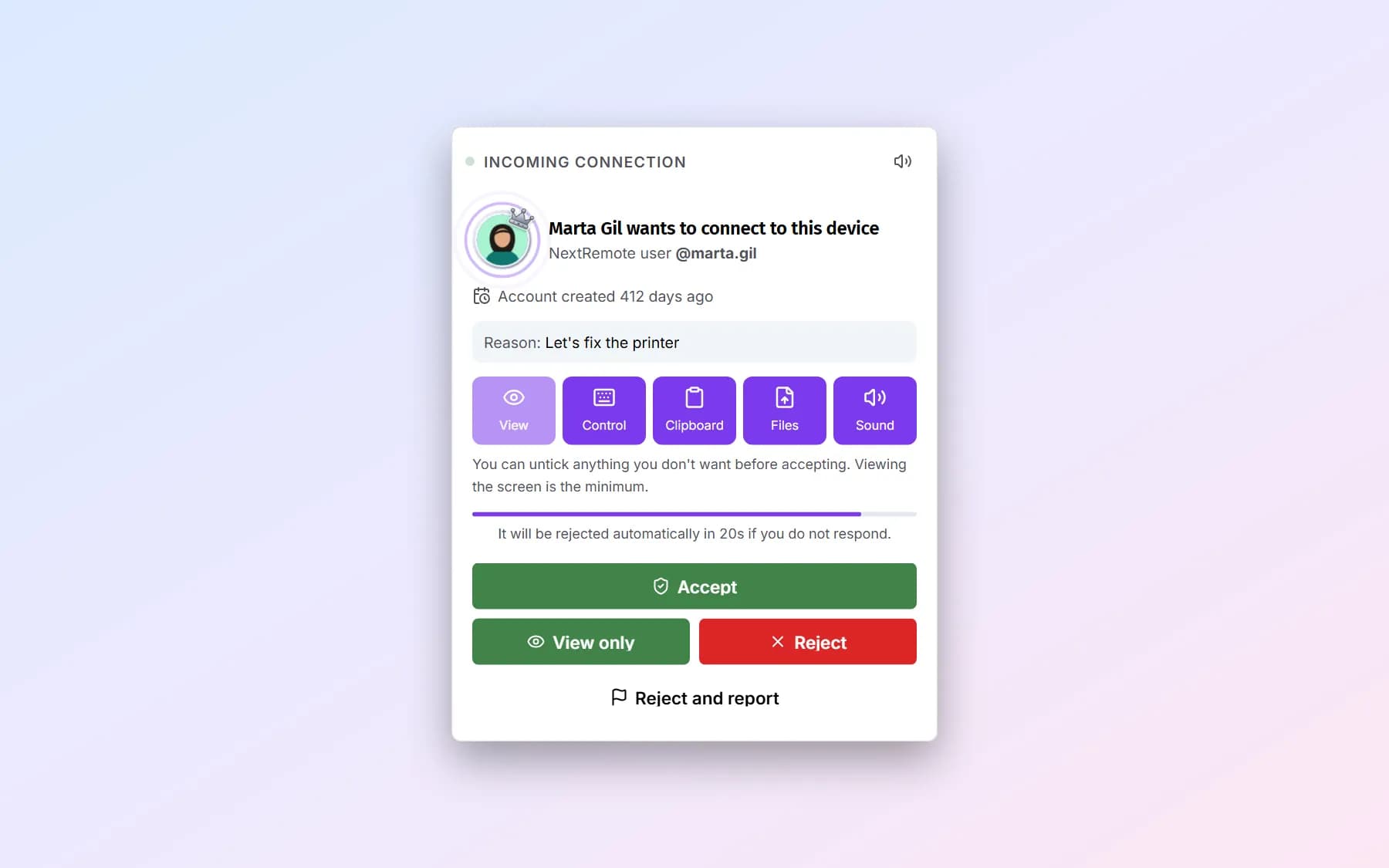
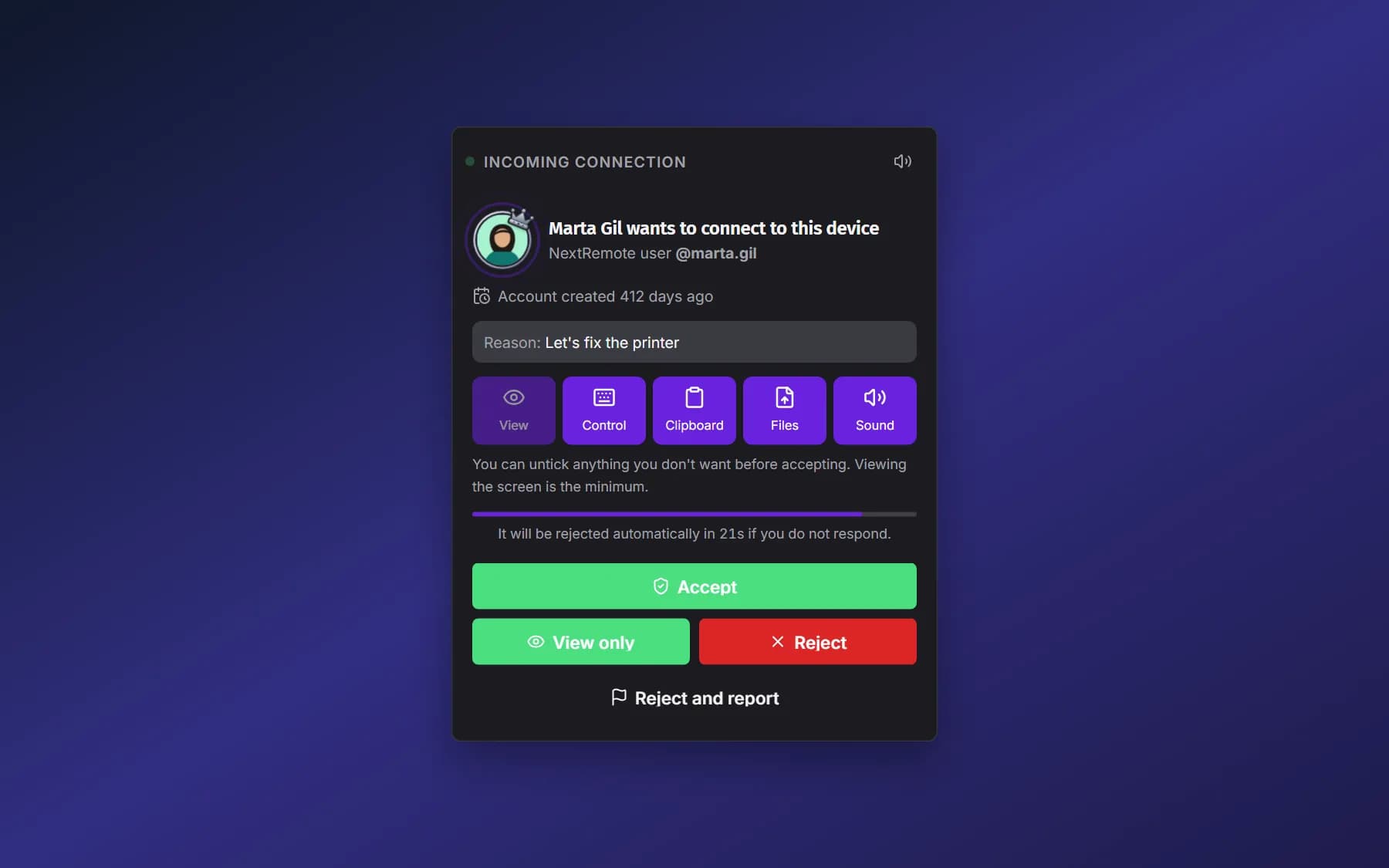
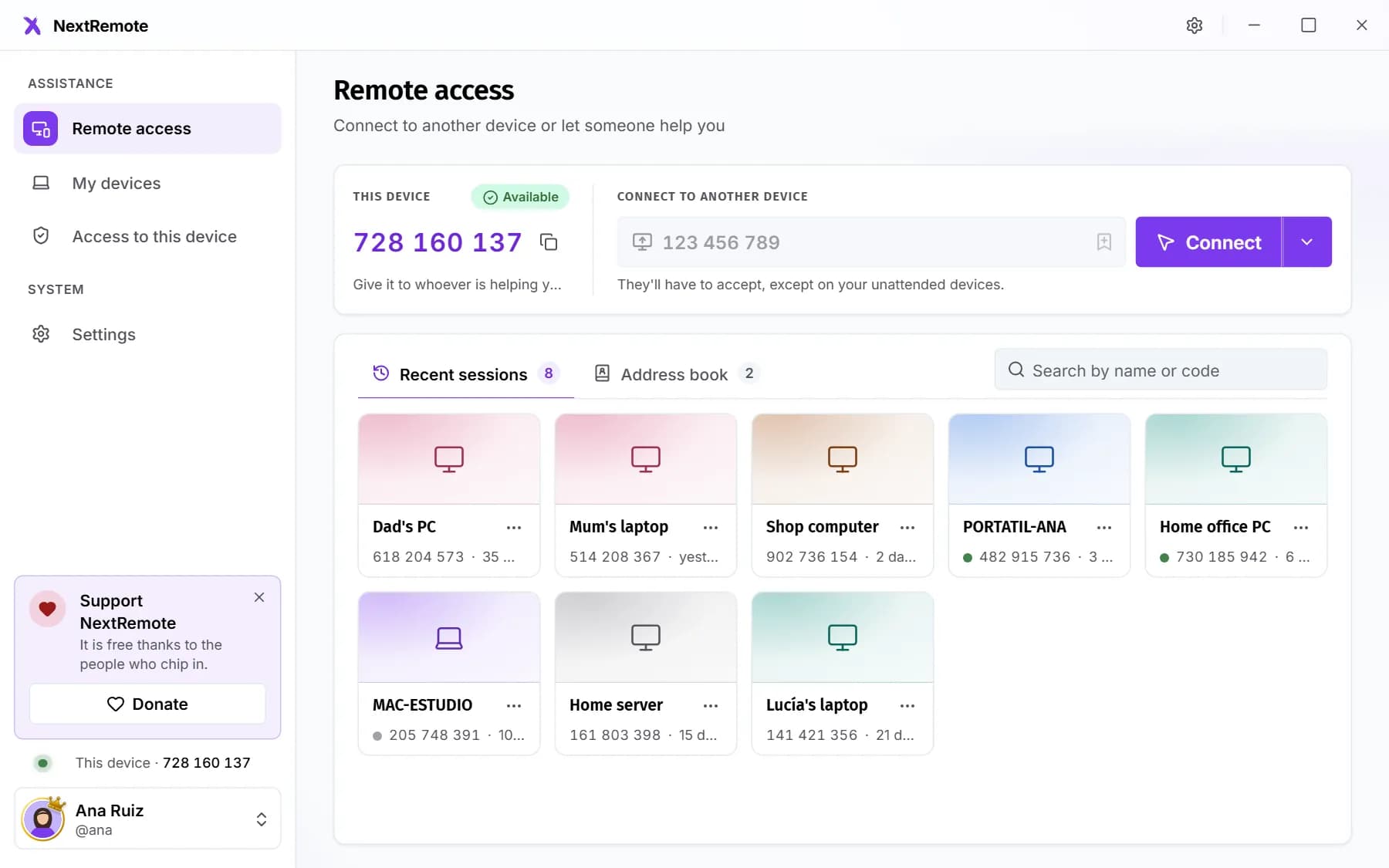
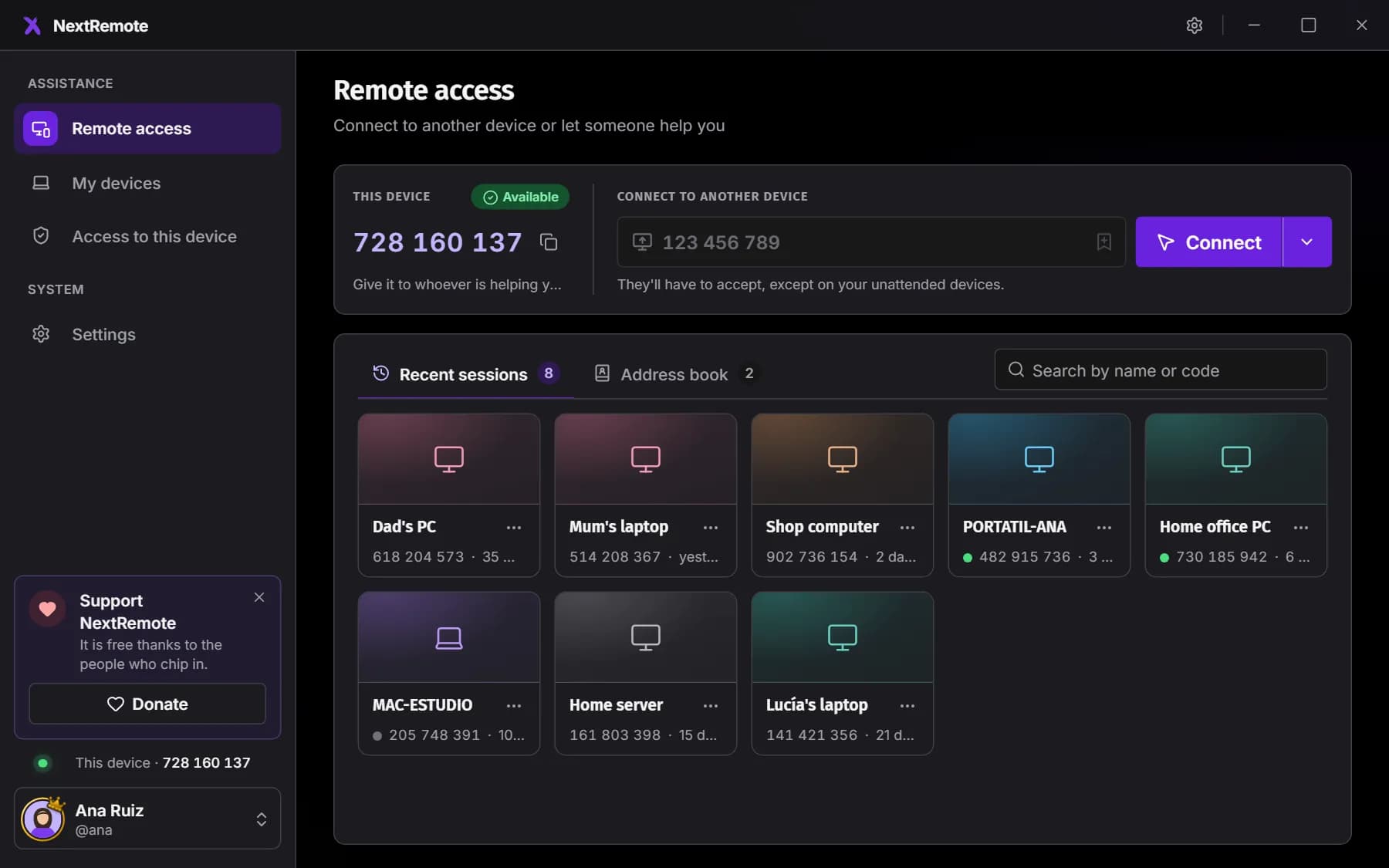
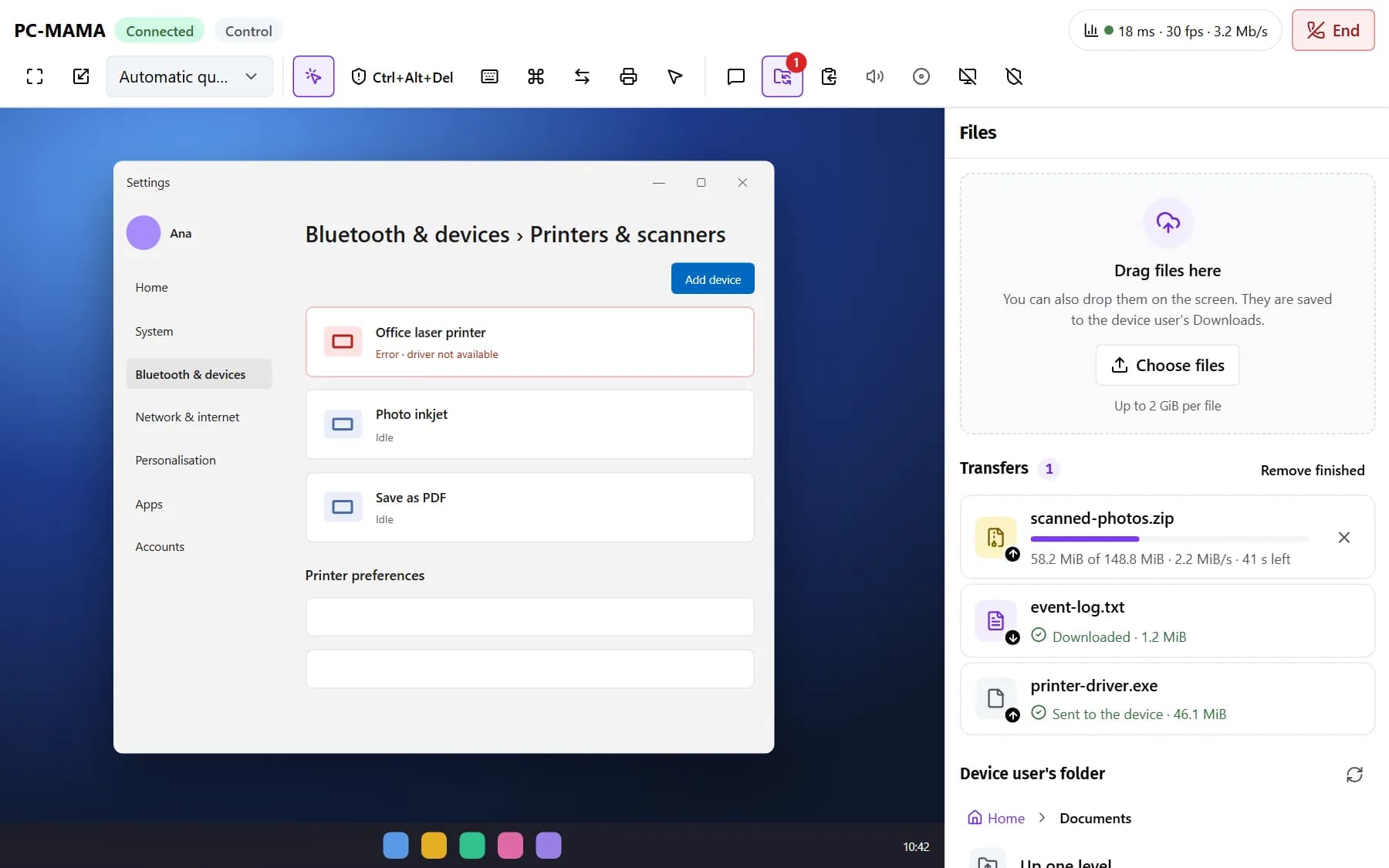
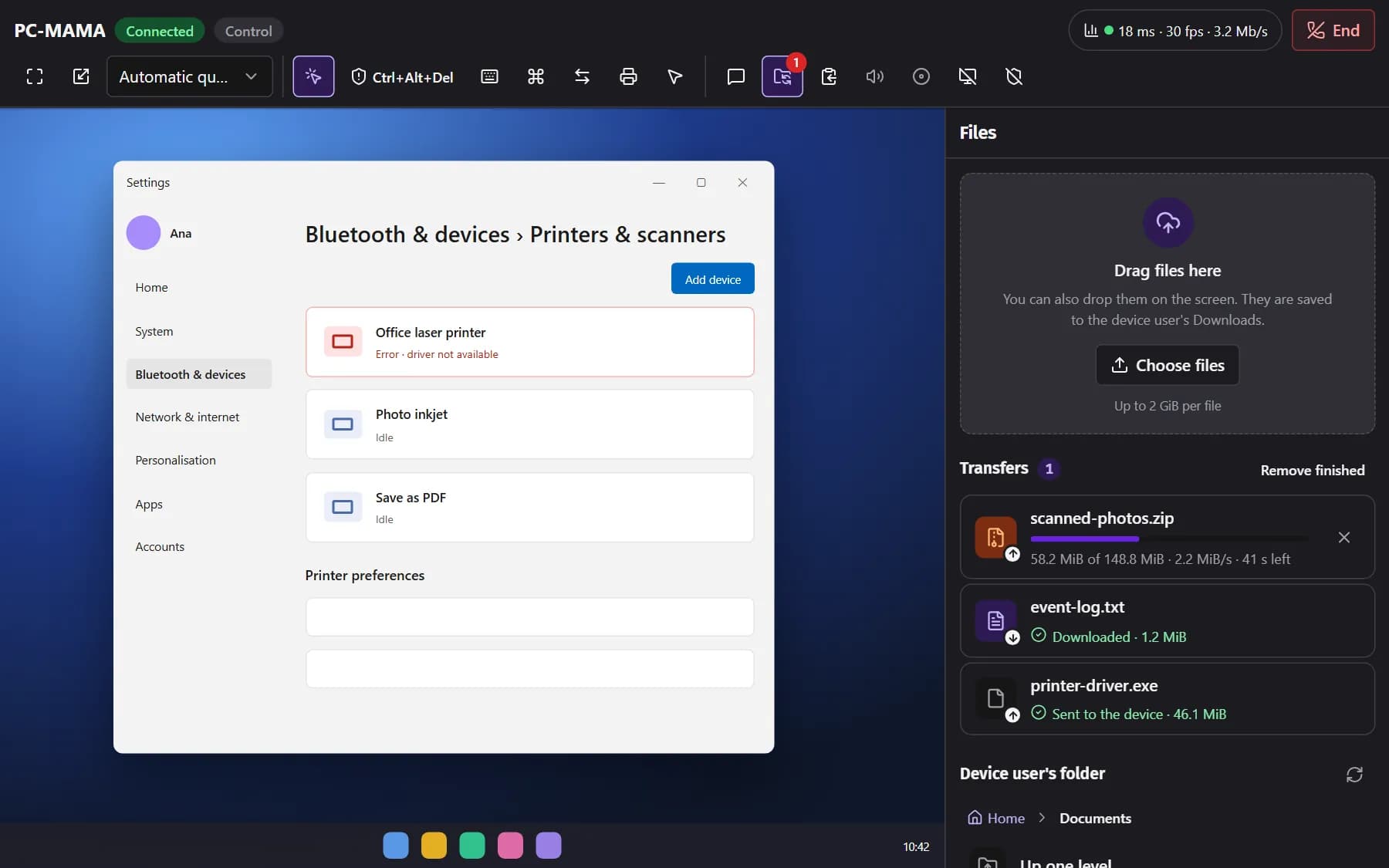
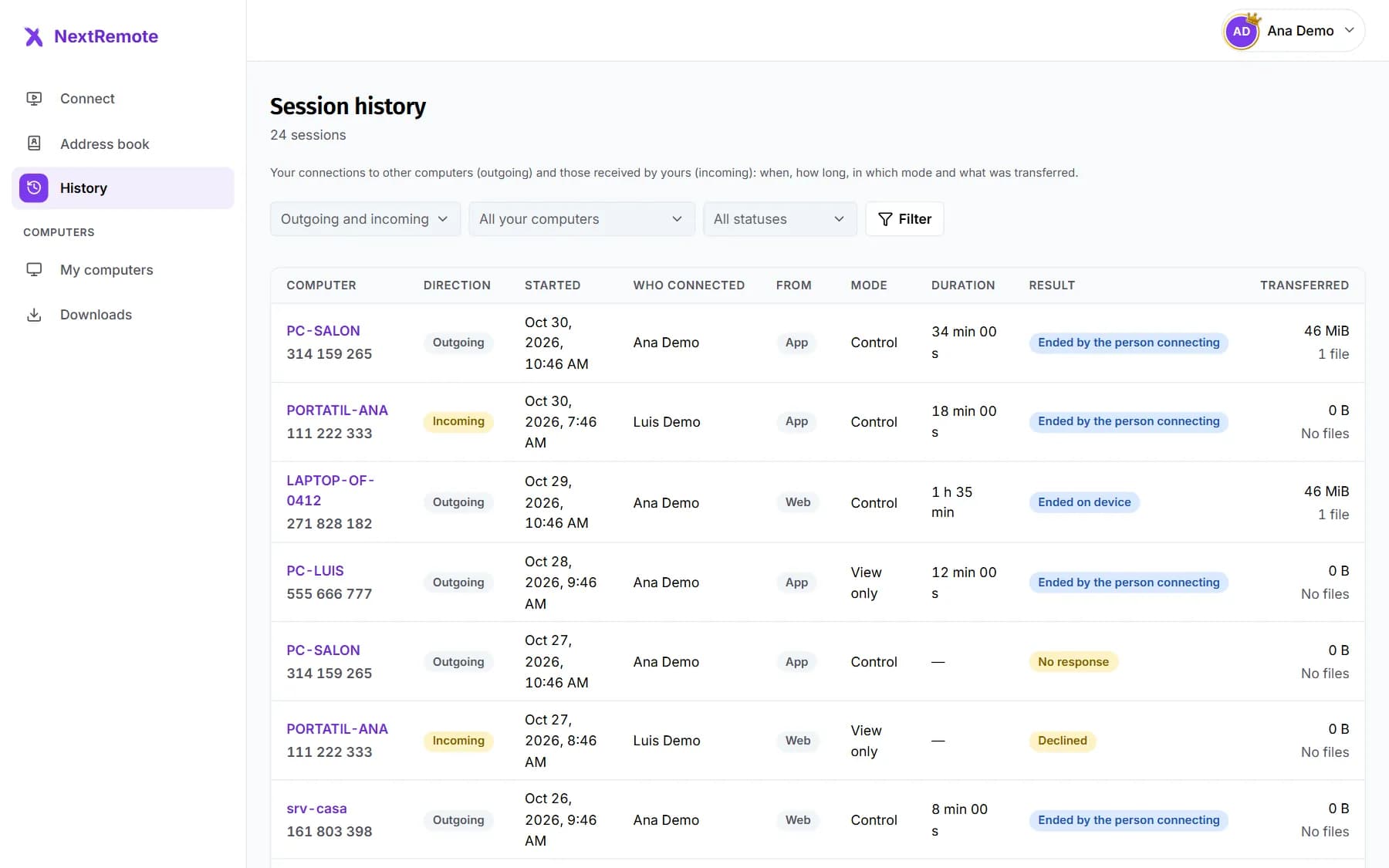
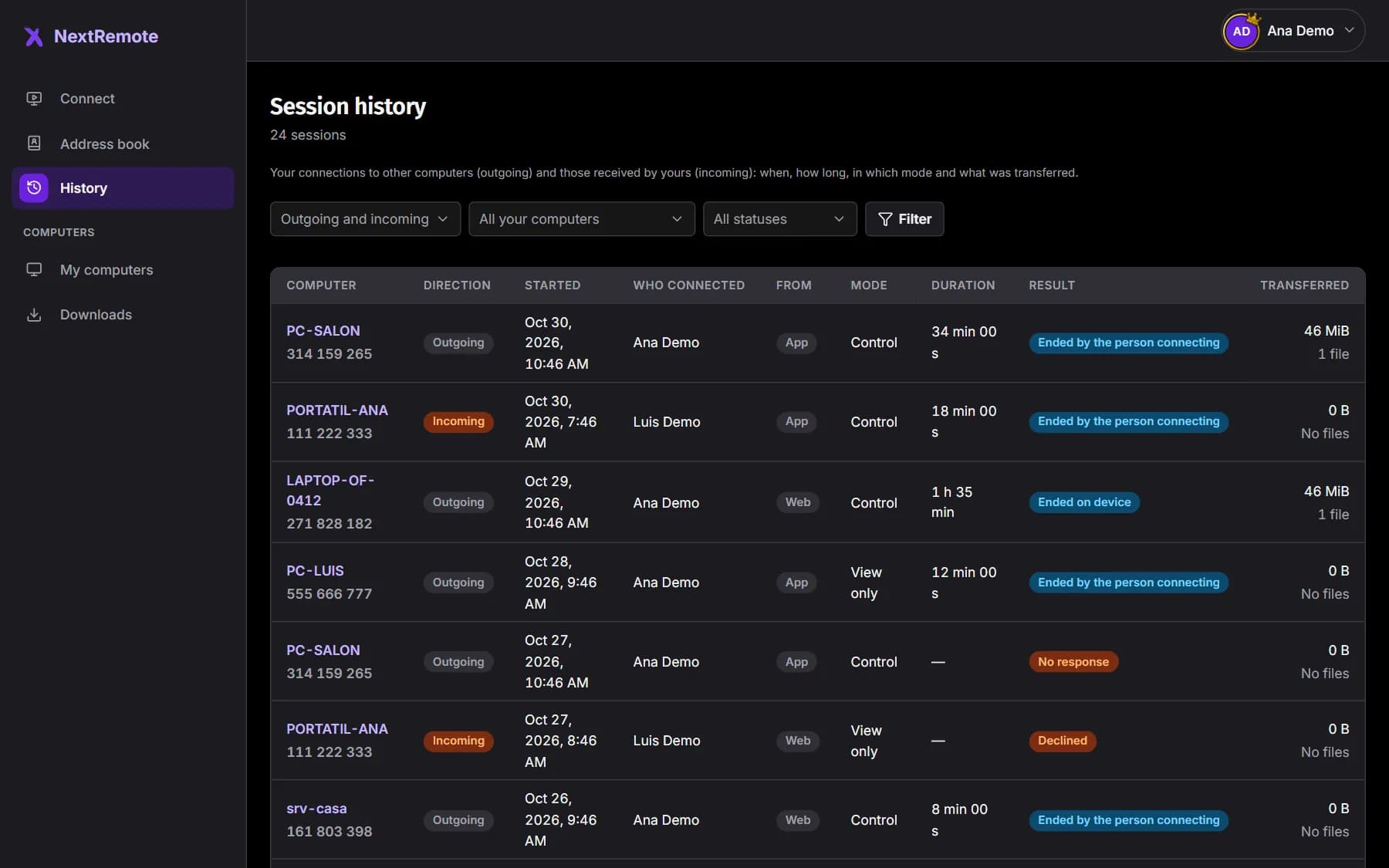
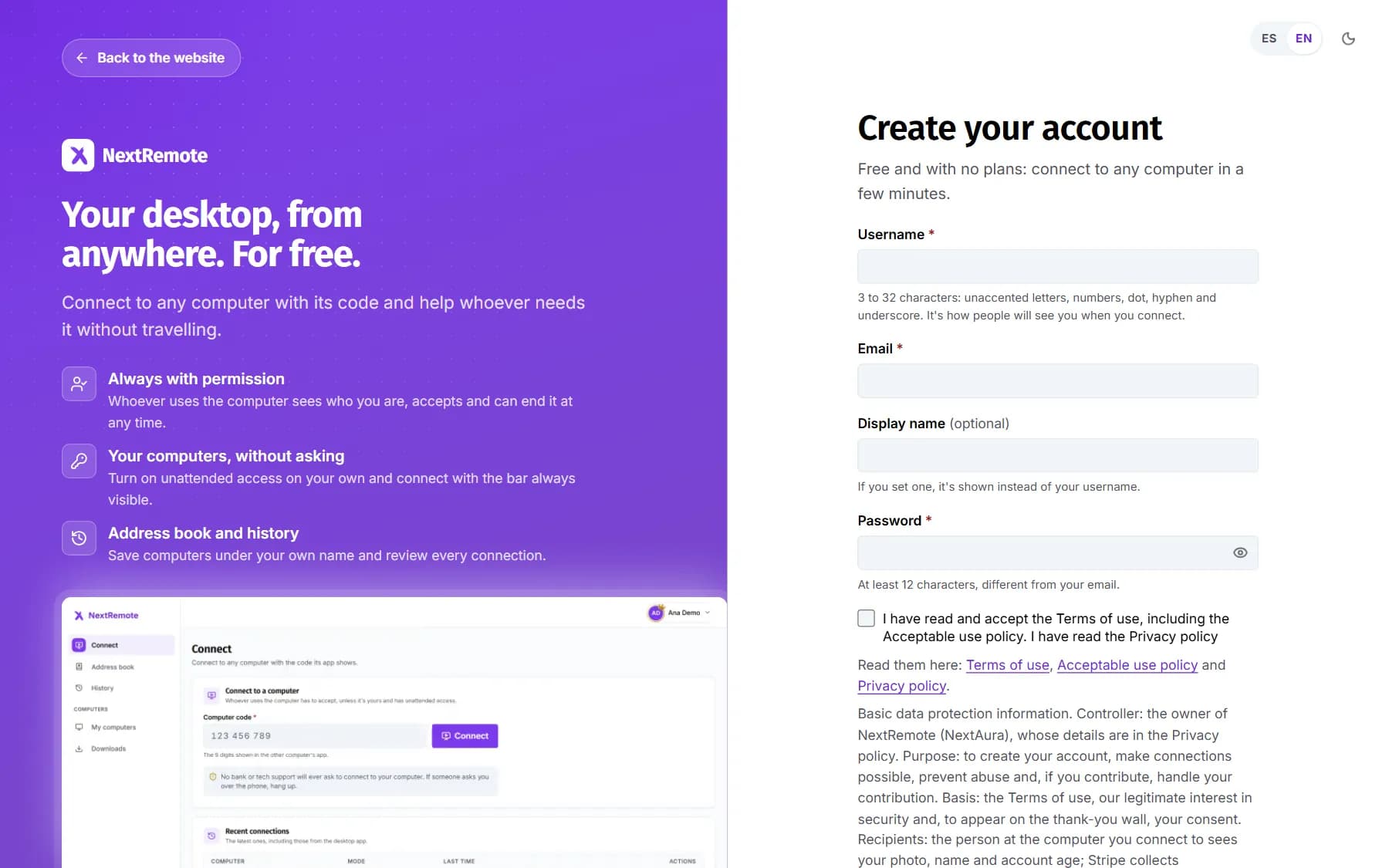
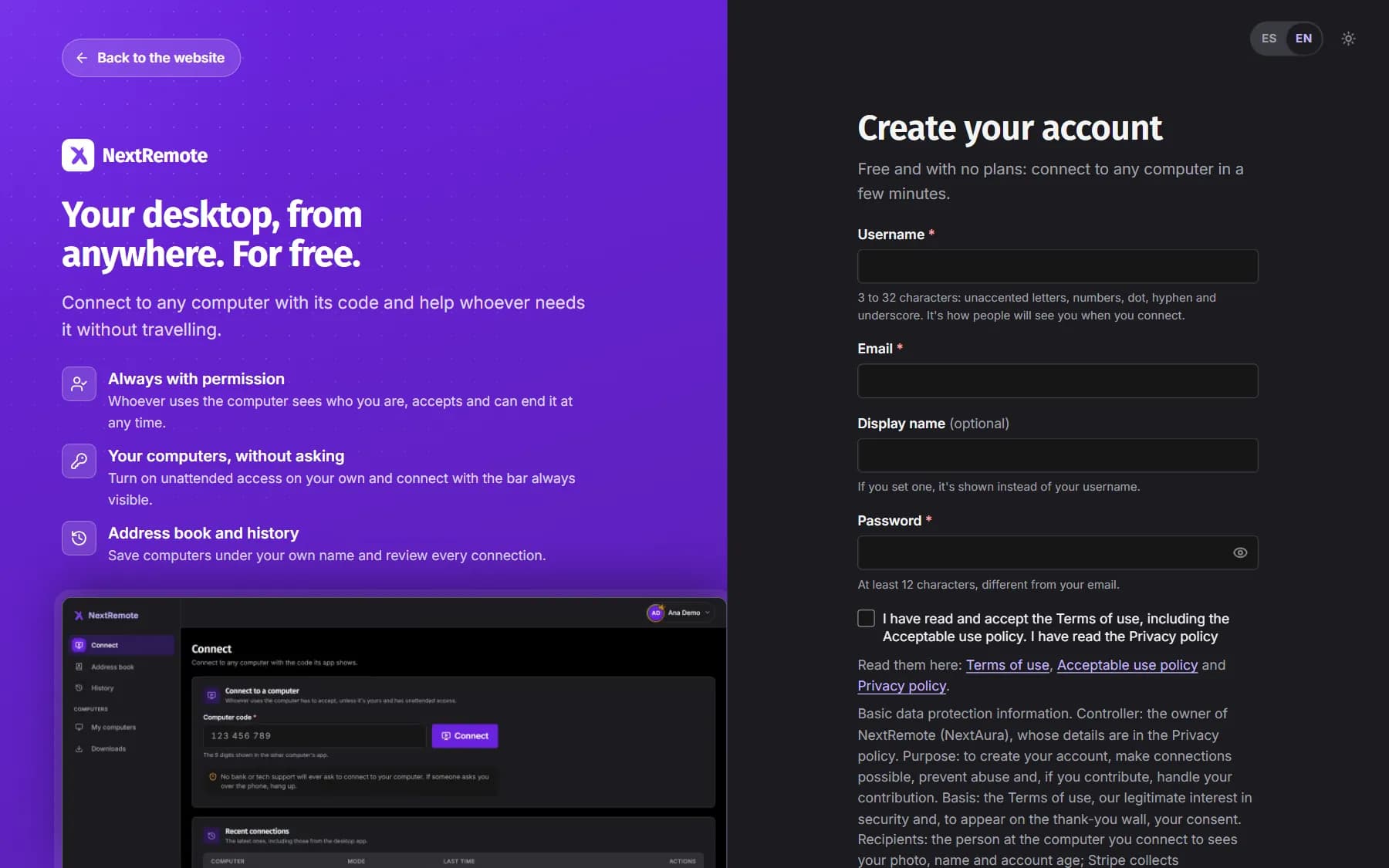
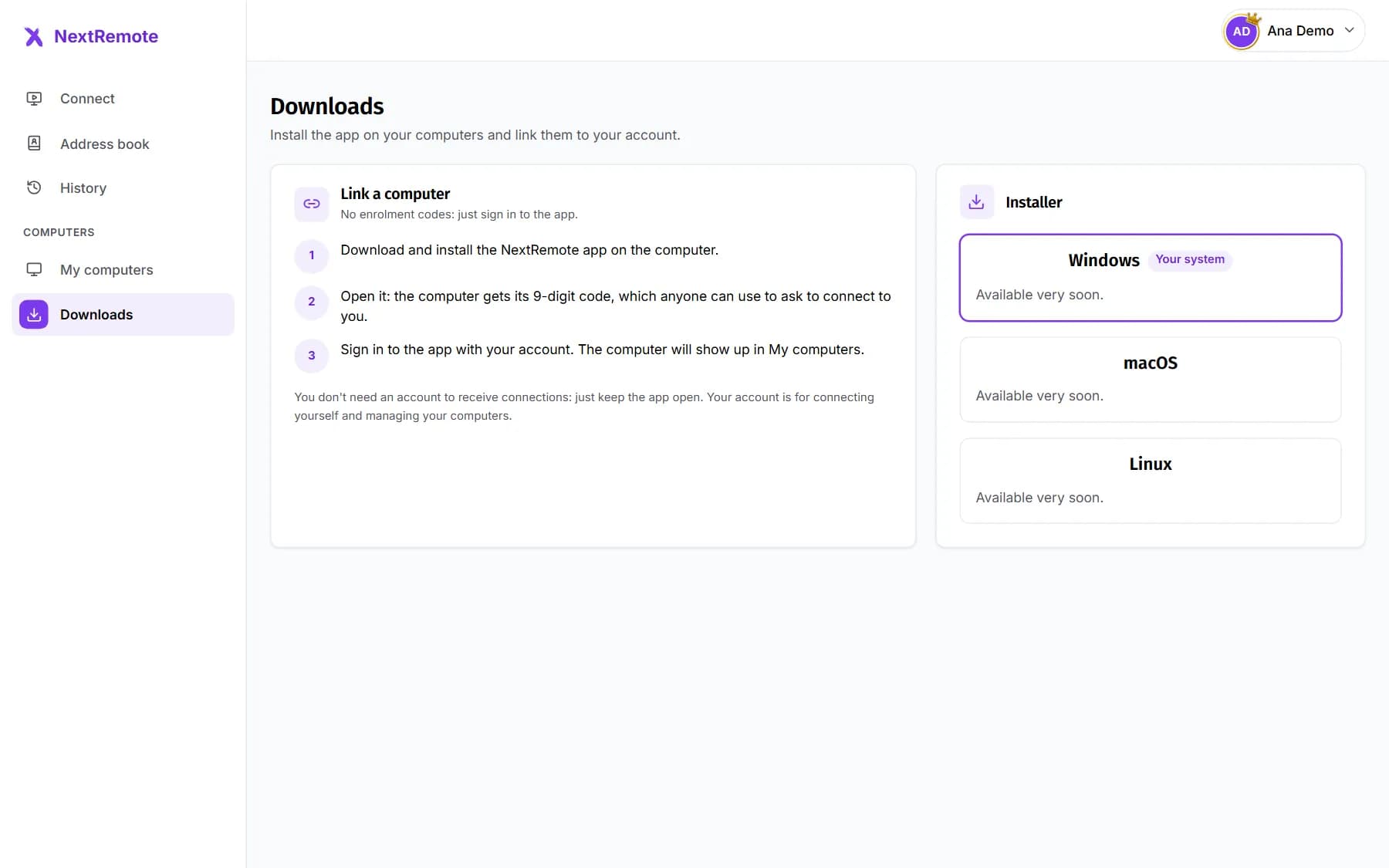
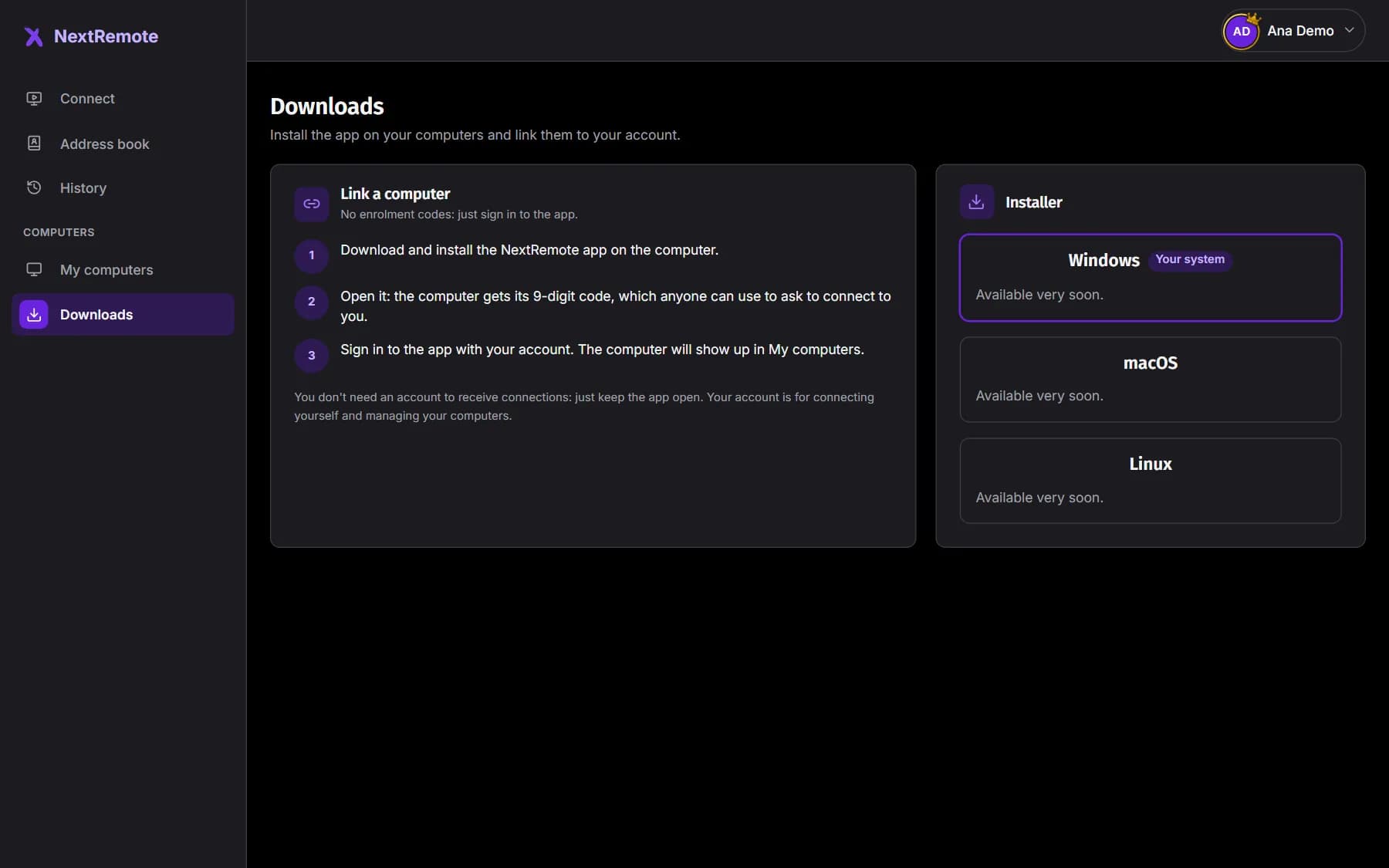
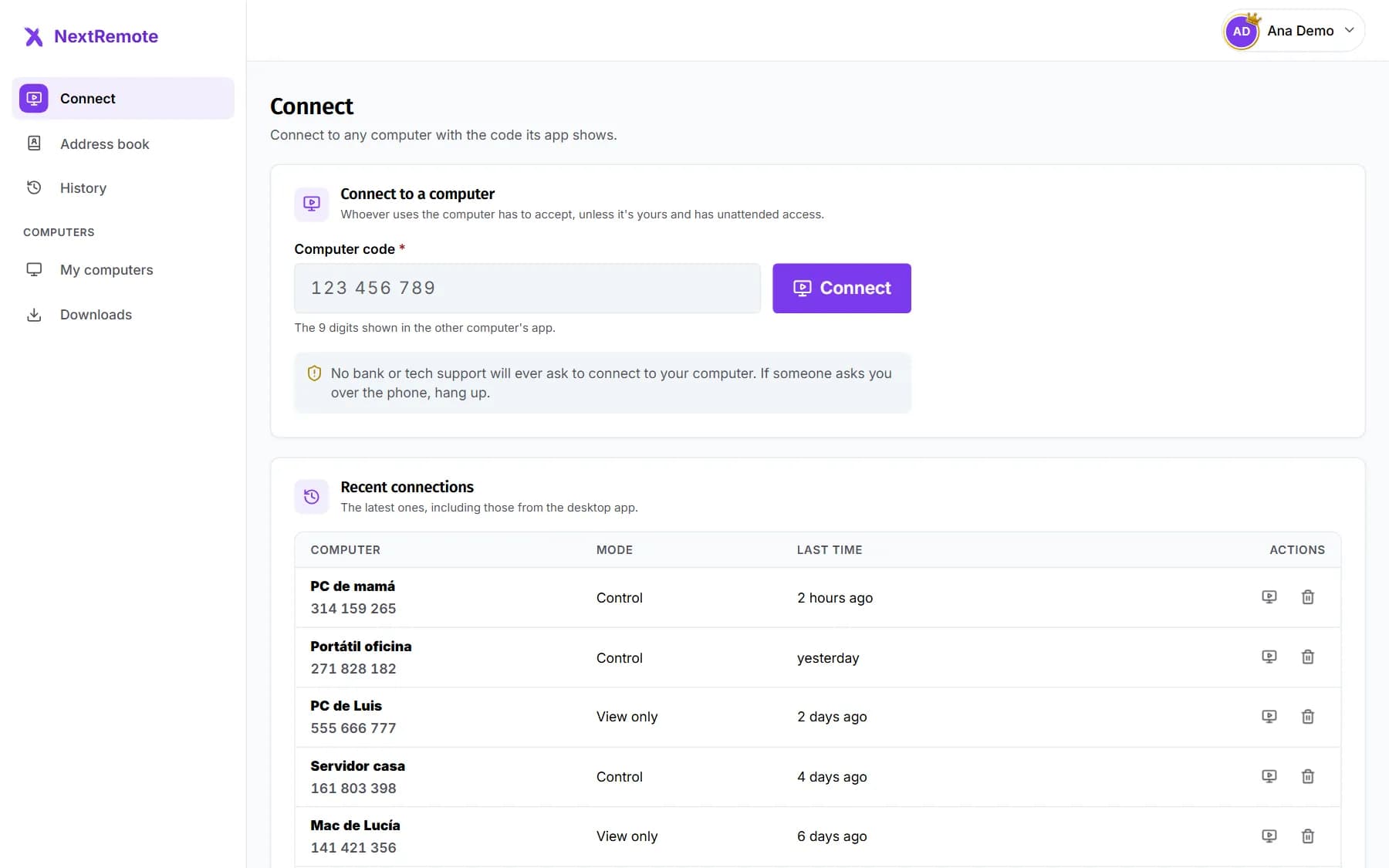
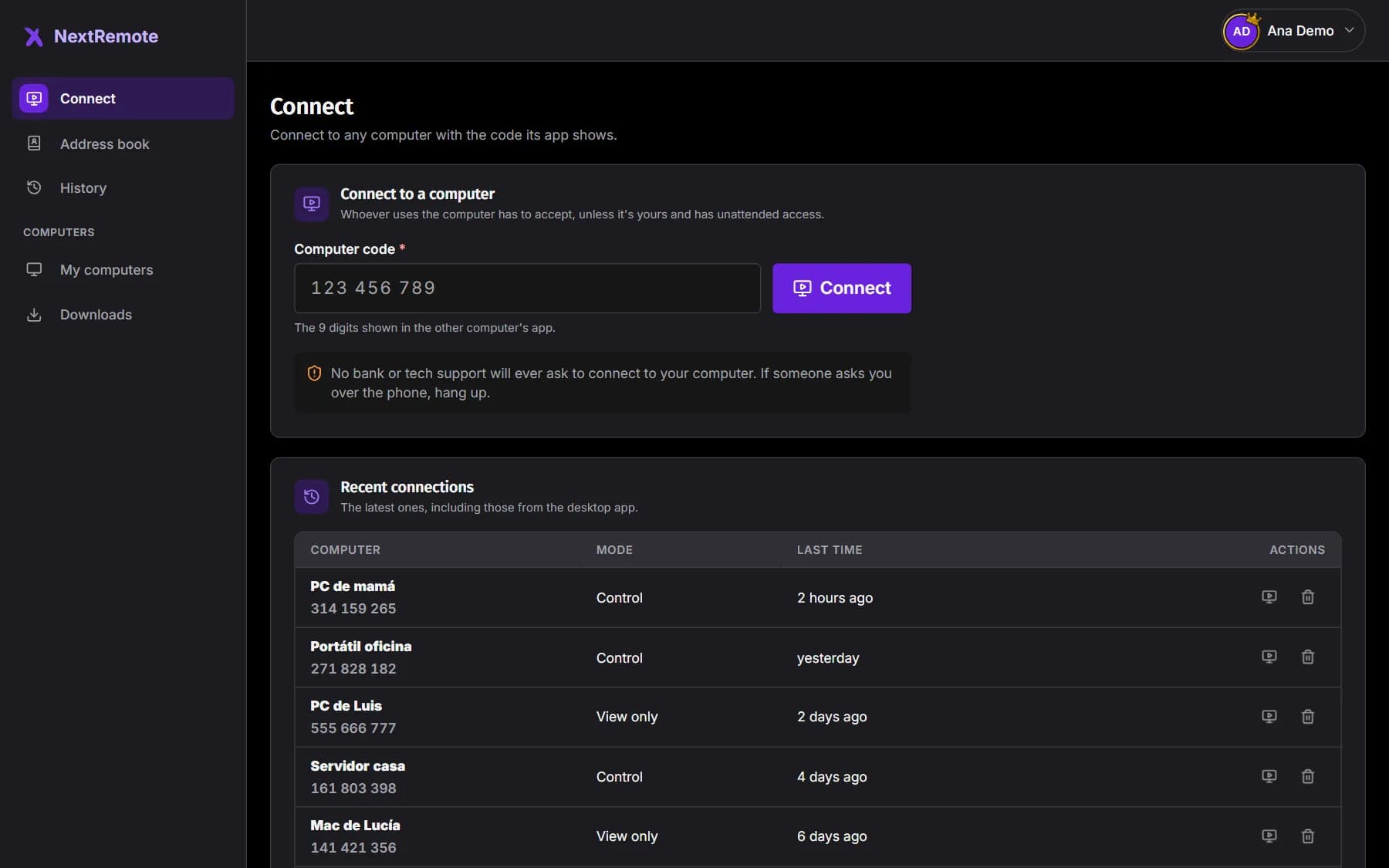
The screenshots are from the product. Switch to dark mode with the icon in the header and the screenshots switch with you.
From the browser
Connect without installing anything on your side
On the website, type the other computer's 9-digit code, choose whether you only want to view or to control and press "Connect". The viewer opens in the browser.
View only or control the keyboard and mouse
Full screen, multiple monitors and automatic quality
Key combinations, including Ctrl+Alt+Del on Windows
A window appears on the other computer showing who wants to connect: username, photo and how old their account is. They have 30 seconds to accept and can remove permissions first.
Permanent warning against fake support scams
Permissions as checkboxes: control, clipboard and files
Your code, your computers and your address book, in the app
The app shows this computer's code so you can get help, and lets you connect to others. With your account, it keeps your address book and recent connections, the same as on the website.
Stable 9-digit computer code
Address book and recent connections in your account
Drag a file onto the screen to send it to the other computer's Downloads folder, or fetch one from their user folder. Copy and paste text between the two.
In "History" you see the connections you have made and those that reached your computers: when, how long, in which mode and which files were sent. Chat content is not stored.
One account for you, your computers and nothing else. No organisations, roles or plans.
Windows, macOS and Linux
The app runs on Windows 10 and 11; macOS and Linux are in testing. To connect from the website, a current browser is enough.
Get help, no account needed
To get help, all you need is the app open and your code. You only need an account to connect yourself.
Unattended access
Get into your own computers without anyone having to accept. Only for the owner account and with the notice always visible on the computer.
Per-computer settings
Decide on each computer what can be done: control, clipboard, files, black screen, declared recording and maximum duration.
Address book and recents
Save the computers you connect to often under your own name. The address book is the same on the website and in the app.
Two-factor authentication
A code from your authenticator app as well as your password. Highly recommended if you use unattended access.
Your photo, in sight
Your profile photo appears in the accept window and in the notice on the other computer, so they know who they are dealing with.
Reports and blocking
If someone tries to trick you, report the connection when you reject it or when it ends. We review reports and block accounts and computers.
Declared recording
If the computer's settings allow it, whoever connects can record the session in their browser. The other person sees this before accepting.
Your data, yours
Export everything we store about your account as a JSON file, or delete it whenever you want from "My account".
Voluntary contributions
If you find it useful, contribute whatever you want, once or monthly, through Stripe. It is not a payment for anything: everything stays the same whether you contribute or not.
Thank-you wall
Contributors can appear on the public wall if they tick the box. The three people who have contributed the most wear a gold, silver or bronze crown.
How to start
Your first connection in a few minutes
No card, no servers and nothing to configure.
1
Create your account
Username, email and password. It is free and we do not ask for a card. Add a photo so people recognise you.
Create account
2
Install the app
On the computer you are going to connect to. It registers itself and shows its 9-digit code; no enrolment code is needed.
Downloads
3
Connect
Type the code in "Connect", on the website or in the app. The other person accepts and you can see their screen.
An app that lets someone see your screen demands guarantees. These are ours.
Always with permission
Nobody gets in without the person using the computer accepting, except the owner account with unattended access turned on. The notice is always visible and the session can be ended.
Against scams
A limit on requests per account and per computer, username, photo and account age in plain sight, and reports that we review.
Only what is needed
We do not store what is shown on screen, the chat or the clipboard. The history only keeps who, when, how long and which files.
Nobody from NextRemote gets into your computer
Our staff have no remote access to computers. If someone says they are from NextRemote and asks to connect, reject it.
Frequently asked questions
What people usually ask us
Is it really free?
Yes. There are no plans, no trial, no paid limits and no ads. You can use it to help your family or at work. It is kept going by voluntary contributions from whoever wants to give.
What happens if I contribute?
You help us keep it free. You can contribute once or monthly, from €1, through Stripe. It is not a payment for any service: it does not change what you can do and we do not issue an invoice. You can cancel the monthly contribution whenever you want from "My account" › "Donate" › "Manage or cancel".
Do I need an account?
To connect to another computer, yes. To get help, no: just have the app open and give your 9-digit code.
Which systems does it run on?
The app runs on Windows 10 and 11 (64-bit). macOS 13 or later and Linux (.deb, .rpm and .pacman packages) are in testing; on Linux only with X11, not Wayland. To connect from the website, a current browser is enough.
Can I get into my computer without anyone accepting?
Yes, on your own computers: link them to your account by signing in to their app and turn on "Unattended access" in their access settings. It only works for your account; anyone else is still asked. The session notice is always visible on the computer.
My bank called asking to connect to my computer
Hang up. Nobody from a bank, a company or NextRemote will ask to connect to your computer. If you have already accepted, press "End" on the notice and report the connection.
Is what is on screen recorded?
Only if the computer's settings declare that sessions are recorded; the accept window then says so. The recording is made in the browser of whoever connects and stays on their computer: NextRemote does not store it.
What do you keep about my connections?
Who connected, to which computer, when, how long it lasted, in which mode and the name and size of the files. Never what is on the screen, the chat or the clipboard. The history is deleted after 12 months.
Can I take my data or delete my account?
Yes. In "My account" › "Security", under "Your data", you have "Export my data (JSON)" and "Delete account". Deleting it unlinks your computers and cancels your monthly contribution, if you have one.
Will I appear on the thank-you wall if I contribute?
Only if you tick it. The "Appear on the thank-you wall" box is unticked by default, and you can change it whenever you want from your account. The wall shows your photo, your name and the total contributed, never your email.
Do I need to open ports or touch the router?
No. The connection goes directly between the two computers when possible and, if not, through a relay server. Nothing needs configuring.
Connect to any computer, for free
Create your account, install the app and connect with the other computer's code. No plans, no trial and no card.
Free for everyone. If you find it useful, you can contribute whatever you like.
Analytics cookies
We use our own technical cookies so the website works. If you accept, we will also use Google Analytics (through Google Tag Manager) to know how many people visit us, which pages help and how many downloads, connections and donations there are. No advertising and no profiling. You can change this whenever you want in “Cookie preferences”, at the bottom of the website. Cookie policy