
Session history and reports
"History" keeps your outgoing sessions and the incoming ones on your computers for 12 months.
The list
Each row is a session: computer, direction (outgoing or incoming), who connected, from where, mode, start, duration, result and files.
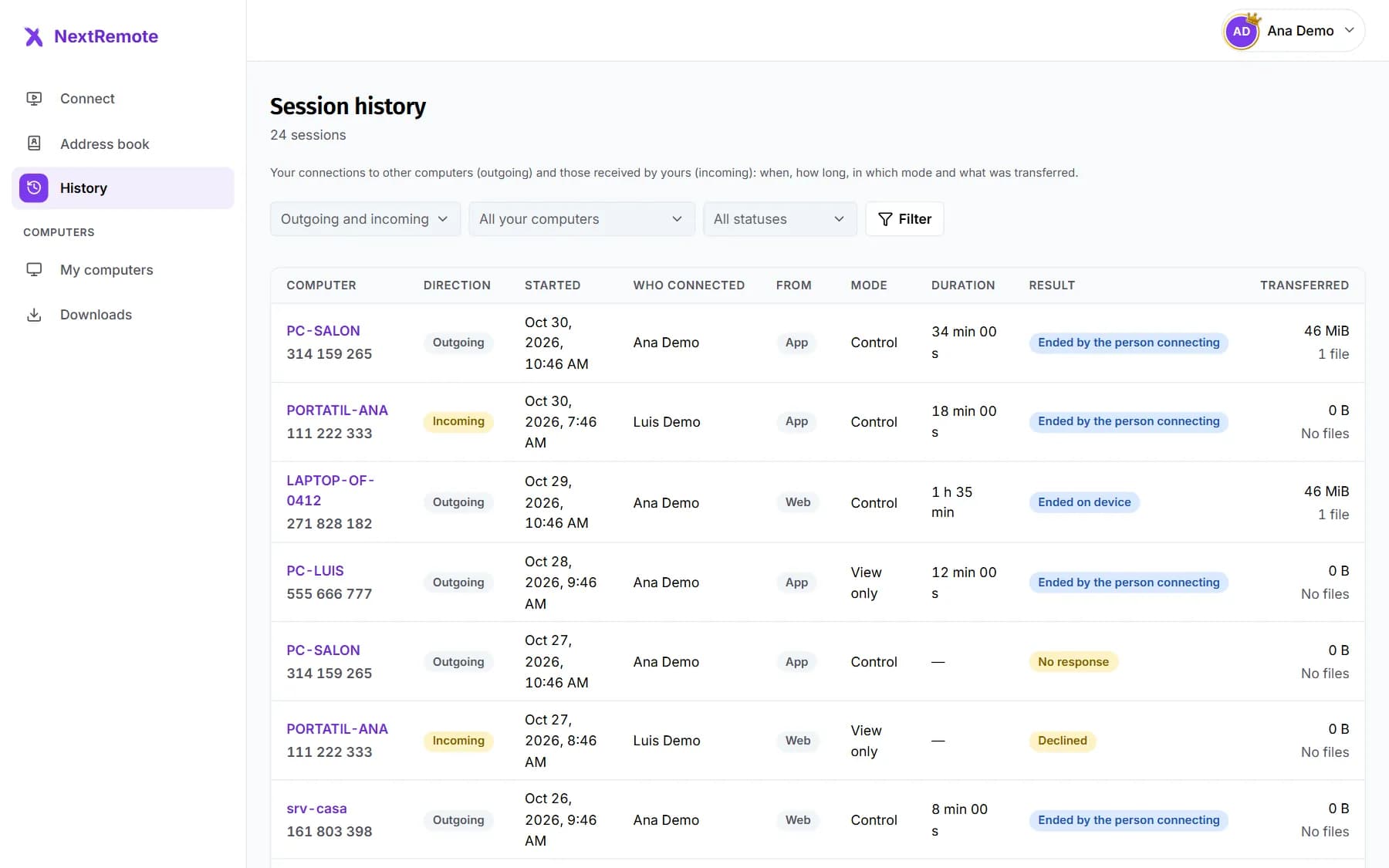
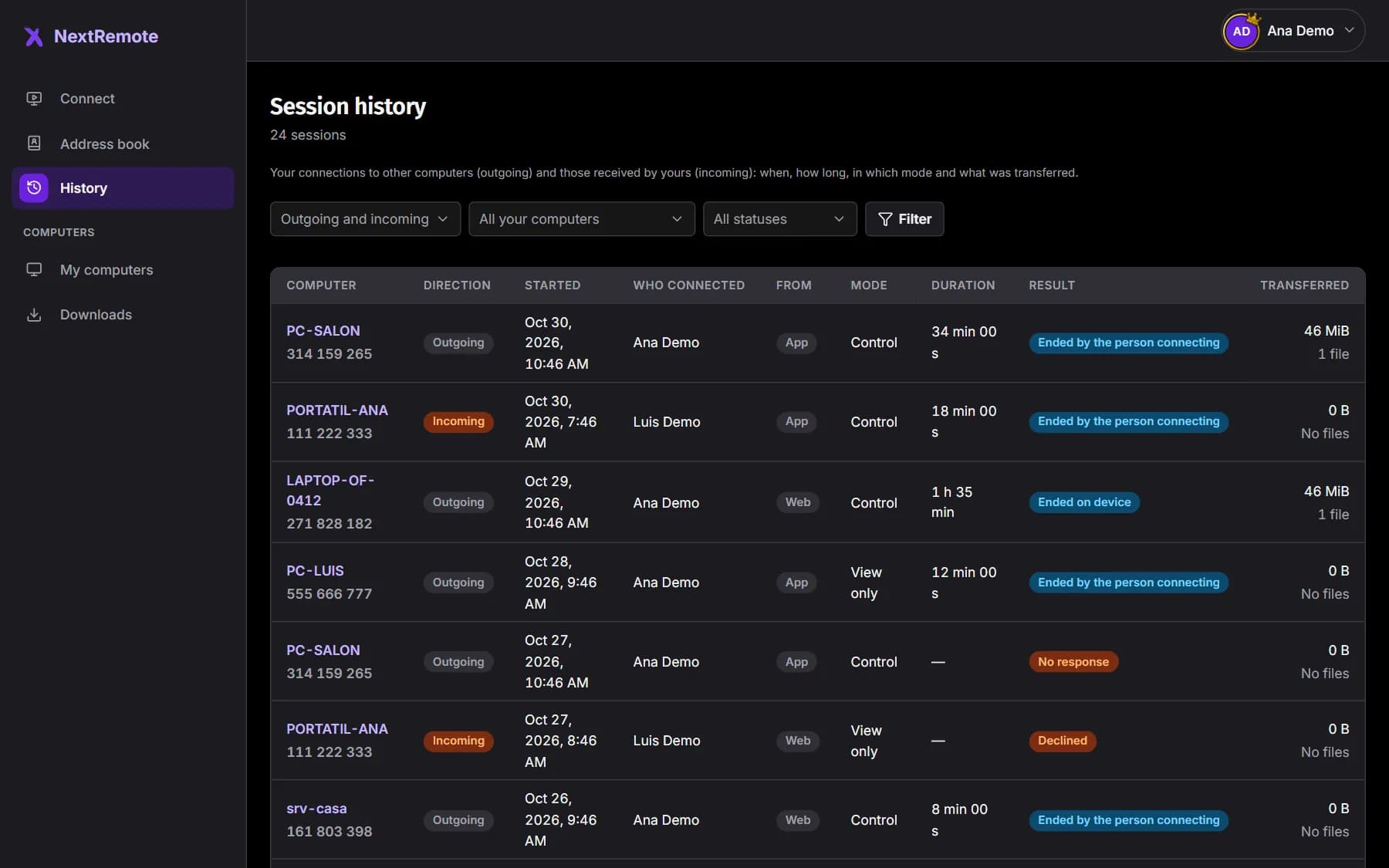
Filter
By direction, computer and status.
The detail
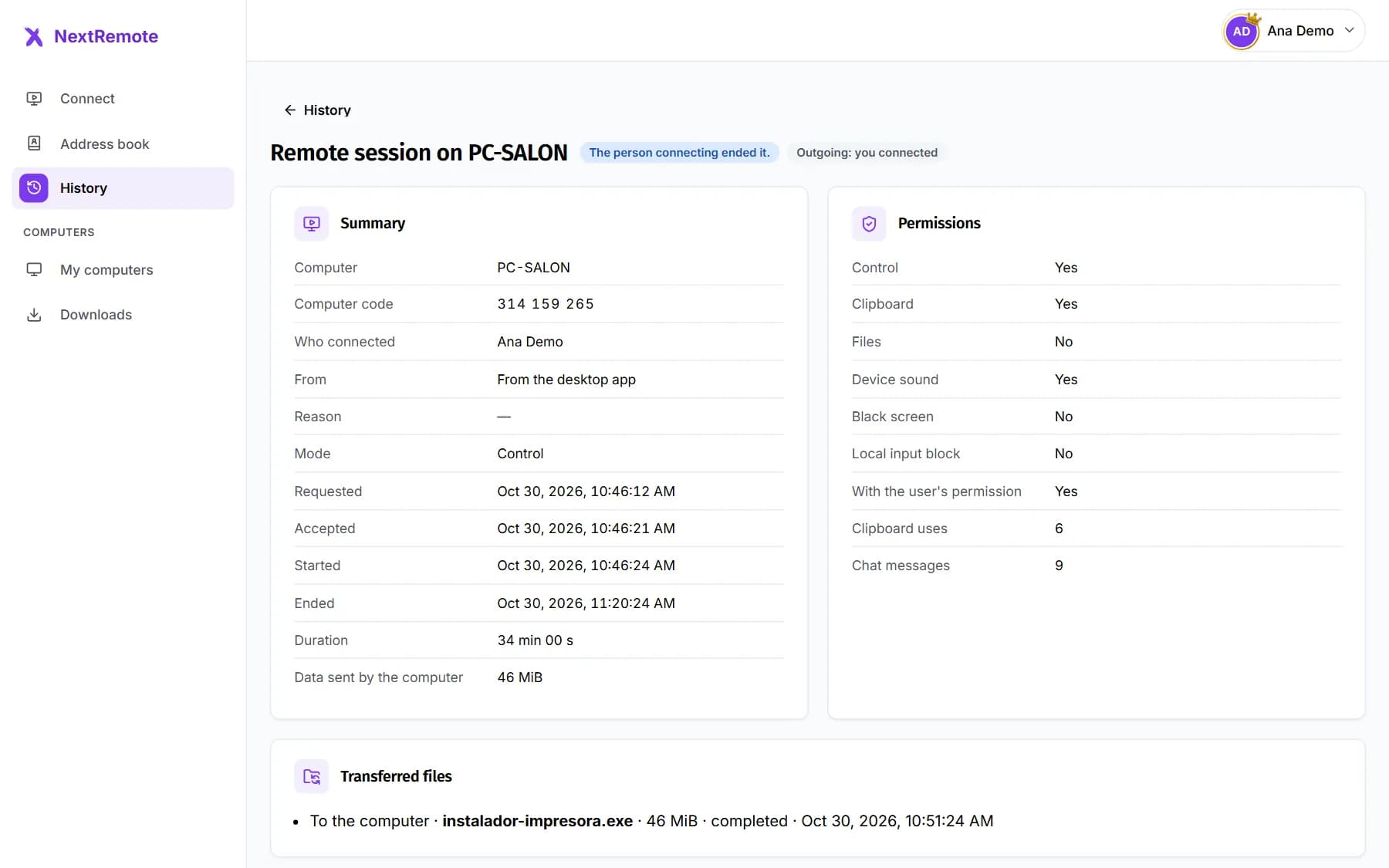
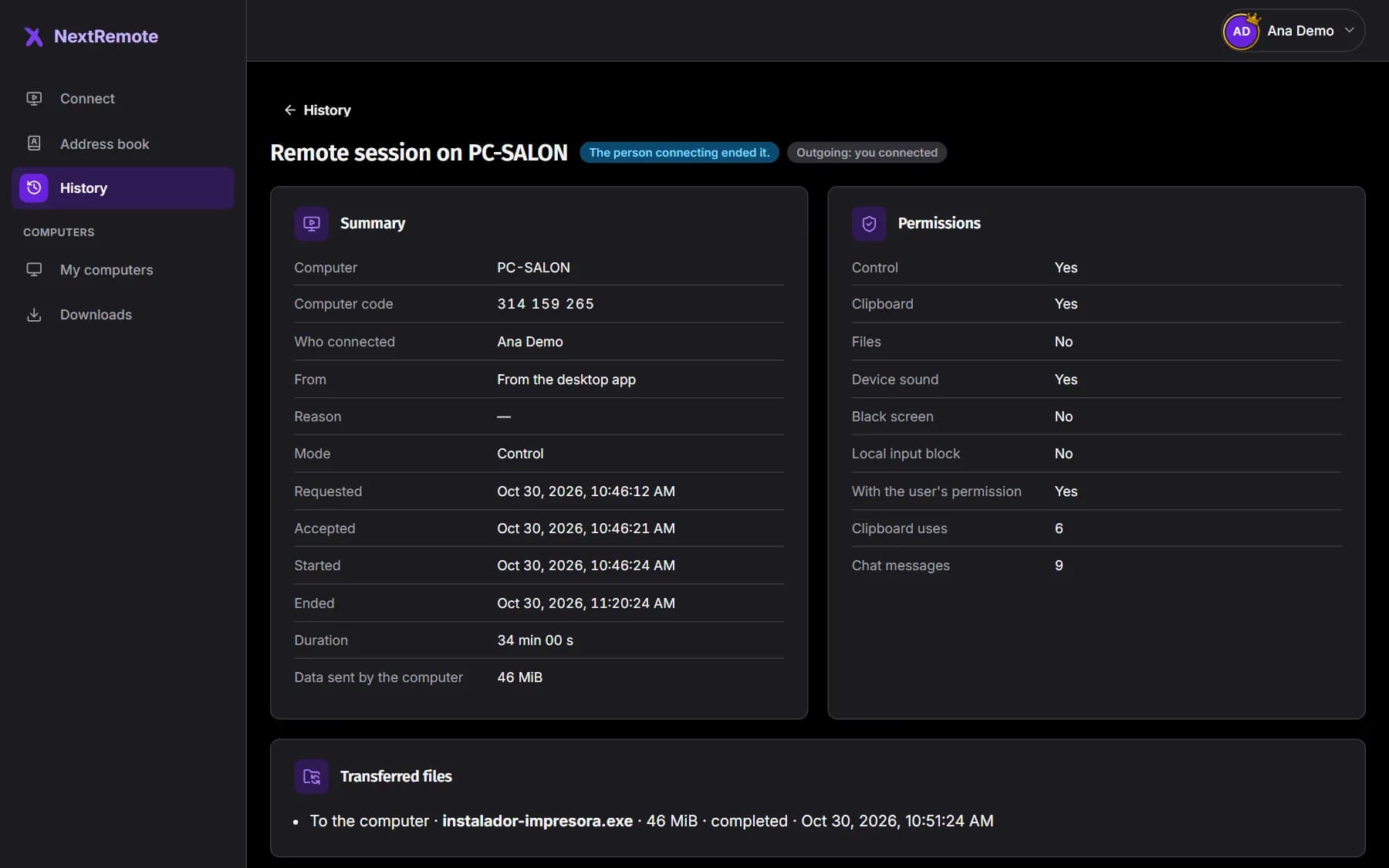
Open a session to see the reason, the permissions, when it was requested, accepted and ended, clipboard uses, chat messages (only how many) and files with name and size.
Report
On an incoming session, press "Report", choose the reason (scam, impersonation, you did not ask for it, abusive behaviour or other) and tell us what happened.
Expected result: "Report sent. Thanks for letting us know."
What we do with it
We review it and, if needed, block the account that connected or the computer. The session is marked as "Reported".
If something goes wrong
An old session is missing
Sessions are deleted 12 months after they end.
It says "Deleted account"
Whoever connected deleted their account. The session is kept without their data.
Can I see what was written in the chat?
No. We only store how many messages there were, not their content.