
Connect to a computer from the website
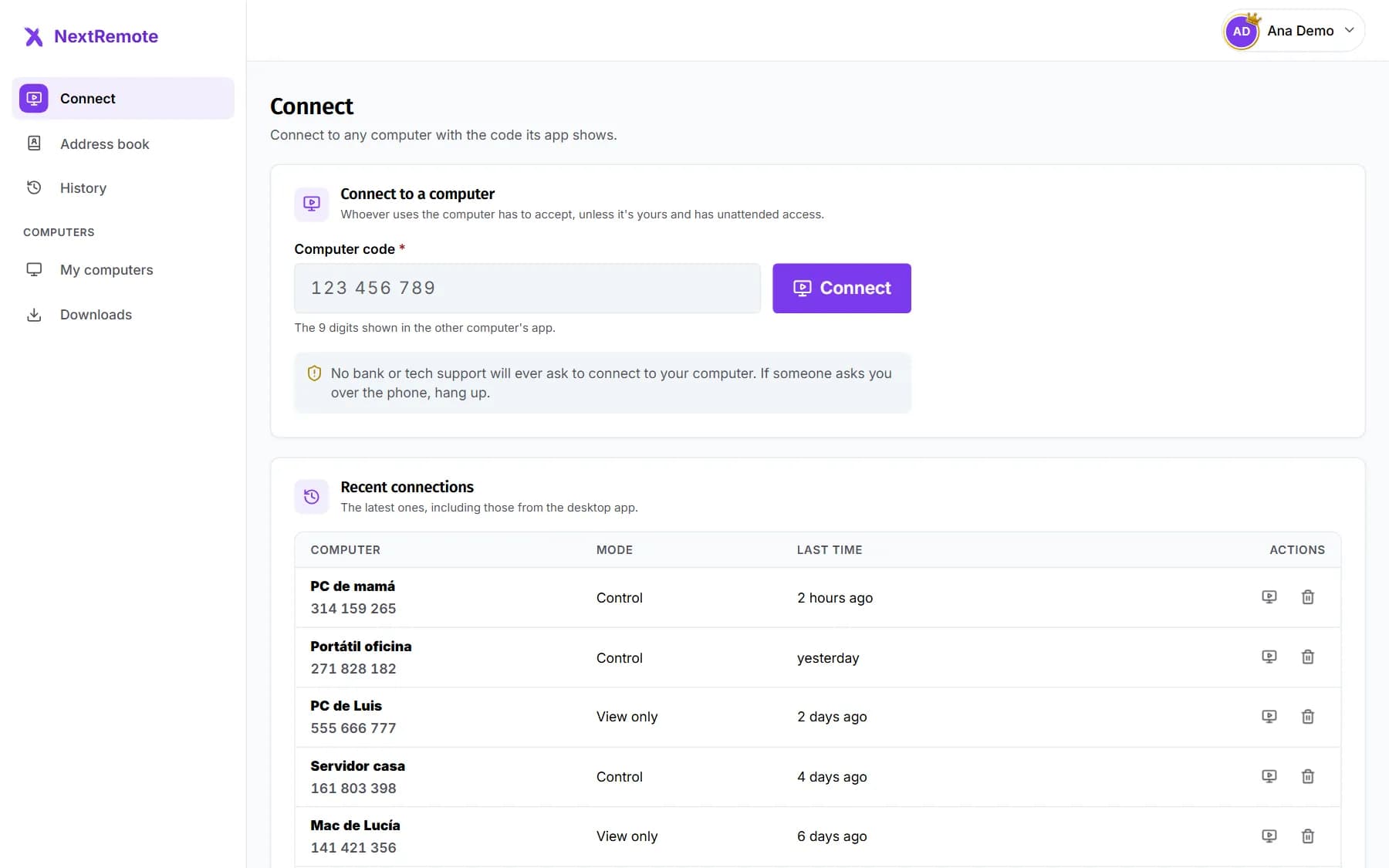
From the website you connect to any computer without installing anything on yours. You only need your account and the other computer's code.
Type the code
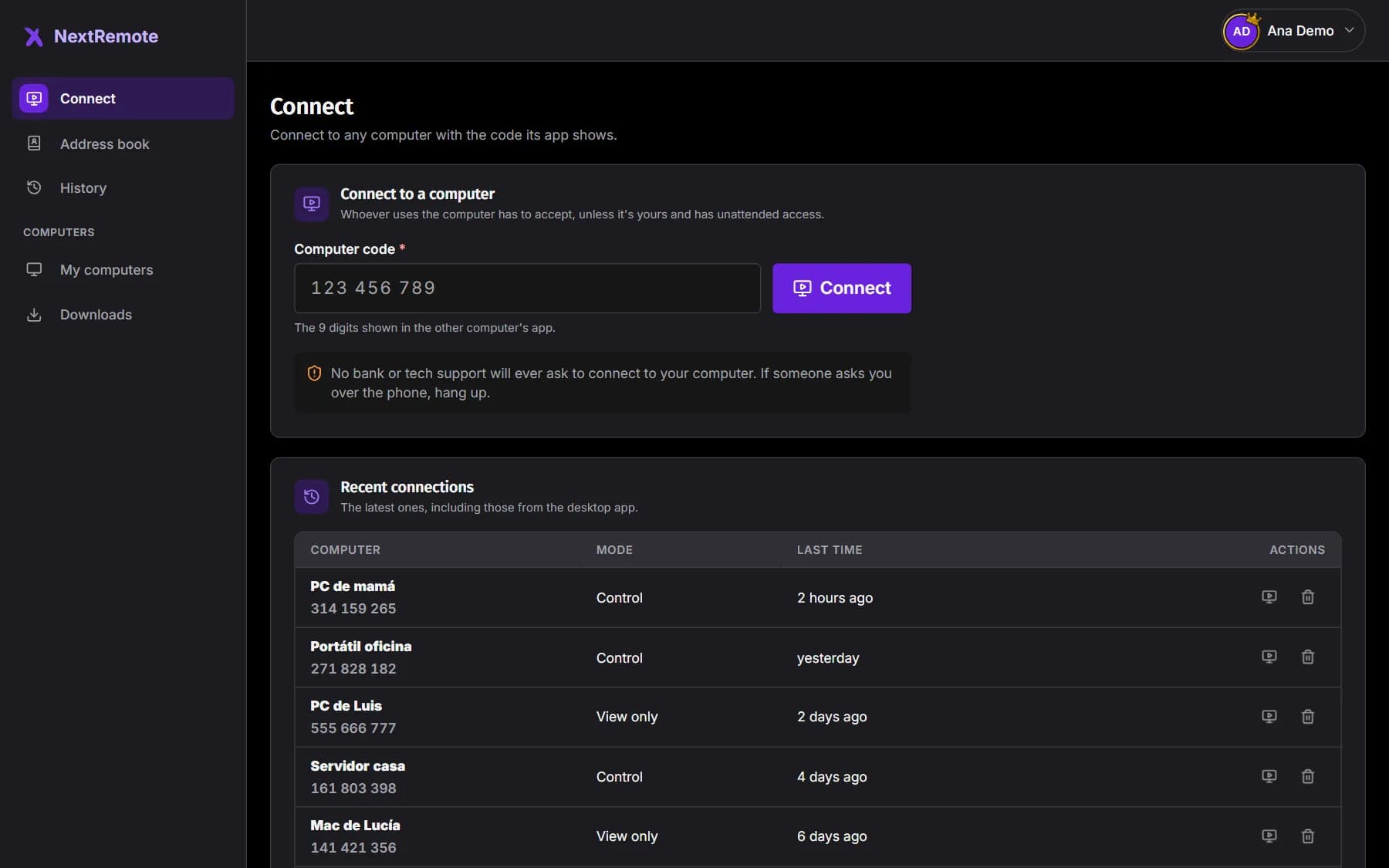
In "Connect", type the computer's 9 digits (with or without spaces) and press "Connect". You can also use a recent connection or your address book.
Choose what you want to do
"View only" or "Control", and an optional reason the other person will see. If the computer's settings only allow viewing, "Control" is disabled.
Wait for them to accept
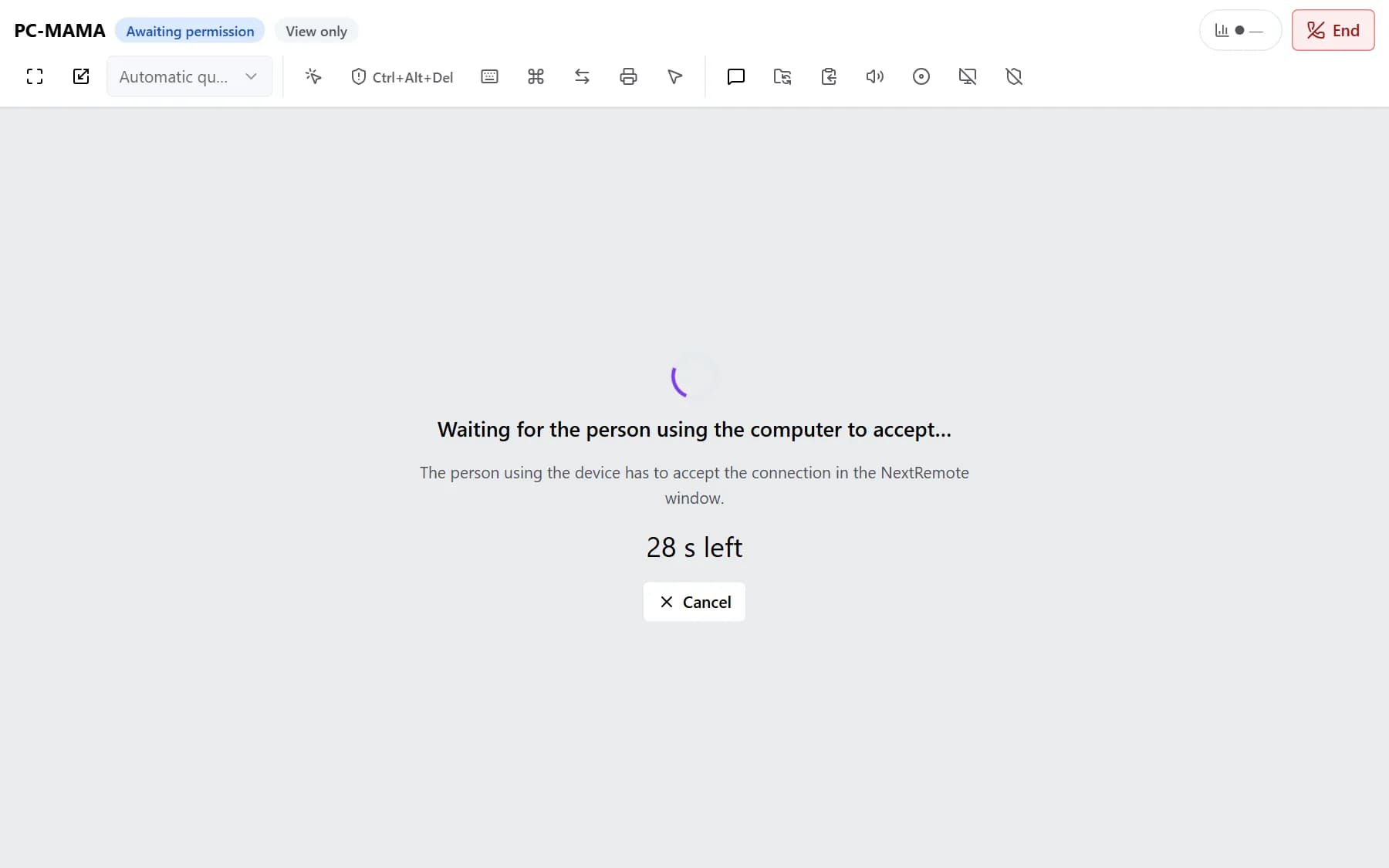
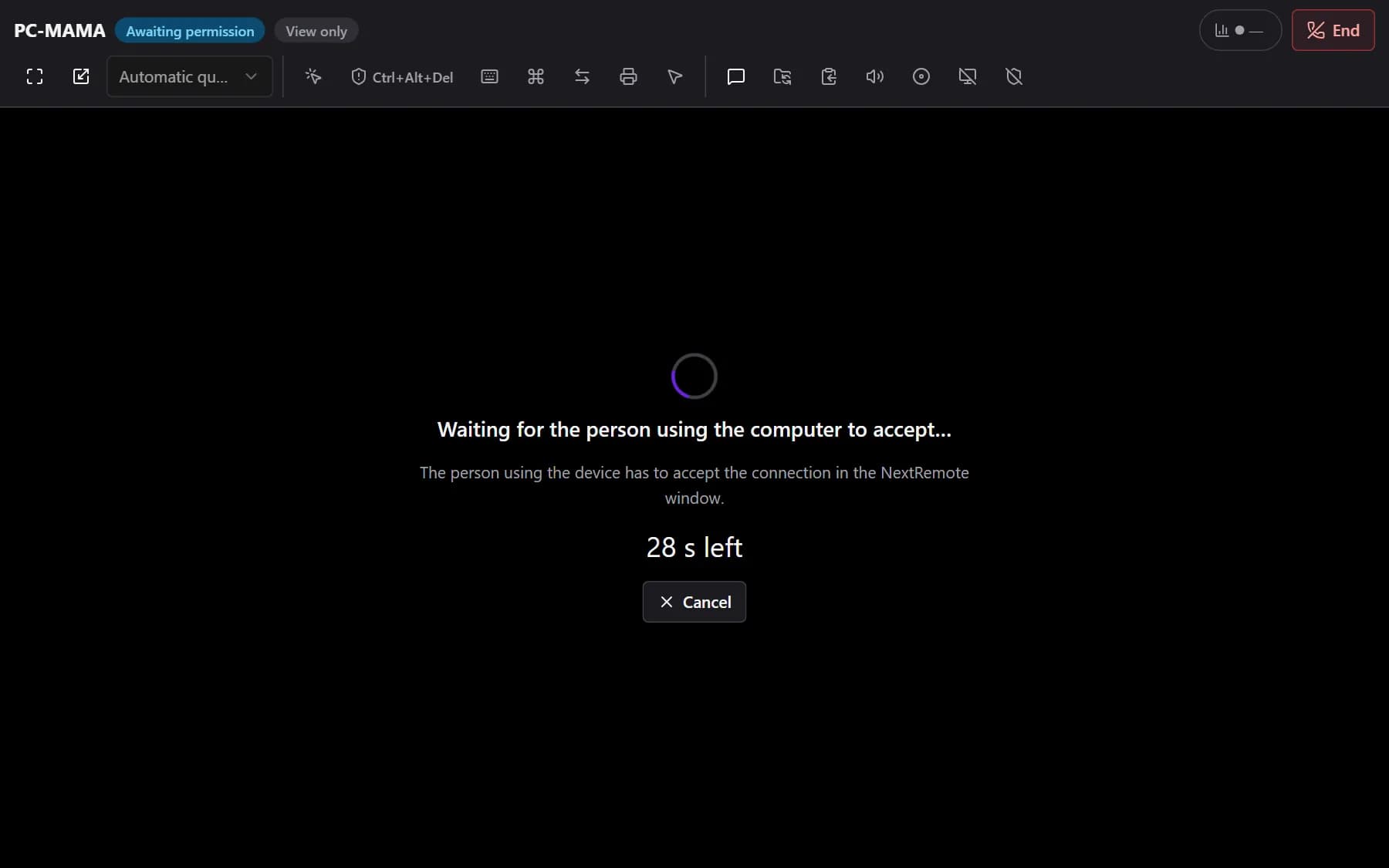
The viewer waits while the other person decides. They have 30 seconds. They will see your username, your photo and your account age.
Expected result: If they accept, their screen appears.
The viewer toolbar
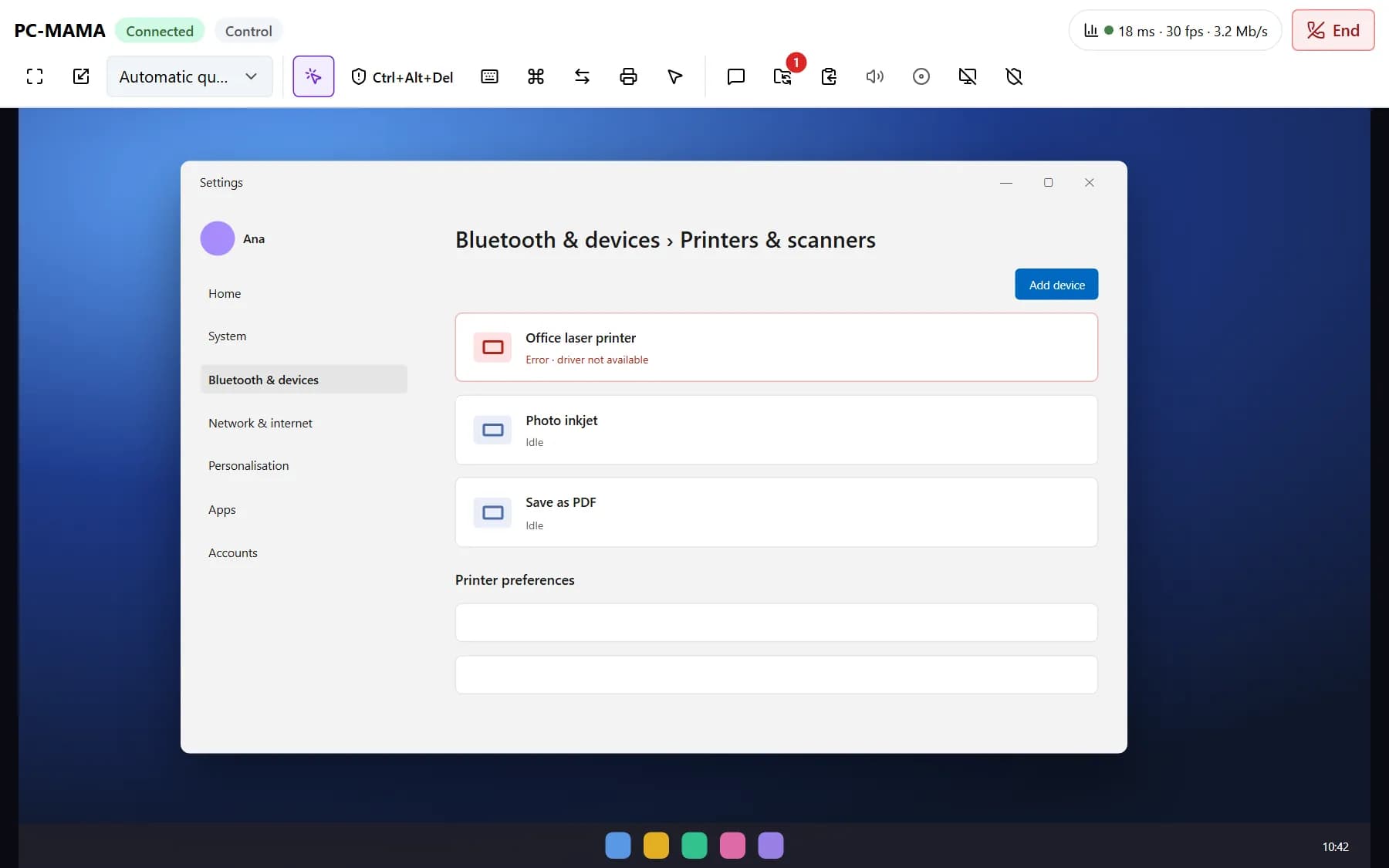
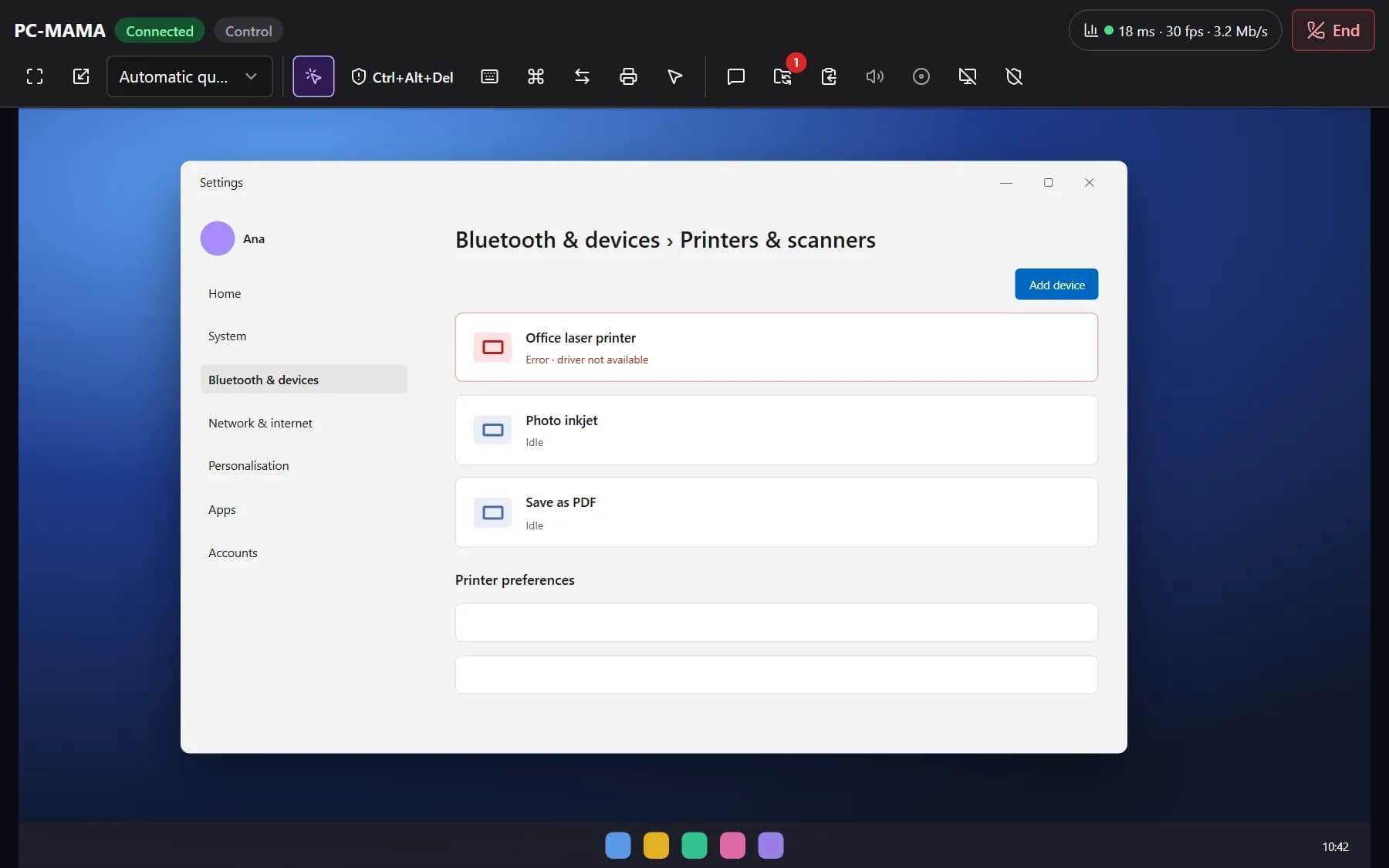
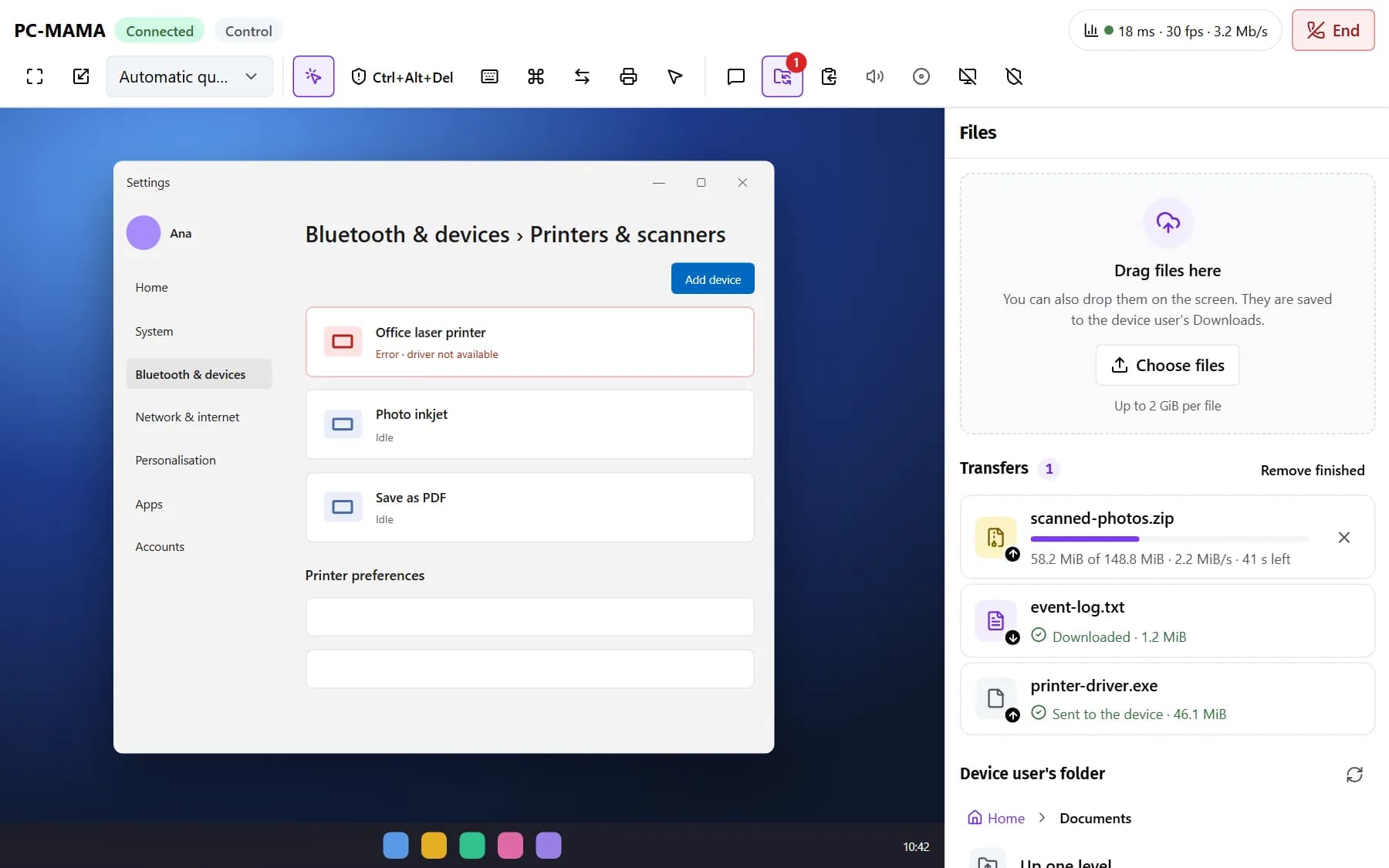
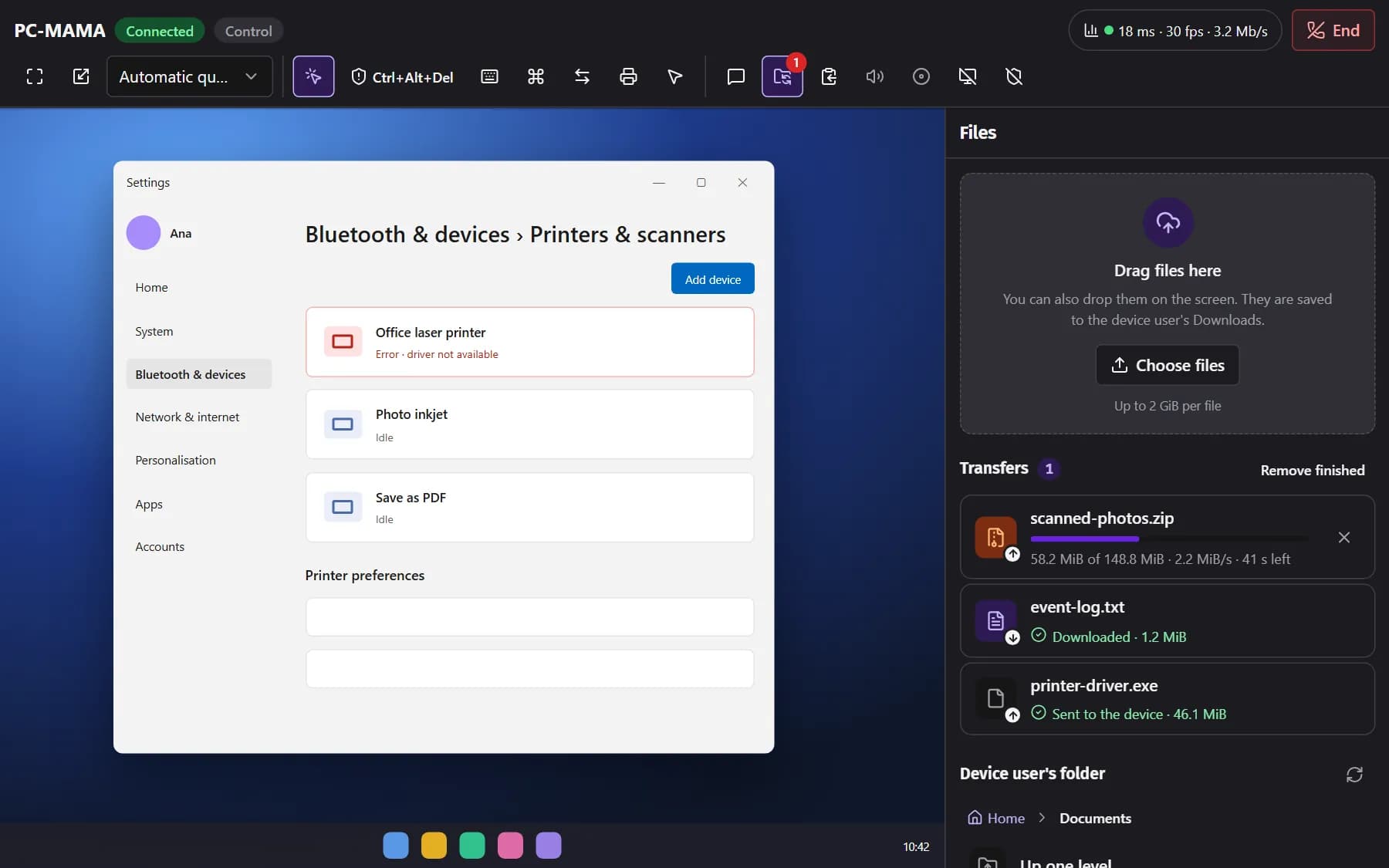
Full screen, fit or actual size, monitor, quality, view only or control, clipboard, files, chat, record and disconnect. Whatever does not fit goes into "More".
Special keys
The key combinations menu sends shortcuts your browser would otherwise keep, such as Ctrl+Alt+Del (Windows only) or Alt+Tab.
Chat
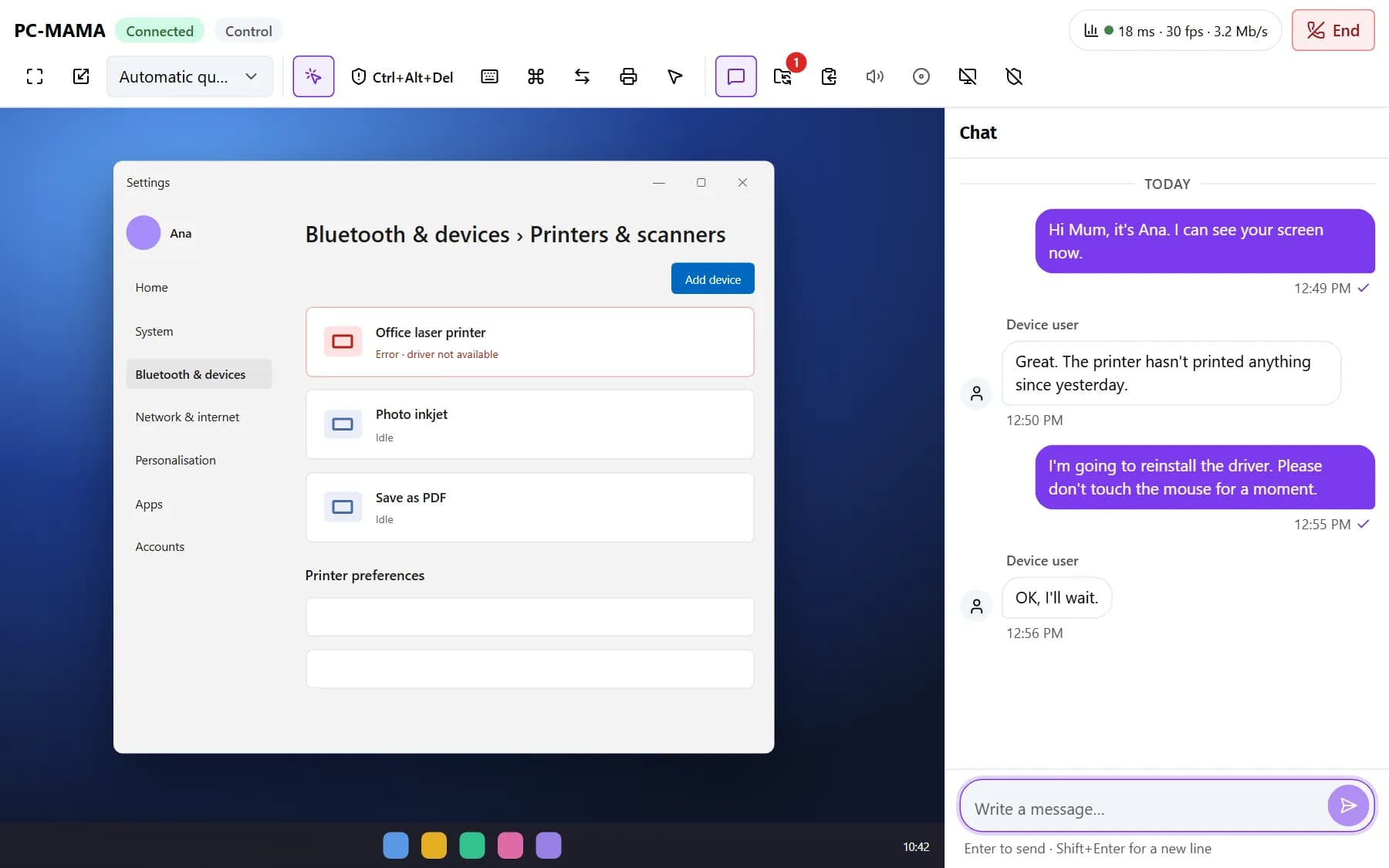
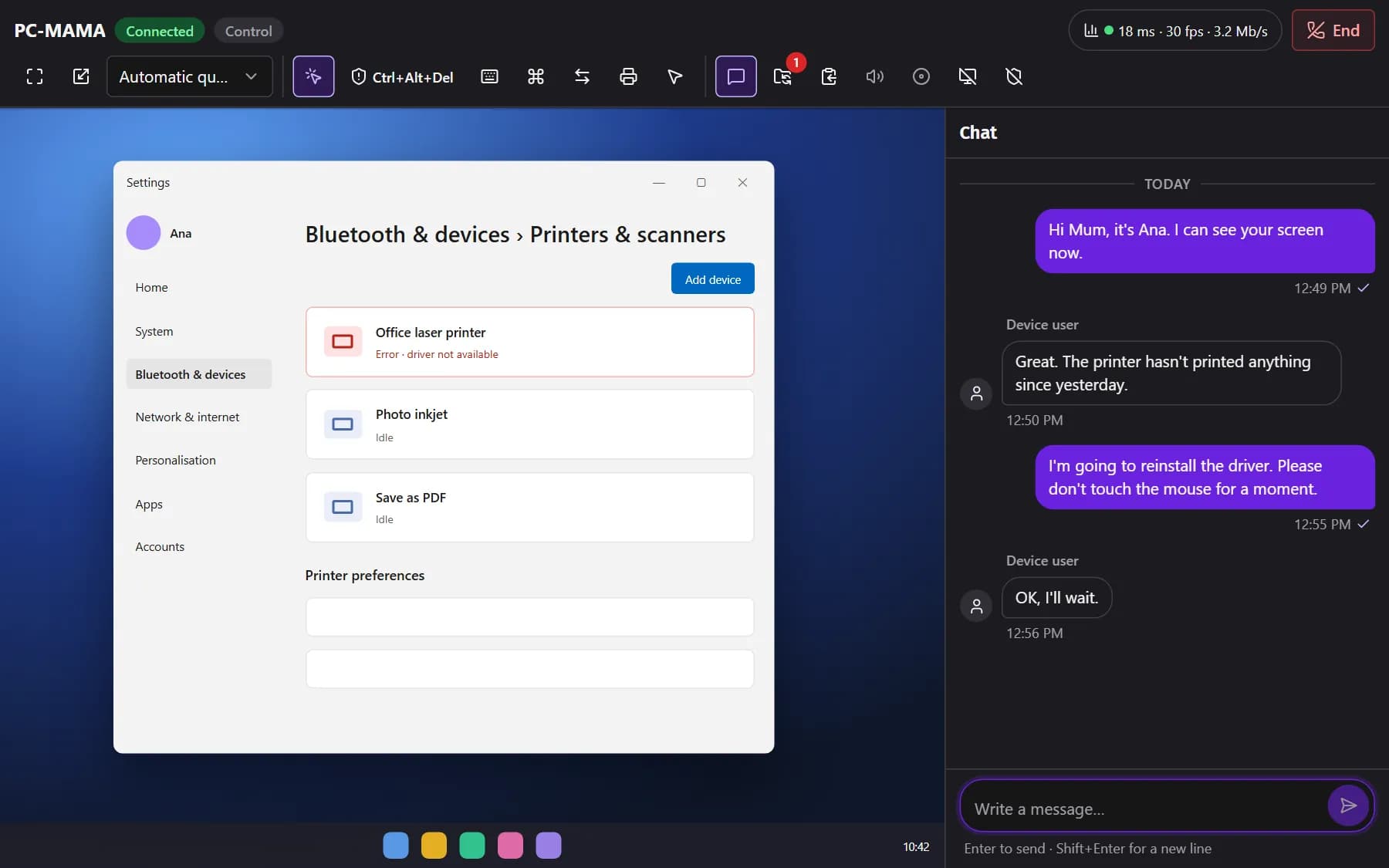
Open the chat to talk to the other person. Messages are not stored.
Files and clipboard
Drag a file onto the screen to send it to the other computer's Downloads, or browse their user folder to fetch one. "Sync" sends your clipboard.
Record
Only if the computer's settings declare recording. It is recorded in your browser and you can download the video when it ends. NextRemote does not store it.
End
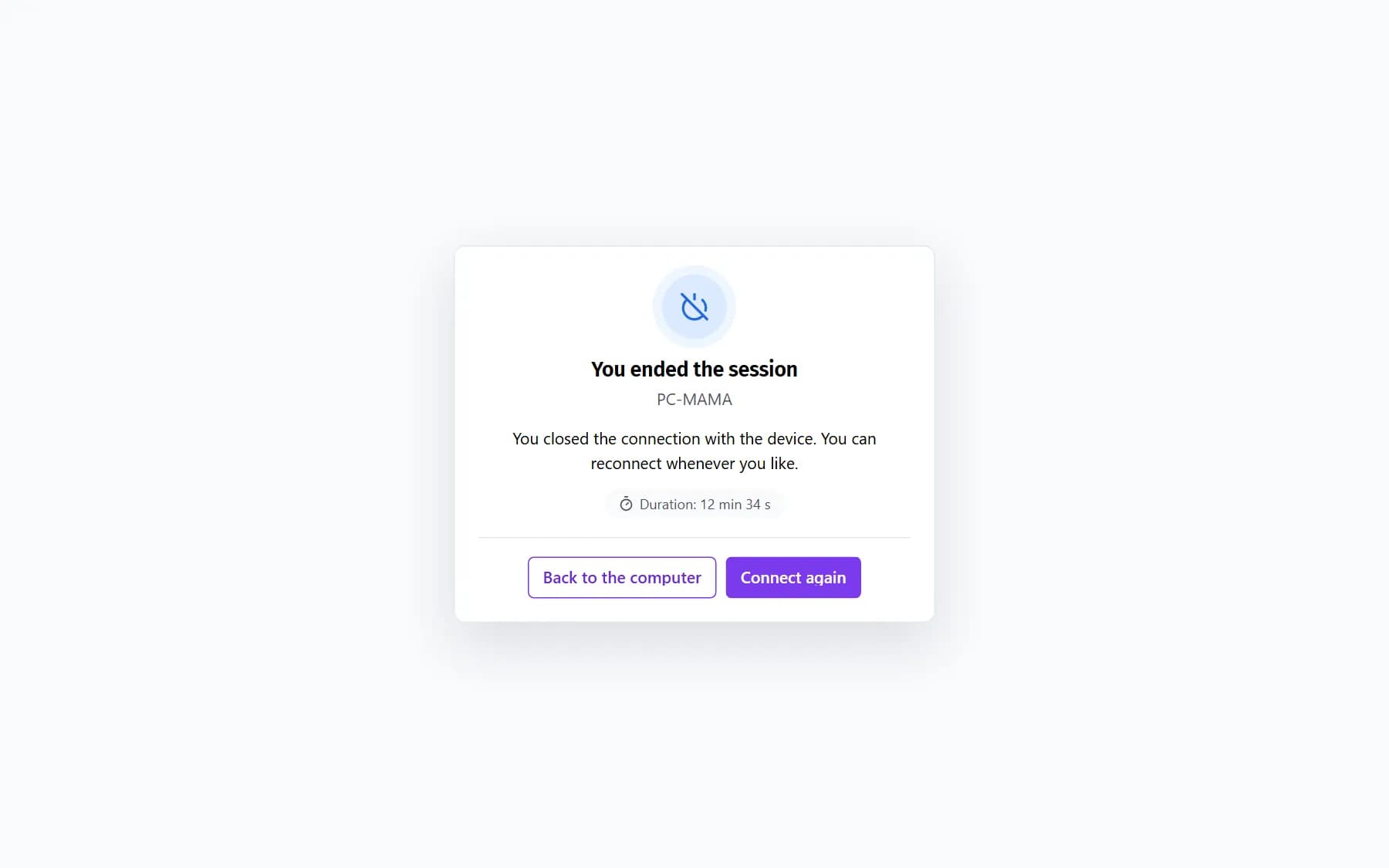
Press disconnect. If you have never contributed, you will see "How did it go?" to rate the connection and contribute if you want; close it with "Not now".
Expected result: The viewer says the session has ended.
If something goes wrong
It says nobody answered
The other person did not accept within 30 seconds or did not have the app open. Ask them to open it and connect again.
It says the computer is not connected
The computer is off, offline or without the app. Check the code and ask the other person to check their connection.
It will not let me request more connections
There is an hourly request limit to stop scams. Wait a while and try again.
I see a black screen
The computer may be on the lock screen or, on macOS, missing the Screen Recording permission.
It is slow or choppy
Lower the quality or choose "Data saver". The statistics show whether the connection is direct or through the relay server.