
Connect from the app
The app has the same viewer as the website, in its own window. You need to sign in with your account.
Sign in
In "Remote access", sign in with your username or email and your password (and the two-factor code if you have it).
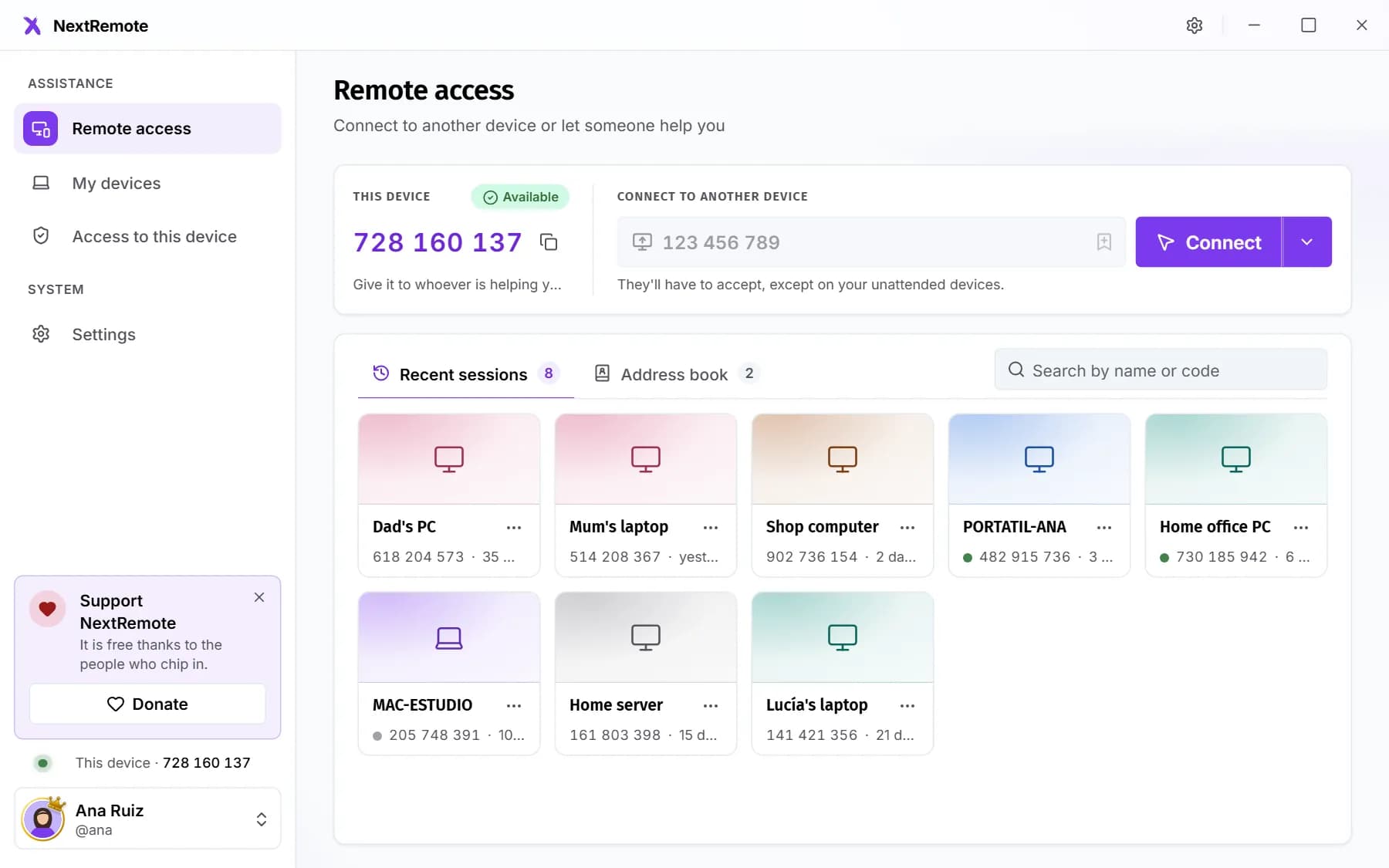
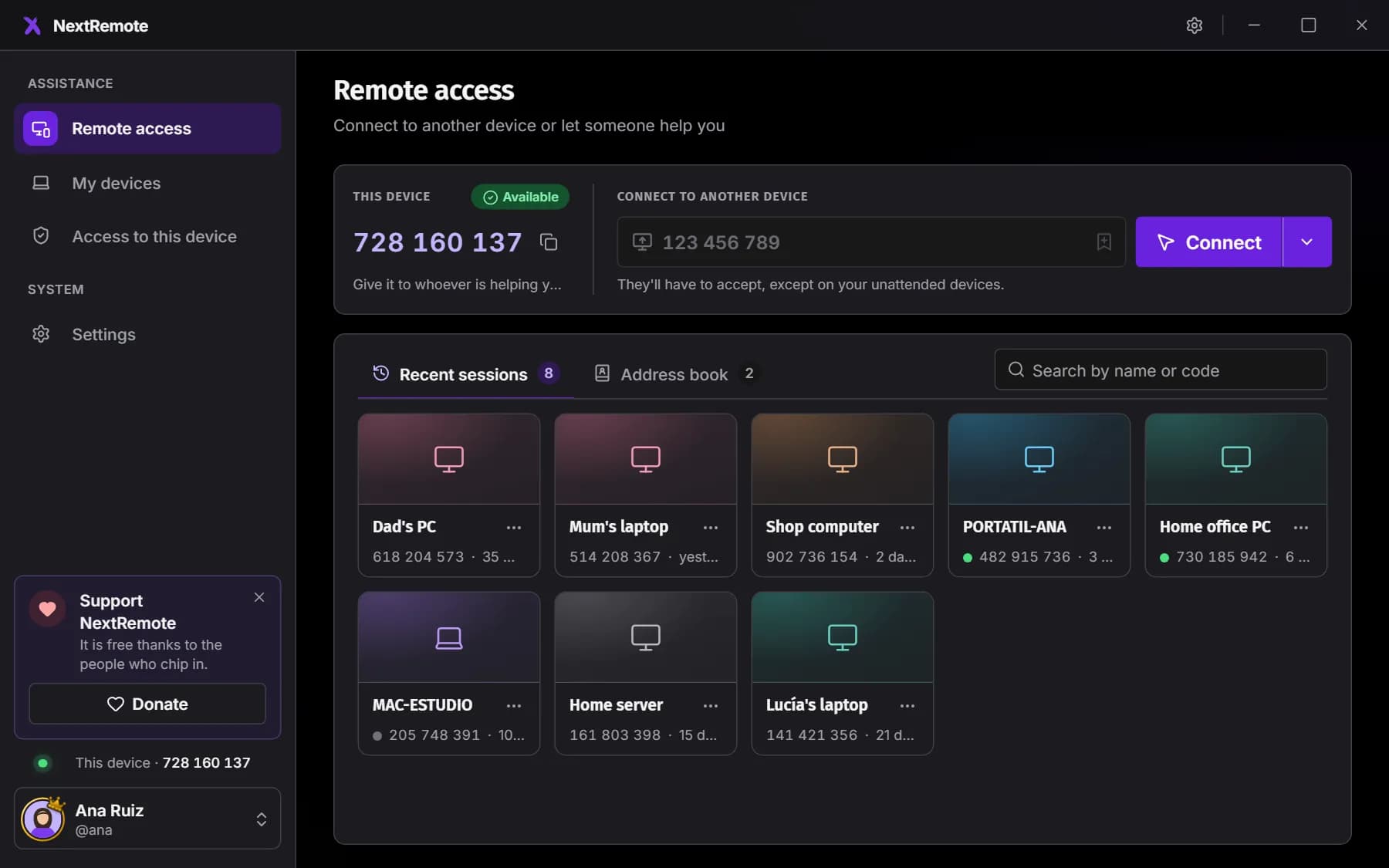
Type the code
In "Connect to another device", type the 9-digit code, choose "Control" or "View only" and press "Connect".
Expected result: The viewer window opens, waiting for them to accept.
Recents and address book
In "Your devices", "Recent" keeps your last 20 connections and "Address book", the computers you save with a name. They are the same as on the website.
Your computers, no waiting
In "My devices", press "Connect" on one with unattended access: you get in without anyone accepting. The notice is always shown on the computer.
End
Close the viewer or disconnect from its toolbar. As on the website, if you have never contributed you will see "How did it go?".
If something goes wrong
It says I cannot connect to this computer
You typed this computer's own code. Use the other one's.
It will not let me control
That computer's settings only allow viewing, or the other person removed control when accepting.
I cannot save more computers in the address book
The address book holds up to 500 computers. Remove the ones you no longer use.