
How NextRemote works
NextRemote is a free remote desktop. This guide explains its pieces in plain language so you know what happens on each computer and what never happens.
The app on each computer
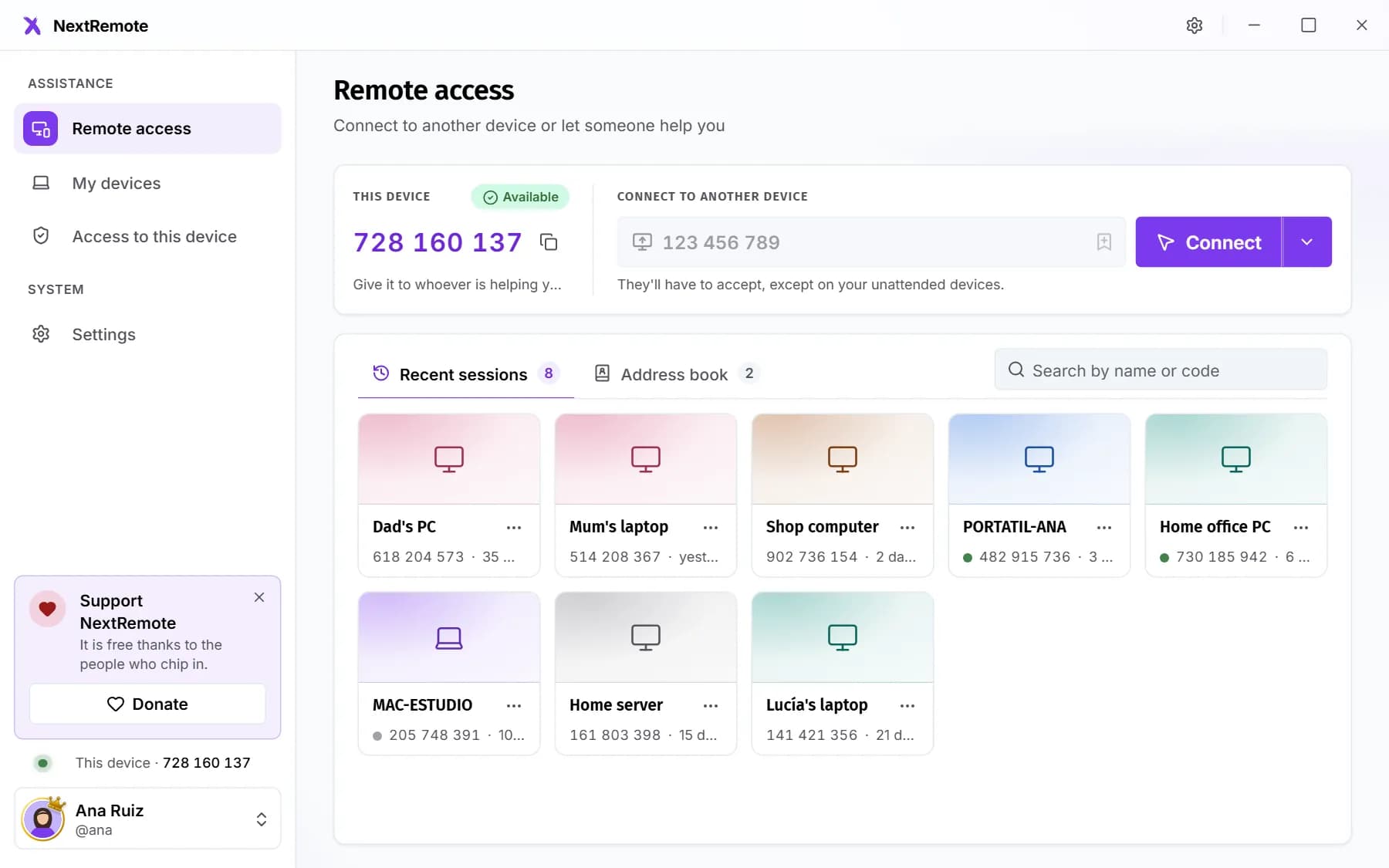
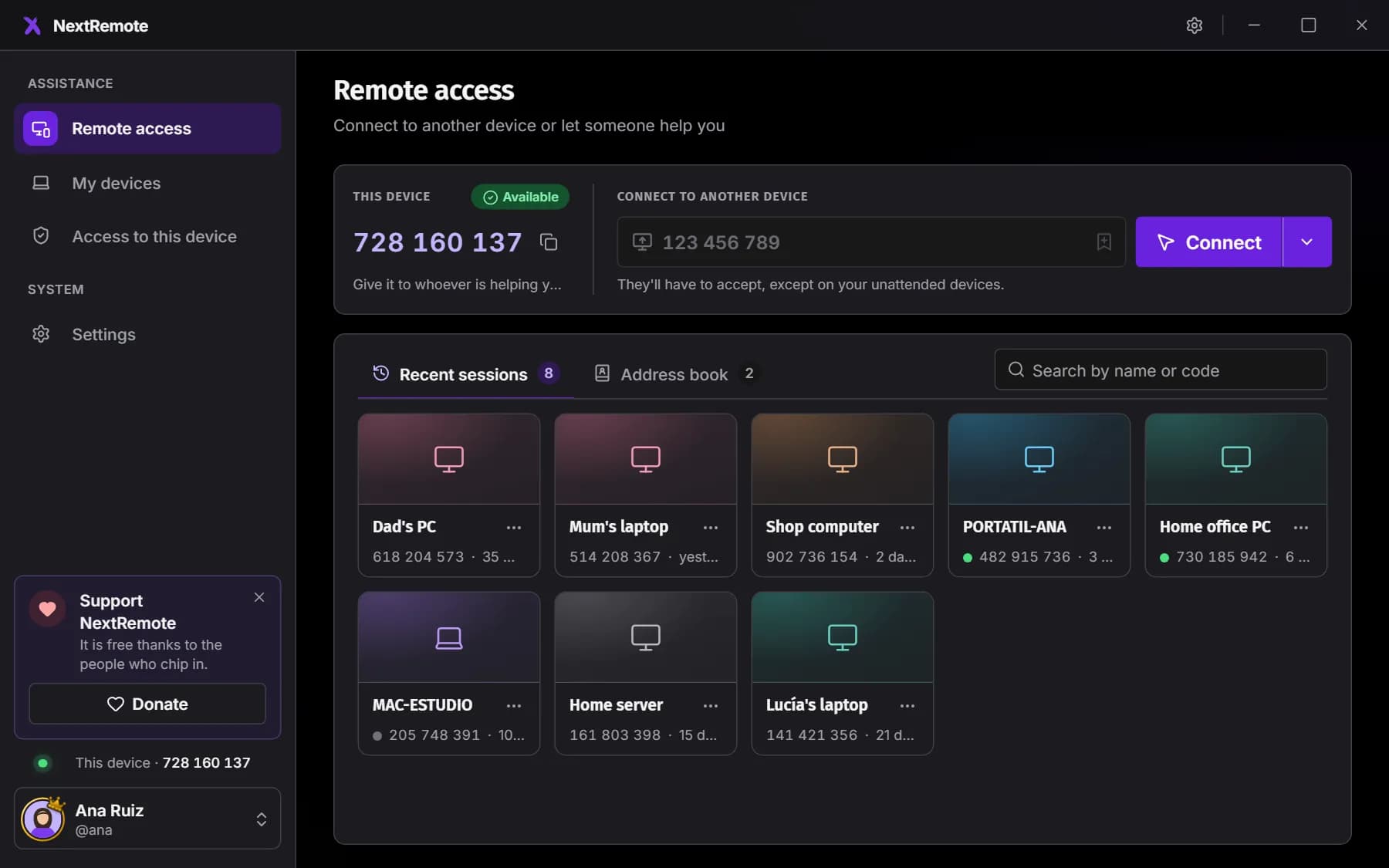
It installs without an account. When it starts, its service registers itself with NextRemote and the computer gets its 9-digit code (for example, 123 456 789). The code does not change.
Expected result: "This device's code" is shown in the app's "Remote access" page.
Your account, to connect
You need an account to connect to another computer: username, email and password. You do not need one to receive a connection: just have the app open.
Expected result: With your account you can connect from the website and from the app.
Requesting the connection
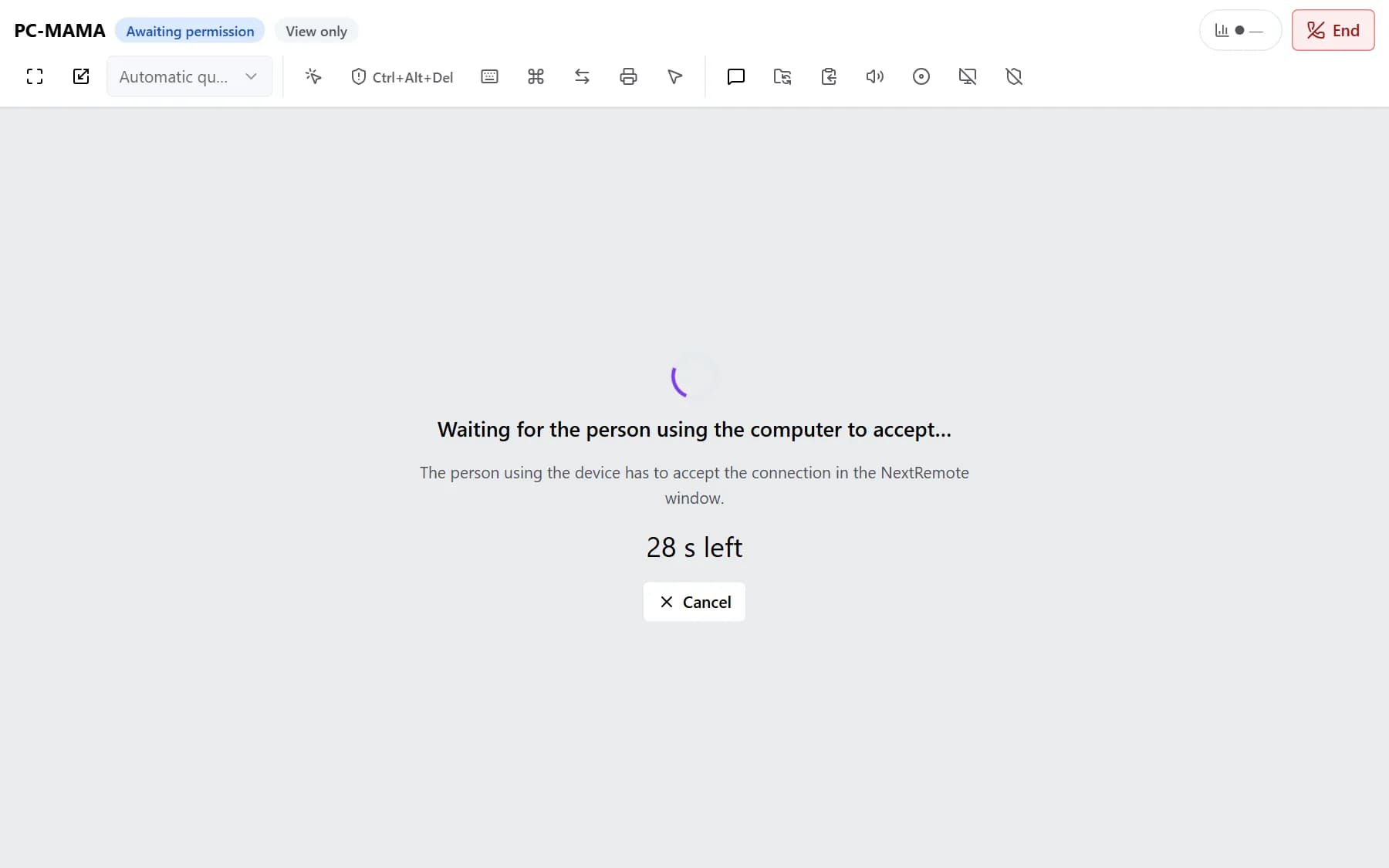
You type the other computer's code in "Connect" and choose "View only" or "Control". You can add a reason, which the other person will see.
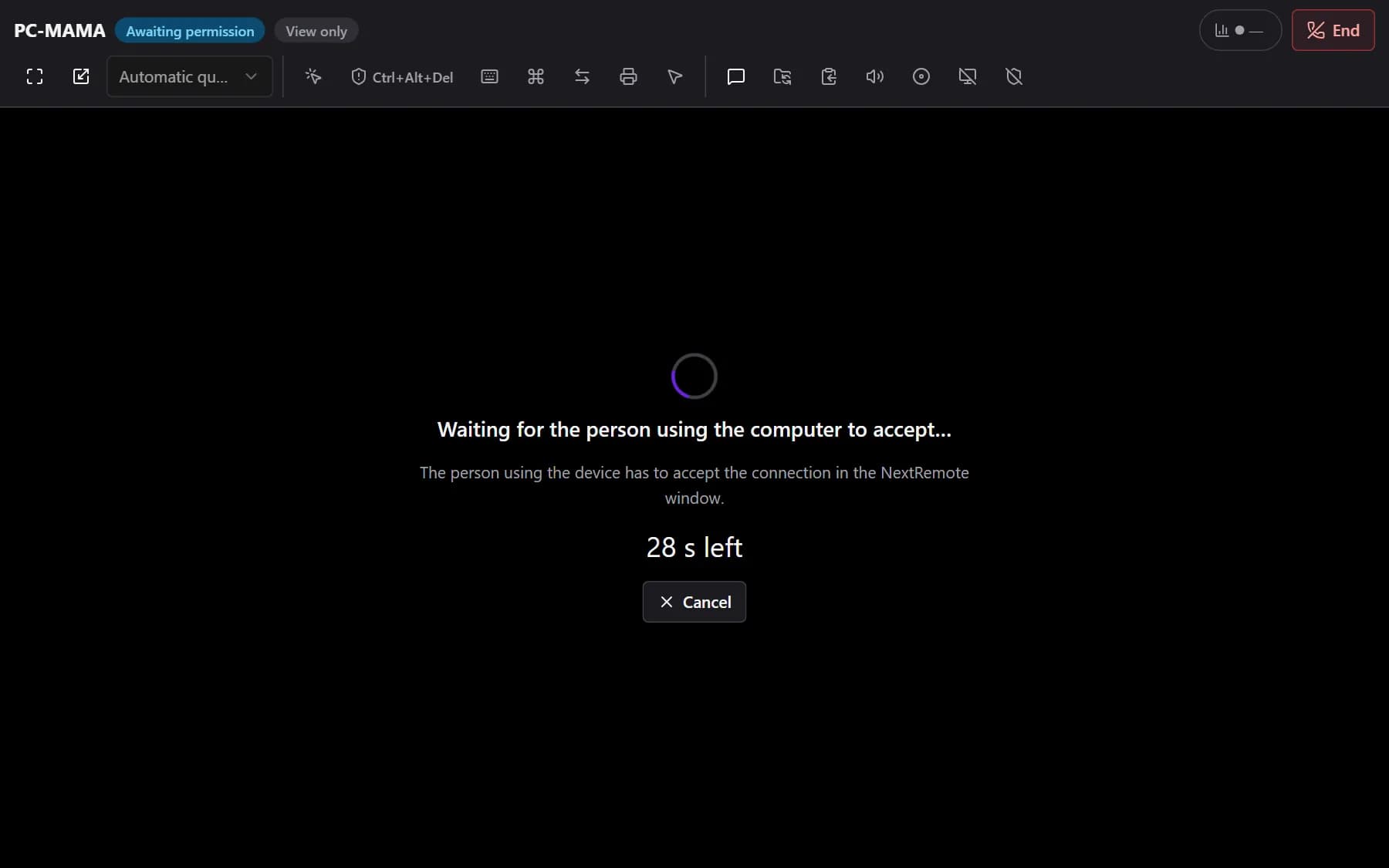
Expected result: The viewer waits for the other person to answer.
The other person accepts
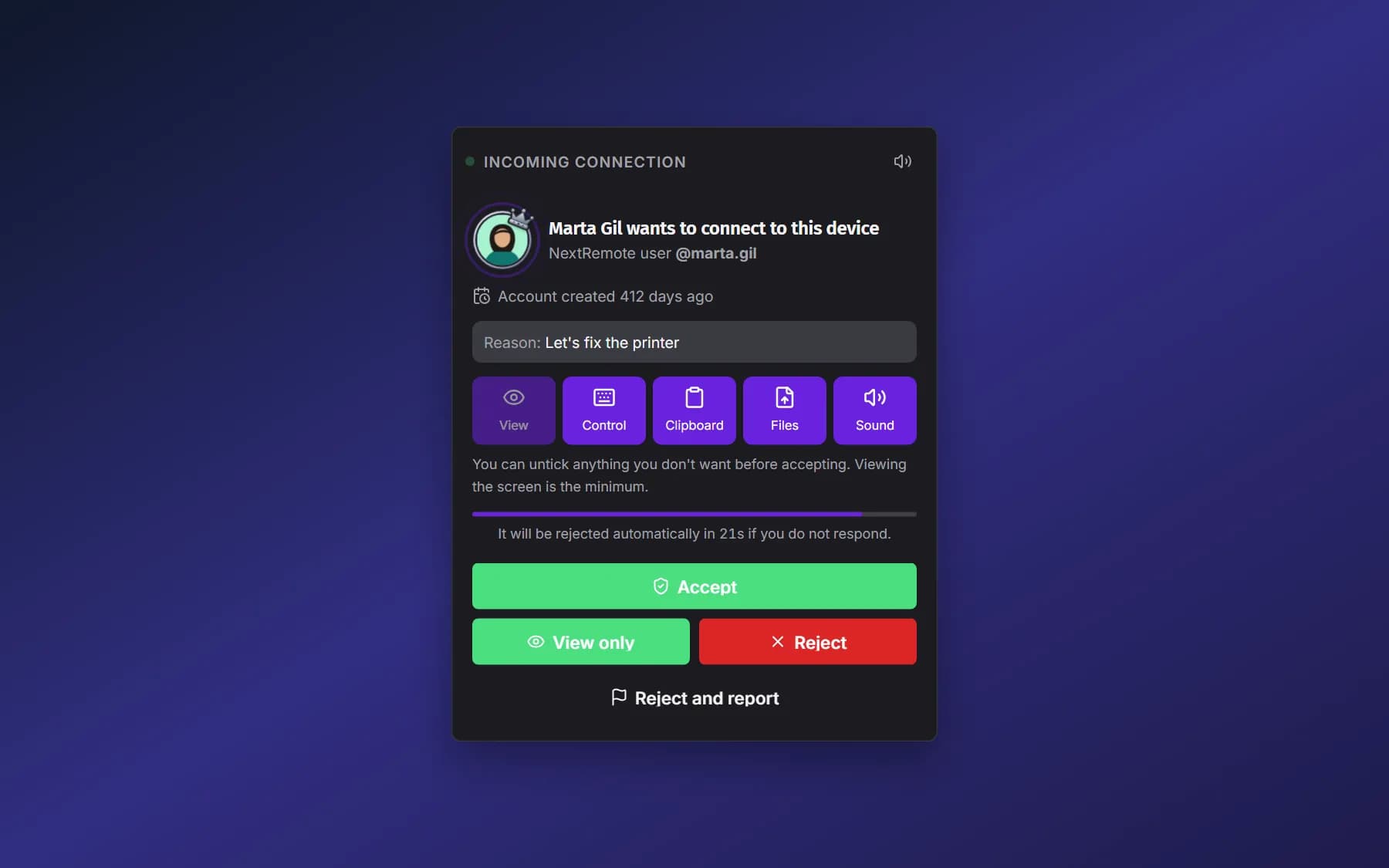
"Remote access request" appears on the computer with your username, your photo and how old your account is. They have 30 seconds to accept and can untick permissions.
Expected result: If they accept, you see their screen; if they reject or do not answer, you see nothing.
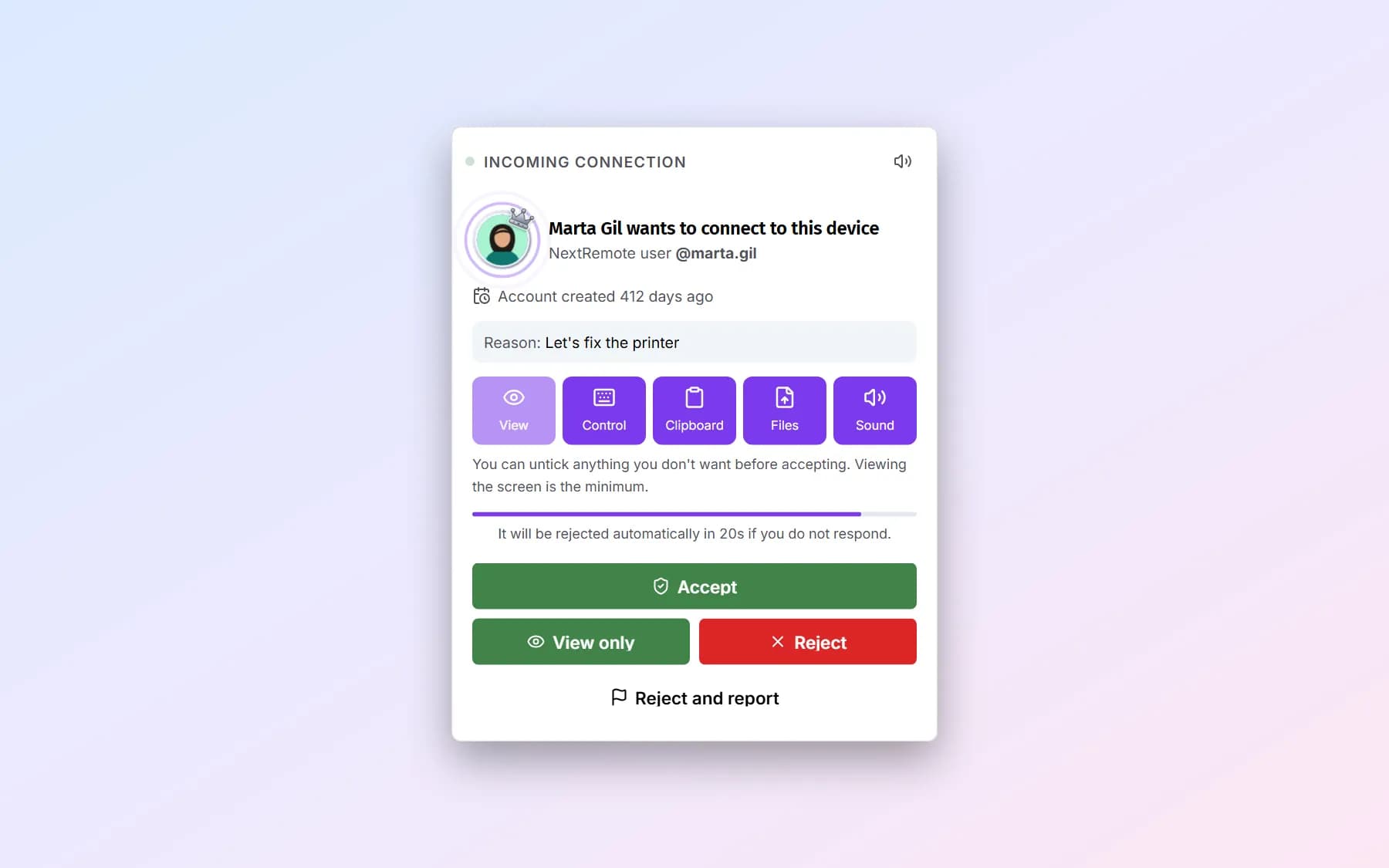
Always visible
While the session lasts, the computer shows a floating notice with who is connected. From it, control can be paused, you can chat and the session can be ended.


Your computers, without asking
If you sign in to a computer's app, it is linked to your account. In its access settings you can turn on unattended access: only your account gets in without anyone accepting, and the notice is still shown.
What is stored
For each session: who connected, to which computer, when, for how long, the mode and the name and size of files. Never the image, chat or clipboard. The history is deleted after 12 months.
Free, with contributions
There are no plans or paid limits. When a connection ends, if you have never contributed, we ask how it went and suggest contributing. It closes with "Not now" and nothing changes.
What it does not do
It does not get in behind anyone's back, it does not record on our servers, it has no ads and NextRemote staff do not connect to your computer. If someone says they are from NextRemote and asks to connect, reject it.
If something goes wrong
My antivirus warns me when installing it
This is common with remote desktop programs, because they let someone see the screen. Only download it from the website's "Download" page and, if you want, check its SHA-256 fingerprint.
Can someone see me without my knowing?
No. Either you accept the connection or, if the computer is linked to an account with unattended access, that account gets in with the notice visible. You can turn off unattended access in "Access to this device".
The other computer shows as offline
The app on that computer has to be installed and online. Ask the other person to open it and check in "Settings" that the connection says "Connected".
It is slow
It depends on both computers' connections. In the viewer toolbar, choose a lower quality or "Data saver", and close programs that use a lot of bandwidth.