
The Windows installer, screen by screen
The Windows installer is a short wizard. It asks nothing about registration: the computer registers itself when the service starts.
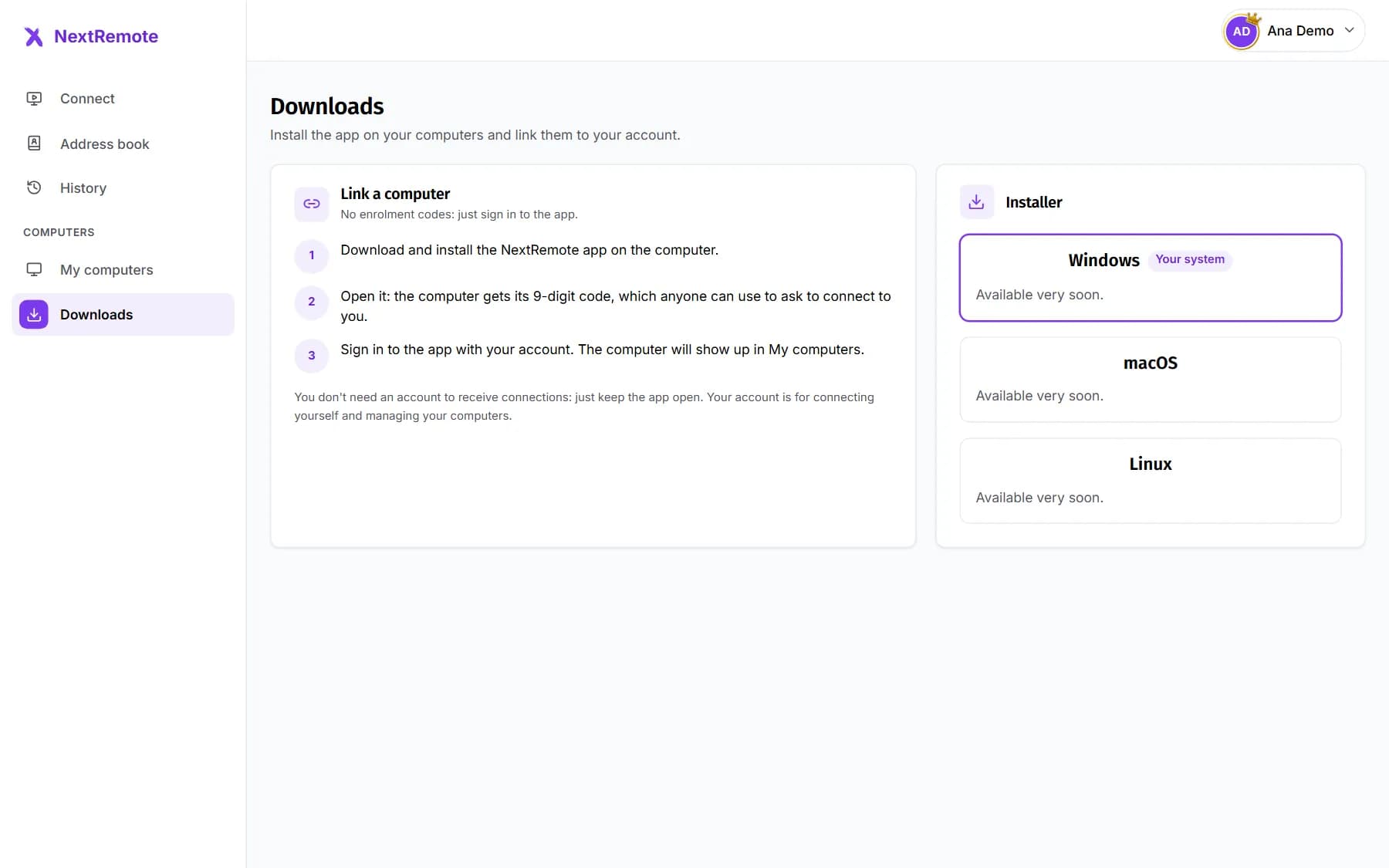
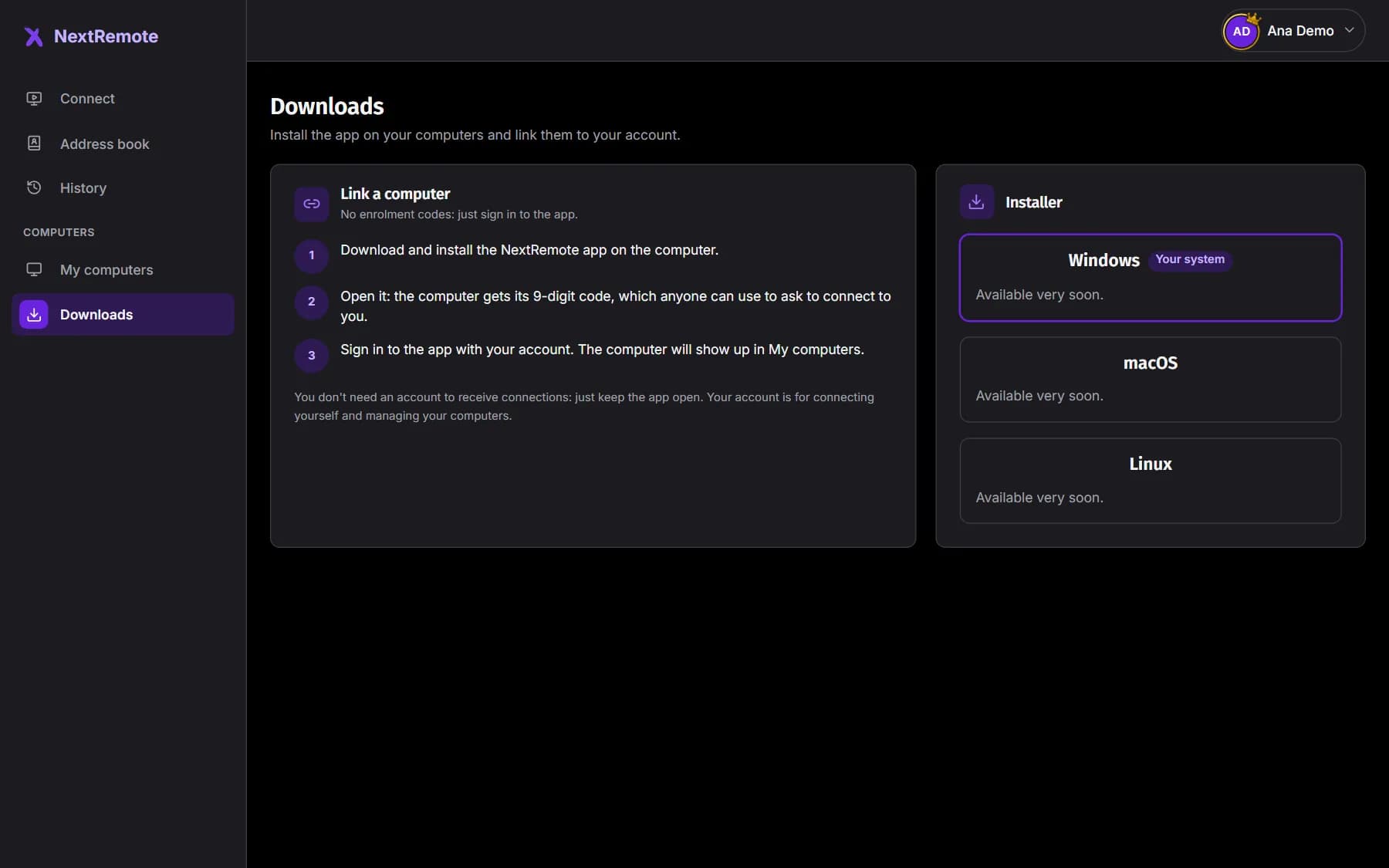
Download the installer
In "Download", choose "Installer (.exe)". The MSI is the same installer prepared for silent installation.
Terms of use
Read the summary of the terms and tick "I accept the terms of use". The full text is on the website, under "Legal".
Privacy and permissions
It explains that the service runs with the system account to show the screen and receive keyboard and mouse input, and which data it sends. Tick the box to continue.
Components
"NextRemote" is required. "Desktop shortcut" is optional.
Installation
You will see each step: copying files, allowing Ctrl+Alt+Del from remote access, installing and starting the service.
Expected result: The last line says "Done.".
Summary
The last screen says whether the service is running and that the computer registers itself. Leave "Open NextRemote" ticked to see the code.
Expected result: "NextRemote service: running."
Silent installation
To install without questions (for example, on several of your computers), run the .exe with /S from an administrator console. With the MSI: msiexec /i NextRemoteSetup-1.0.0.msi (with your version) /qn.
NextRemoteSetup-1.0.0.exe /STip: Installing silently assumes the terms are accepted: only do it on your own computers or with permission from whoever uses them.
Uninstall
From Windows "Installed apps" or with the silent uninstaller. It removes the service and leaves Ctrl+Alt+Del as it was.
"%ProgramFiles%\NextRemote\Uninstall NextRemote.exe" /SIf something goes wrong
It asks for administrator permission
It is needed to install the service. Accept the Windows prompt or ask whoever manages the computer to install it.
The summary says the service did not start
Restart the computer. If nothing changes, reinstall. The logs are in C:\ProgramData\NextRemote\logs.
It says NextRemote is open
The installer closes the app by itself. If it cannot, close it from the system tray and try again.