
Unlink and uninstall
You can unlink a computer without uninstalling anything, or remove the app completely. This guide explains both.
Unlink the computer
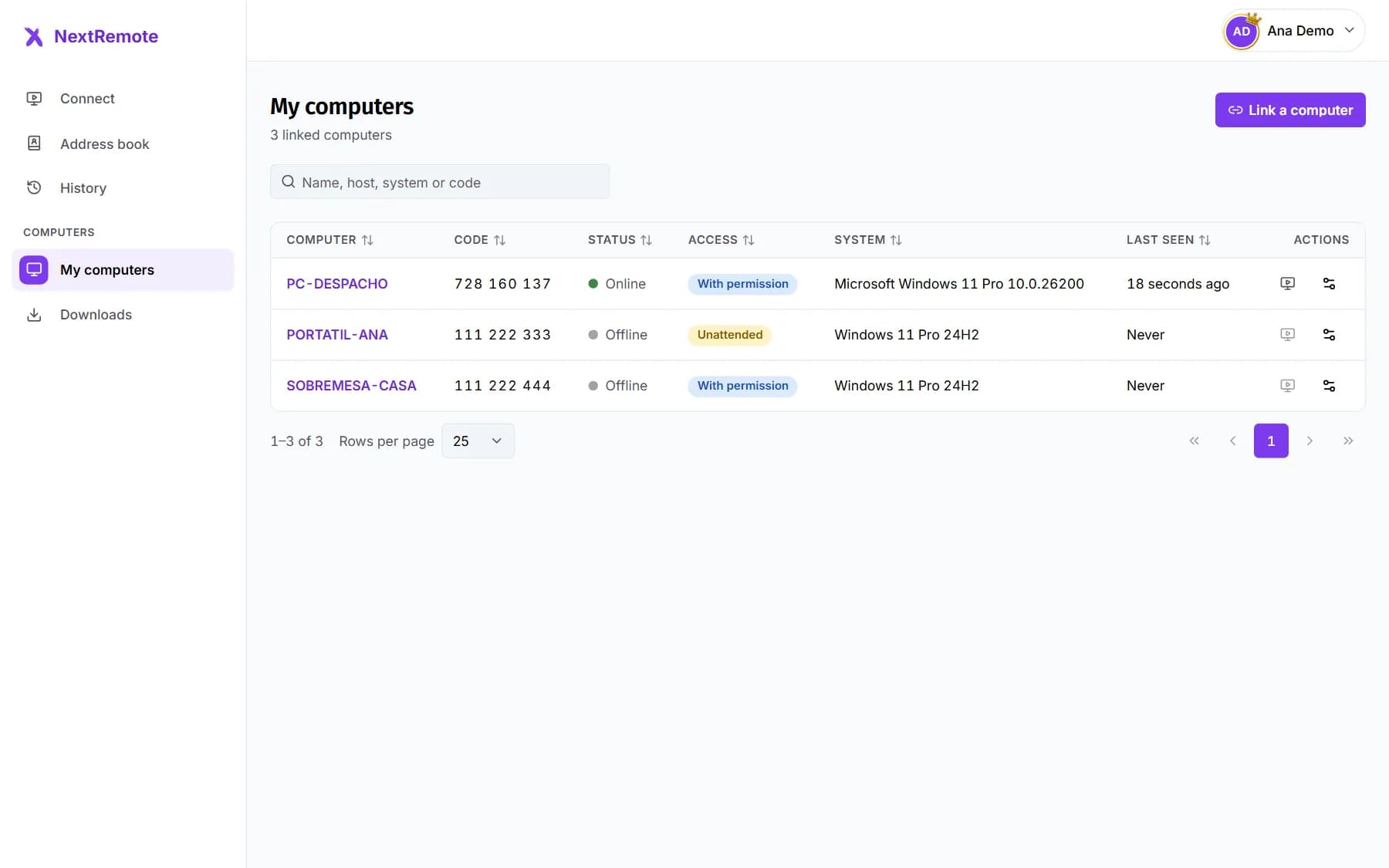
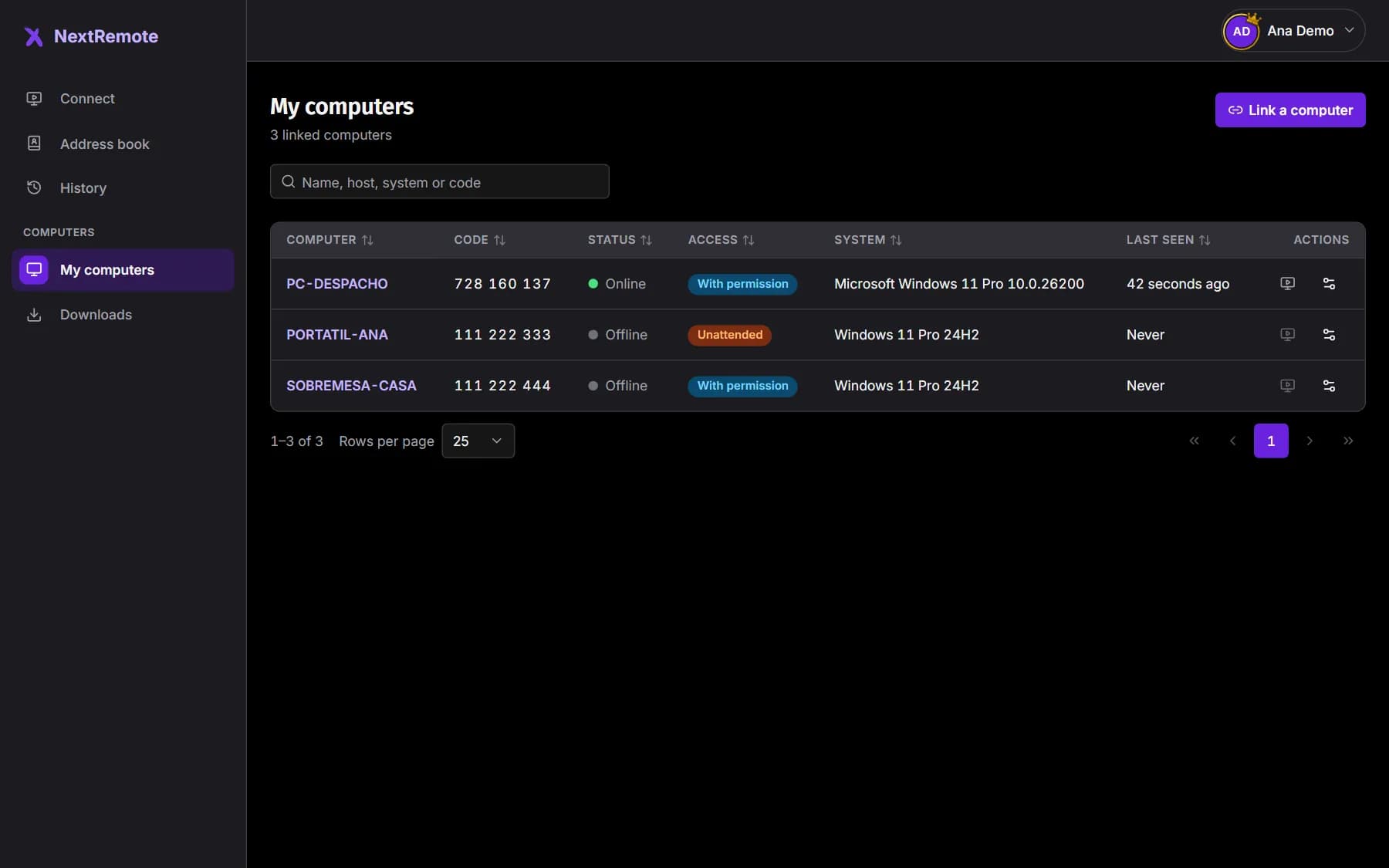
In "My computers" on the website or in the app, press "Unlink". Its unattended access is turned off. The computer can still receive connections with permission.
Expected result: The computer disappears from "My computers".
Uninstall on Windows
In Settings › Apps › Installed apps, find NextRemote and press "Uninstall". Or, from an administrator console, silently.
"%ProgramFiles%\NextRemote\Uninstall NextRemote.exe" /SUninstall on macOS
Run the package's uninstall script with sudo. It removes the service and the app.
sudo "/Applications/NextRemote.app/Contents/Resources/service/uninstall.sh"Uninstall on Linux
Remove the nextremote package with your distribution's package manager. It stops and removes the systemd service.
sudo apt remove nextremoteCheck that it is gone
When uninstalled, the computer tells NextRemote and becomes "Uninstalled"; after 7 days it is retired. Its code stops working.
If something goes wrong
I uninstalled it without Internet
The computer could not report it. If it was linked to your account, unlink it from "My computers" on the website.
I reinstalled it and it has a different code
A fresh installation is a new computer for NextRemote. Link it again by signing in to the app and update your address book.