
Get started with NextRemote
In a few minutes you will have your account, your computer linked and your first connection made. No card needed.
Create your account
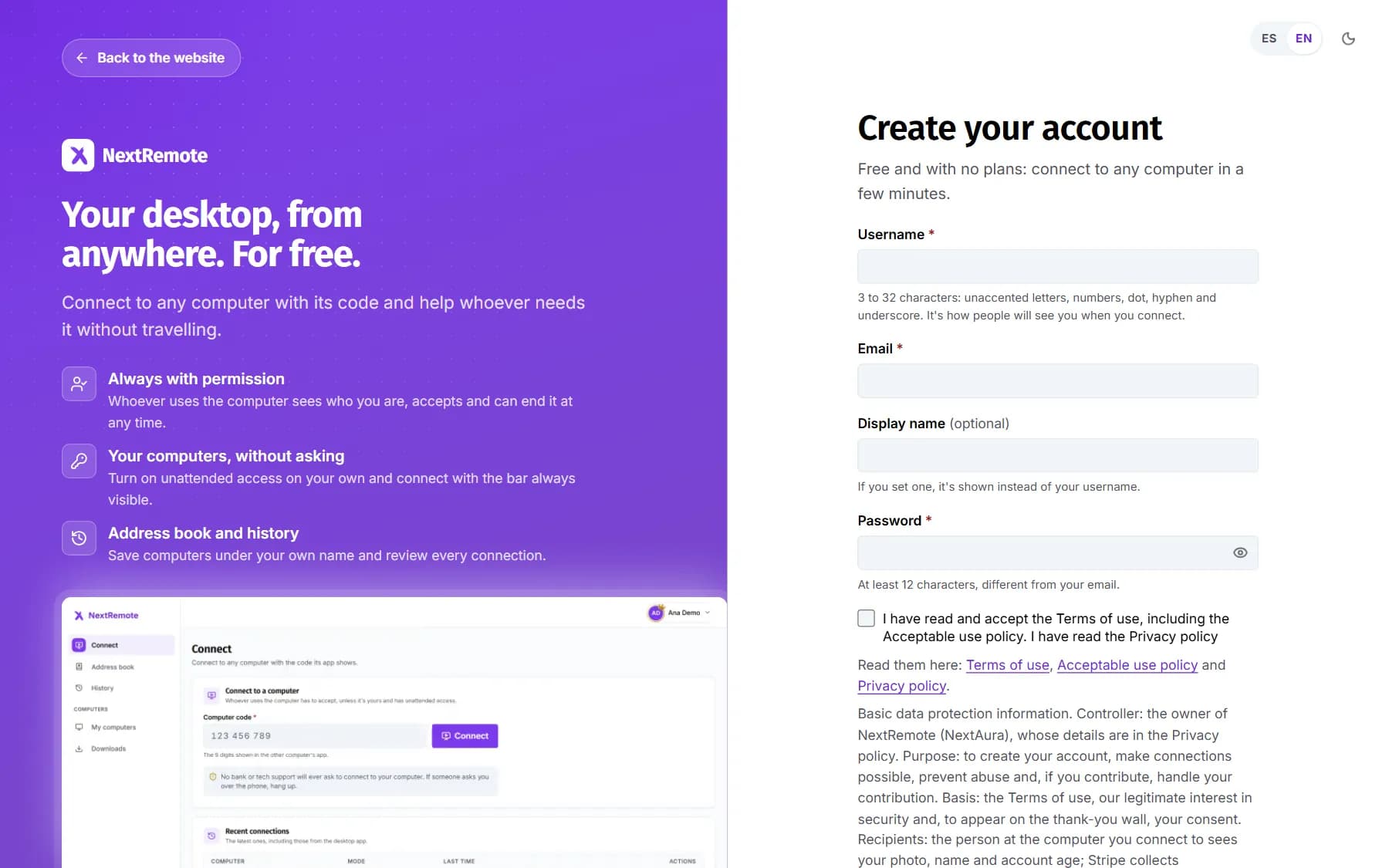
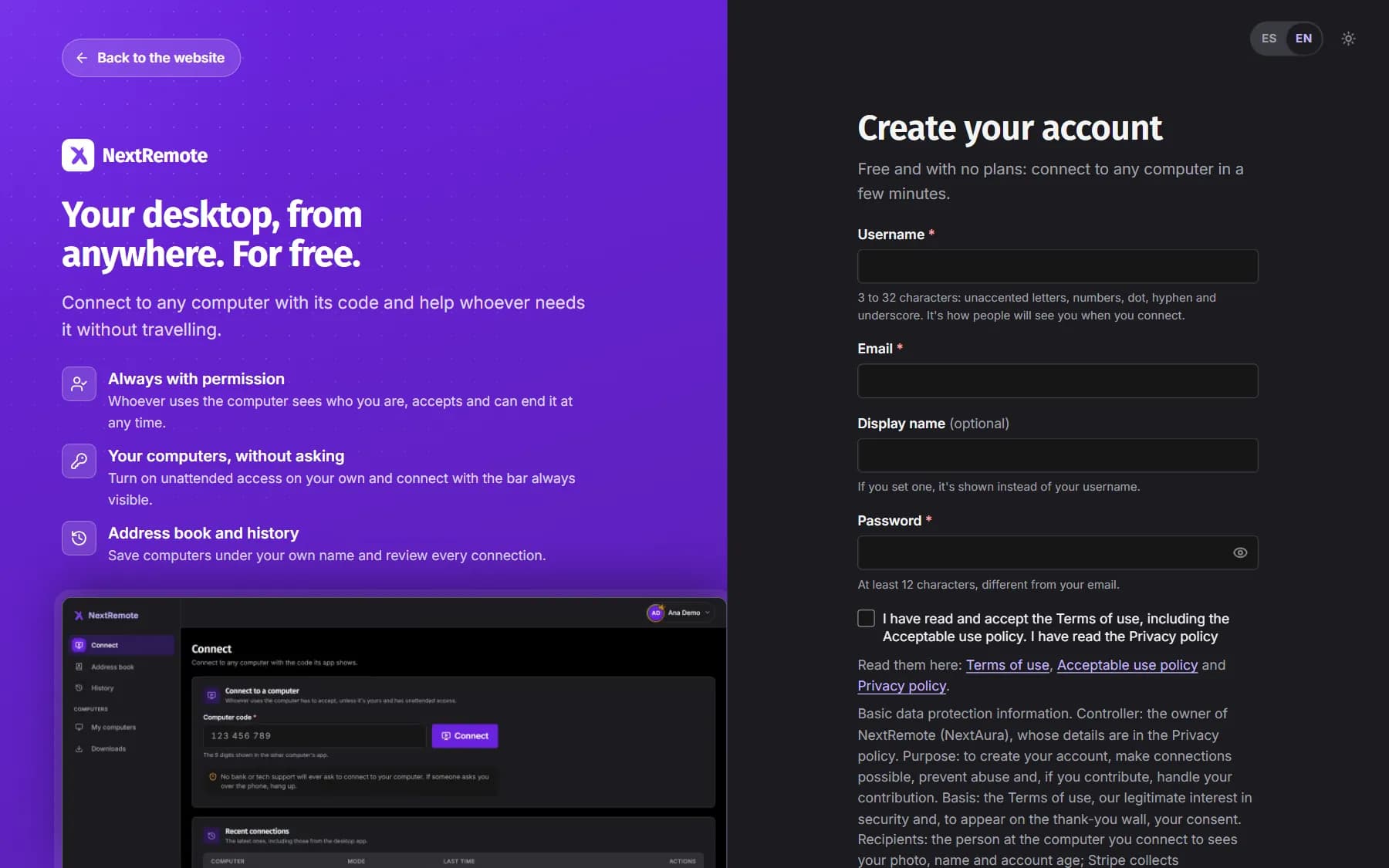
Press "Create a free account" and enter a username (3 to 32 letters, numbers, dots, hyphens or underscores), your email and a password. Accept the terms.
Expected result: You are signed in and see "Connect".
Confirm your email
We send you an email with a link. Open it to confirm the address: you will need it if you forget your password.
Expected result: The unconfirmed email notice disappears.
Add a photo
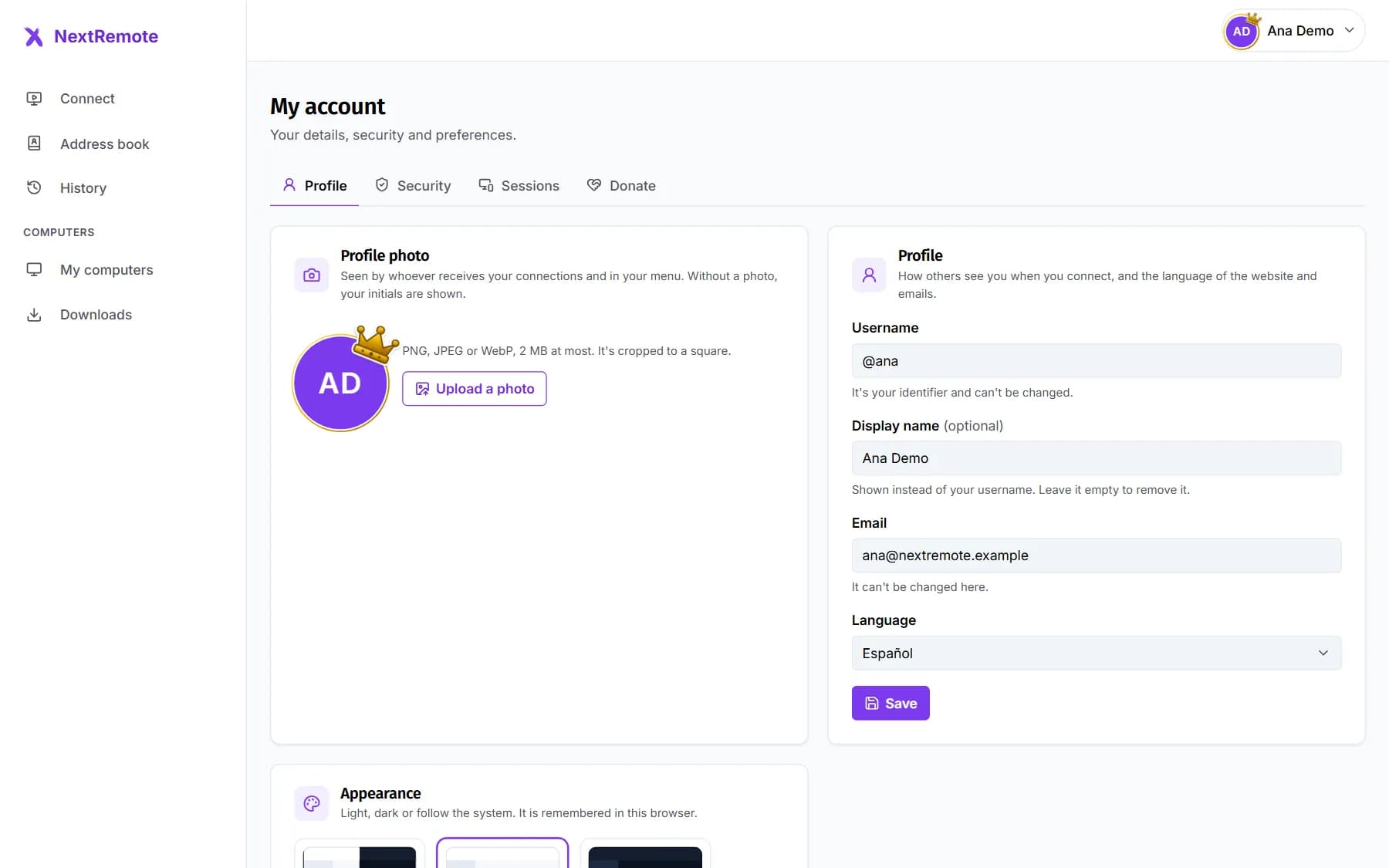
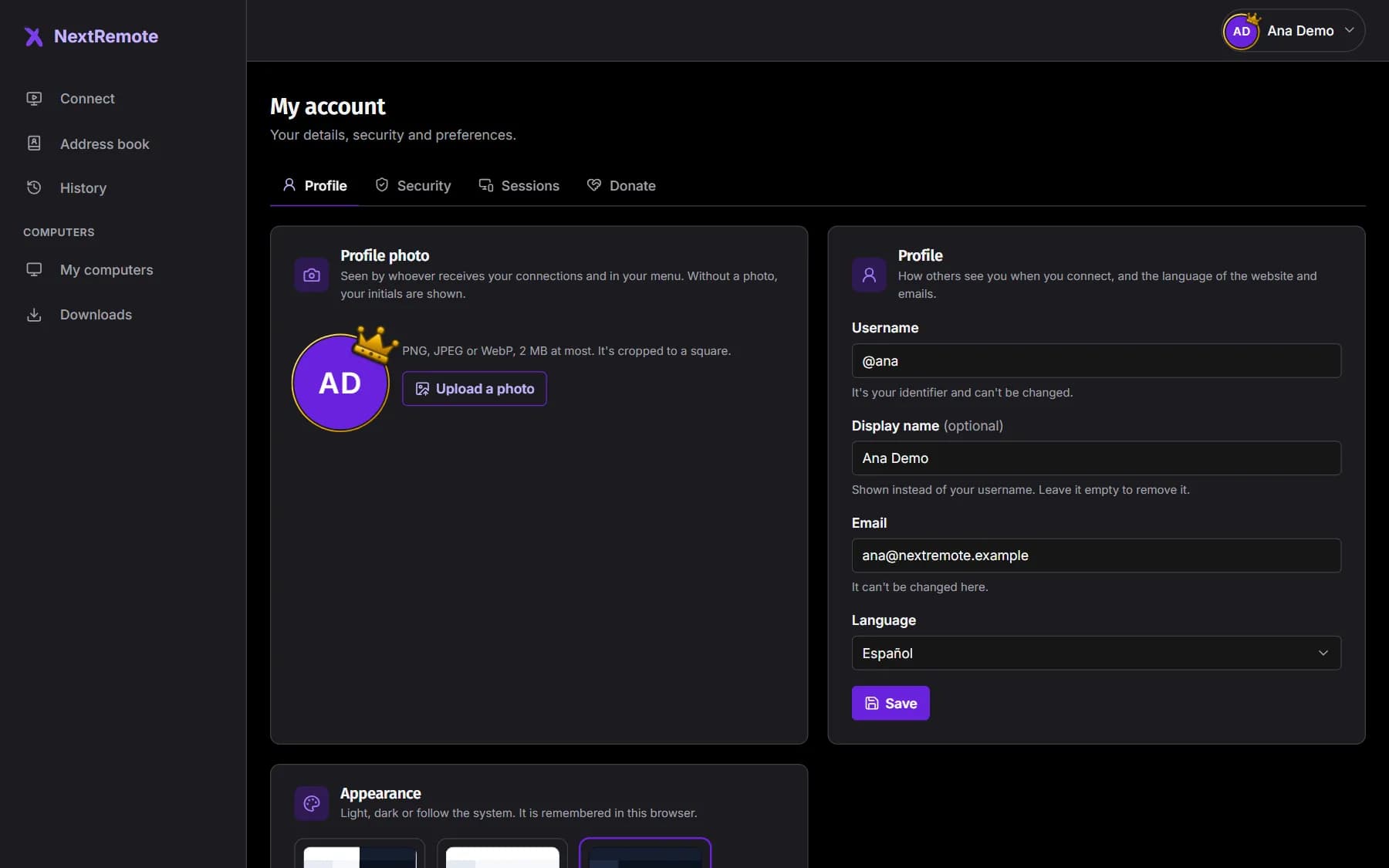
In "My account" › "Profile", upload a photo (PNG, JPEG or WebP, 2 MB at most). It is what the other person will see when you ask to connect.
Expected result: Your photo appears in the account menu.
Install the app
In "Downloads", get the installer for your system and install it. The computer registers itself and gets its 9-digit code.
Expected result: The app opens and shows "This device's code".
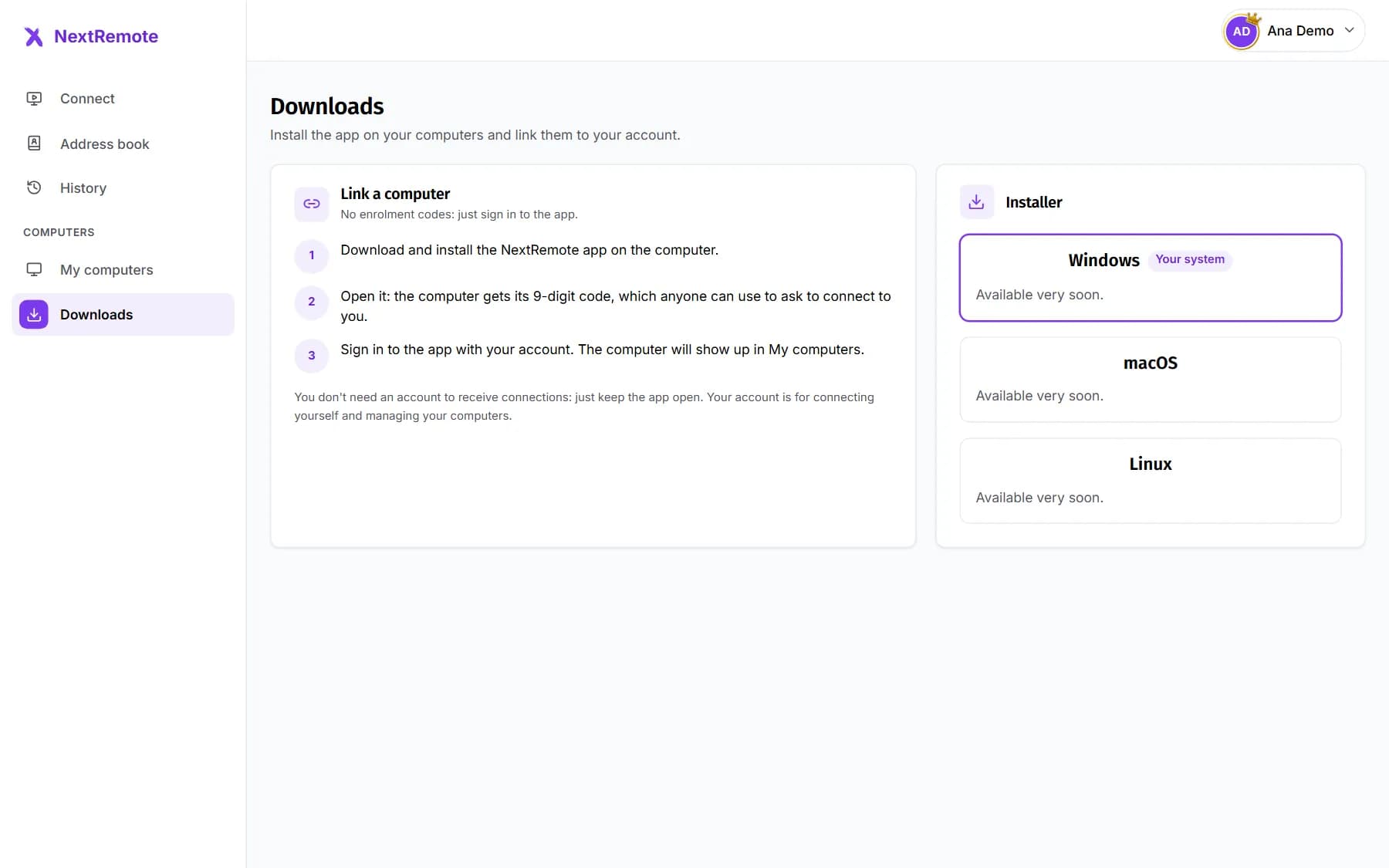
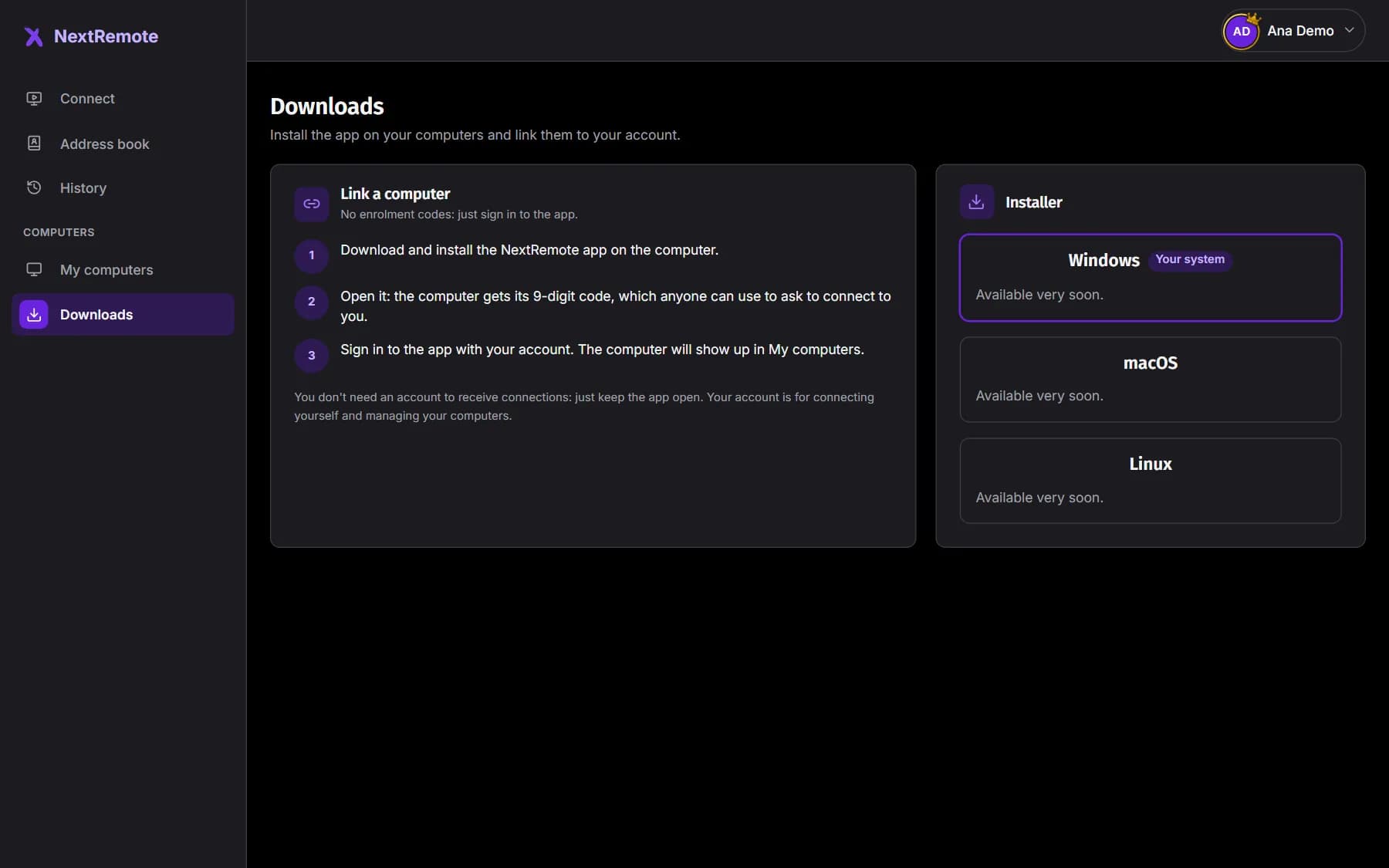
Link the computer to your account
In the app, in "Remote access", sign in with your username or email and your password. When you sign in, the computer is linked to your account.
Expected result: The computer appears in "My computers" on the website and in the app.
Make your first connection
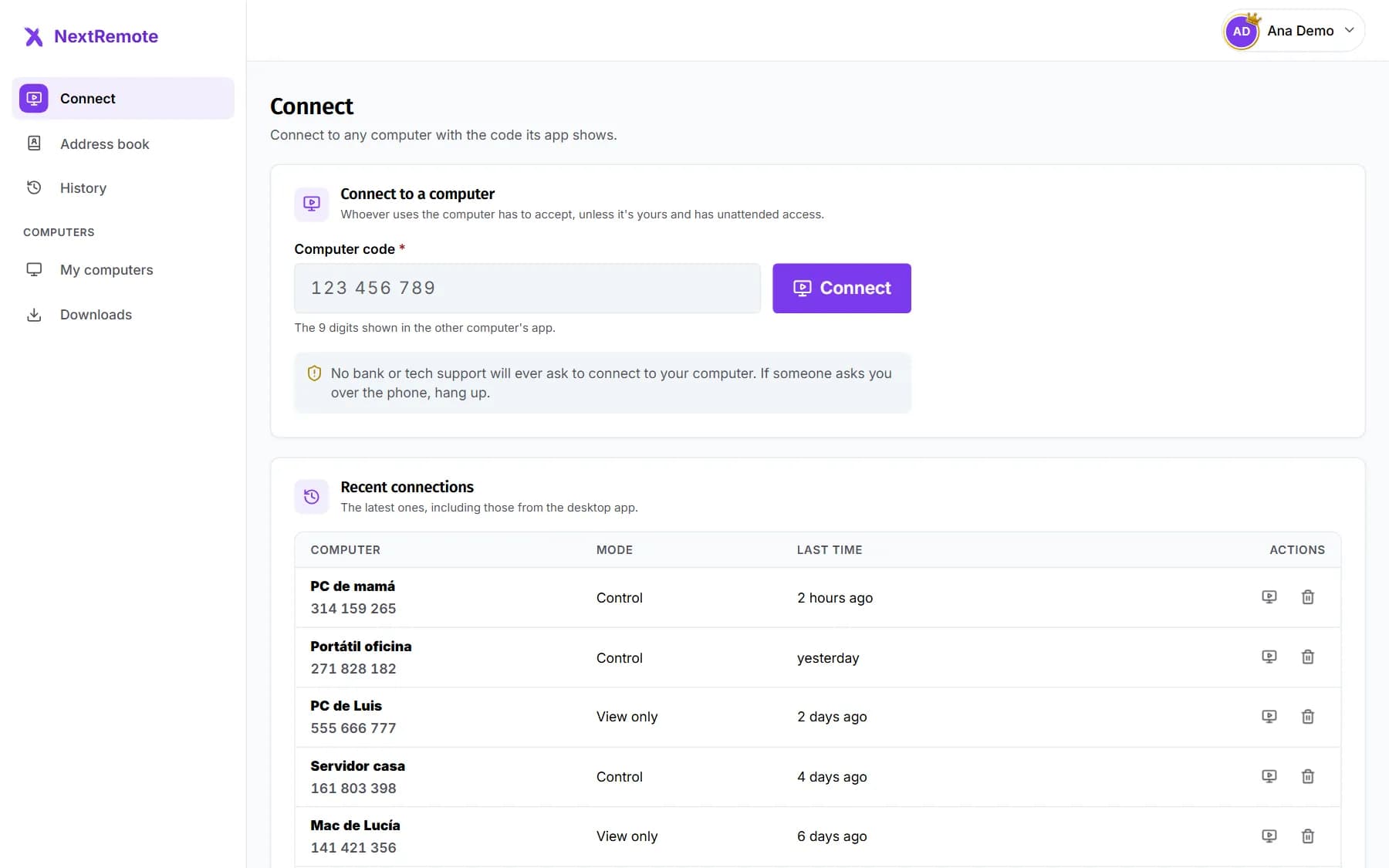
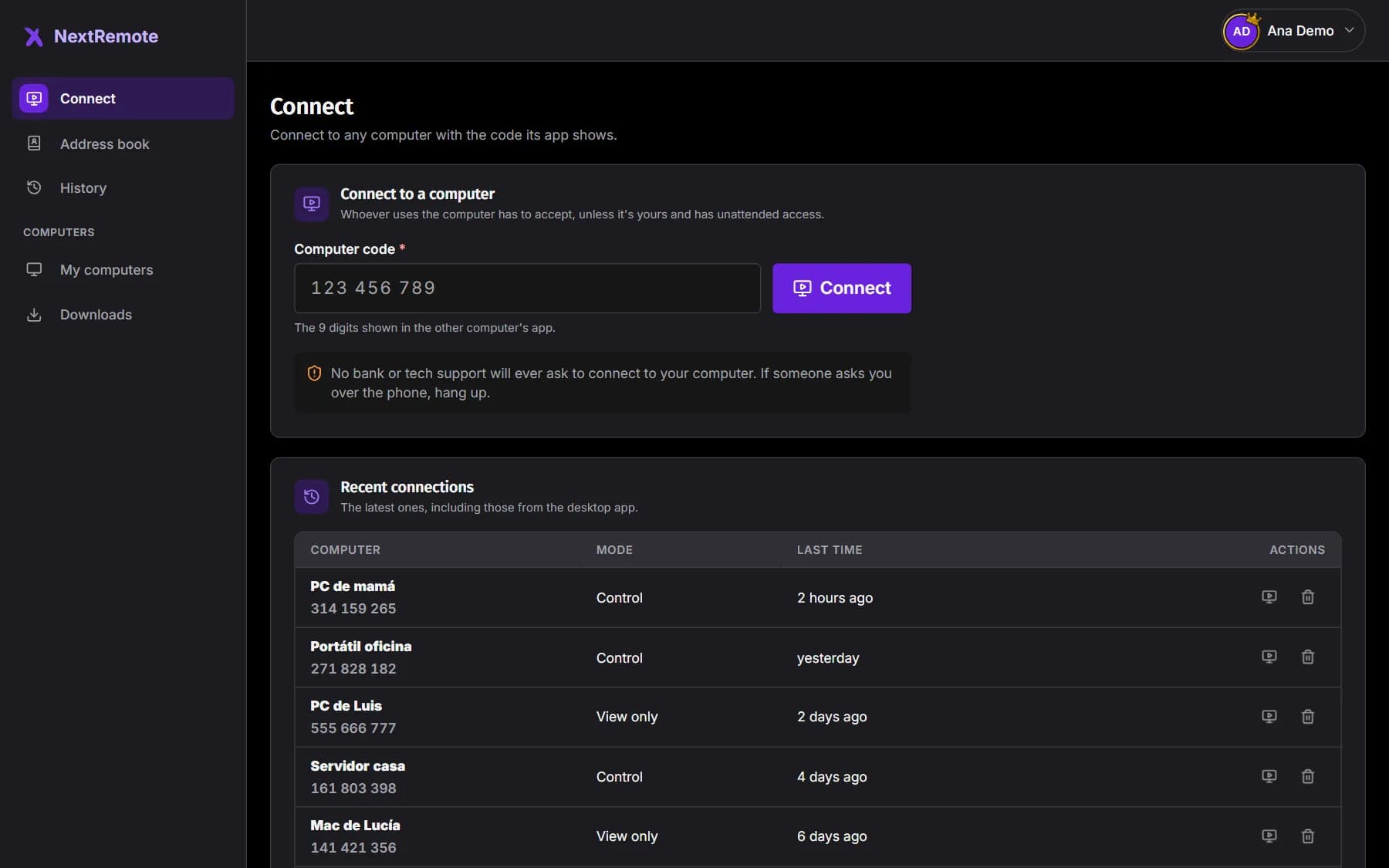
Ask someone for their code, type it in "Connect" and press "Connect". When they accept, you will see their screen.
Expected result: The viewer opens with the other computer's screen.
If something goes wrong
The confirmation email does not arrive
Check your spam folder and wait a few minutes. If it does not arrive, check in "My account" that the email is spelt correctly and ask for it again.
It says the username is not available
Another account already uses it (upper and lower case are not distinguished). Try another one.
My computer does not appear in "My computers"
You have to sign in to that computer's app with the same account. If the computer was already linked to another account, unlink it first from the app.
My account is blocked
We block accounts used to scam or harass other people. If you think it is a mistake, write to us at the contact email on the website.