
Your account: profile, security and data
Everything about your account is in "My account", in the menu at the top right.
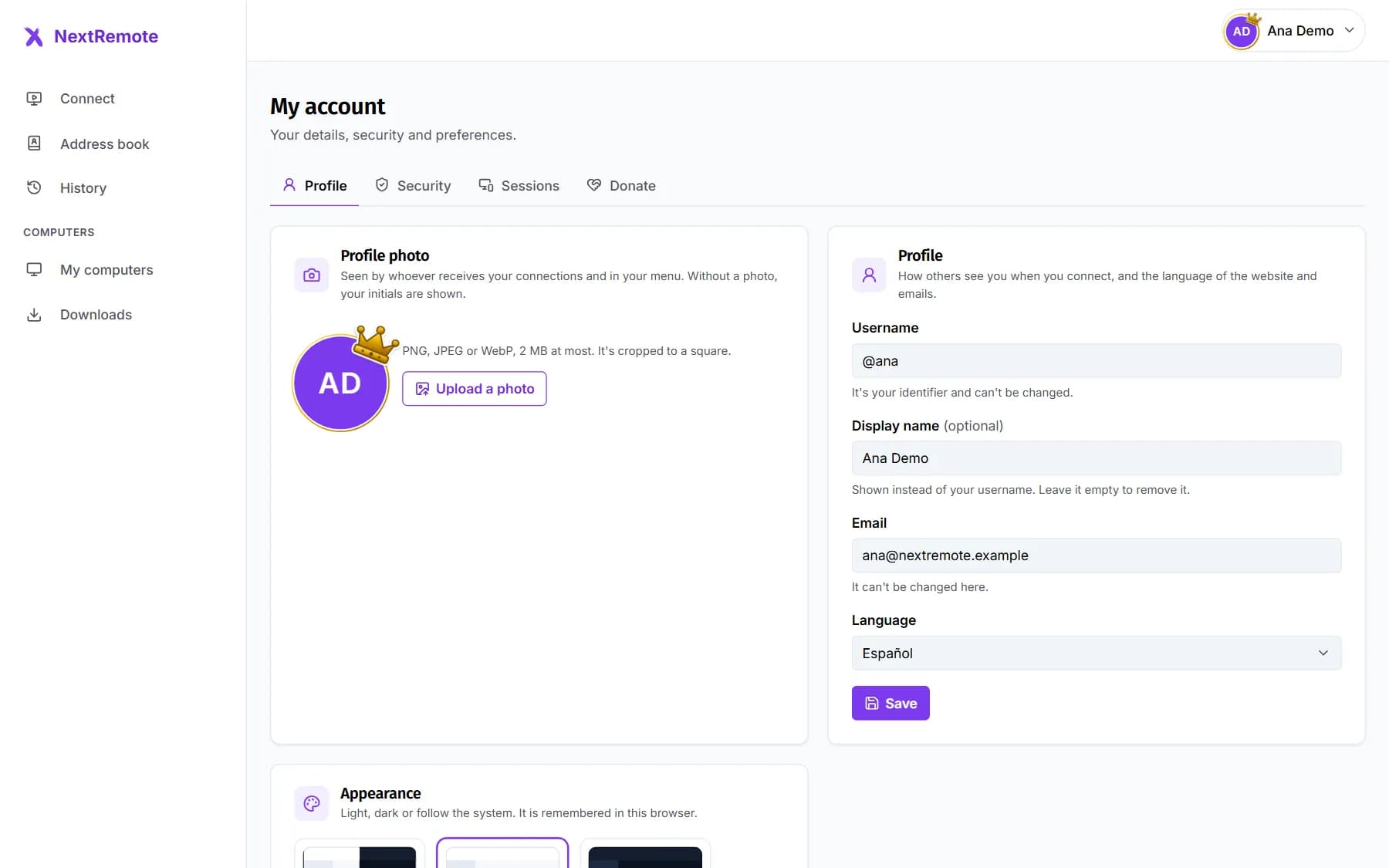
Profile
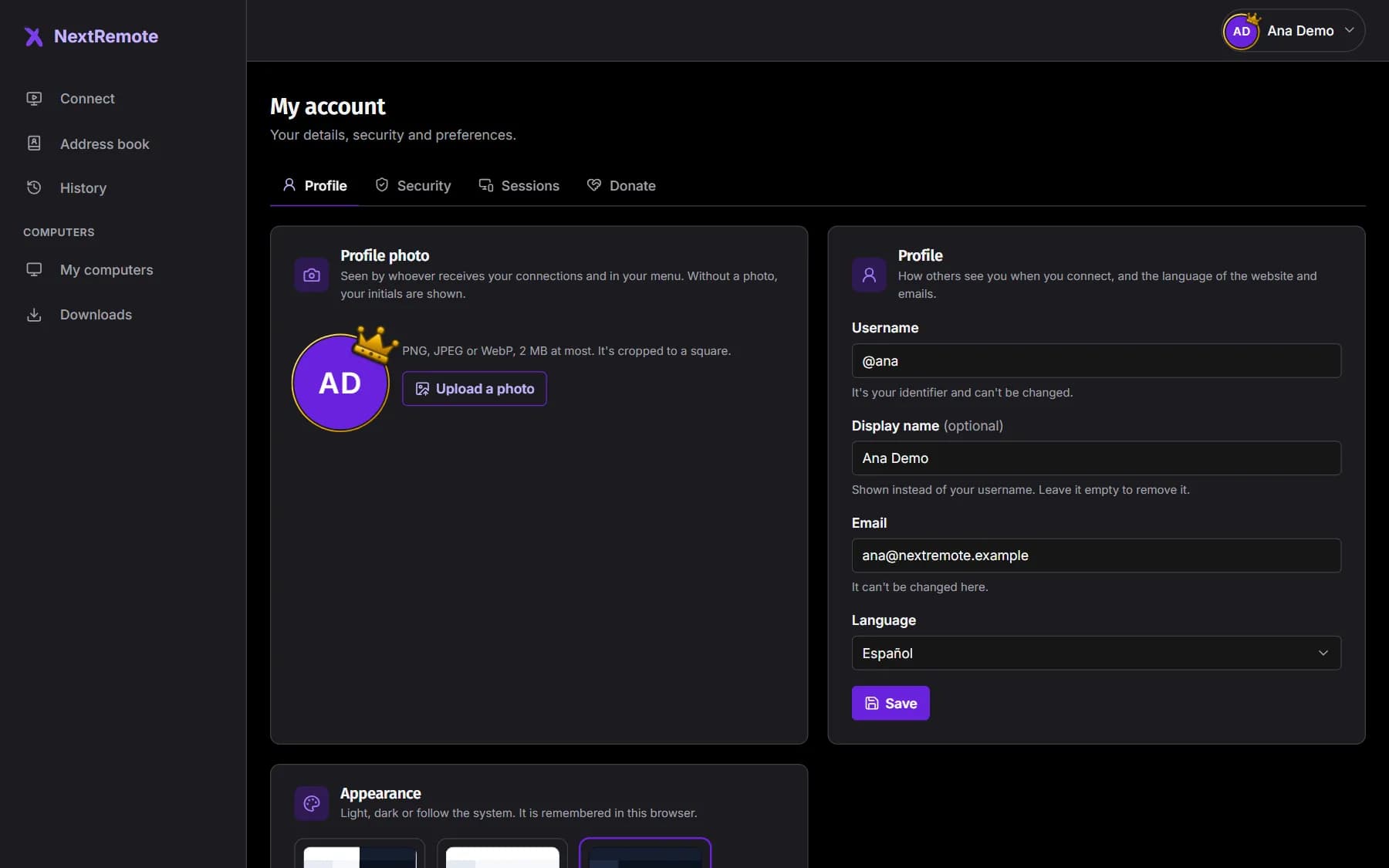
Photo (PNG, JPEG or WebP, up to 2 MB), display name, language and appearance. The photo and name are seen by whoever receives your connections.
Password
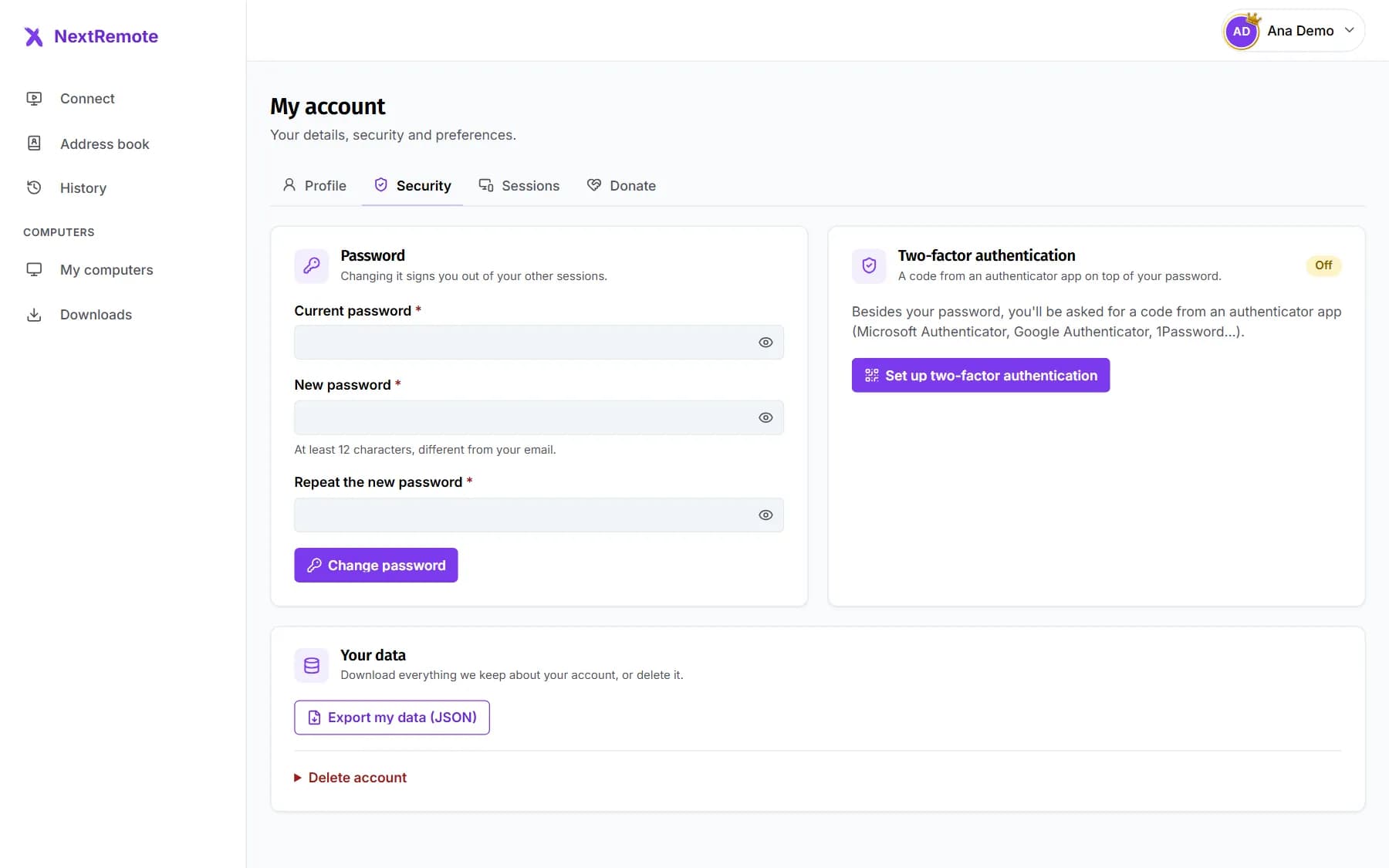
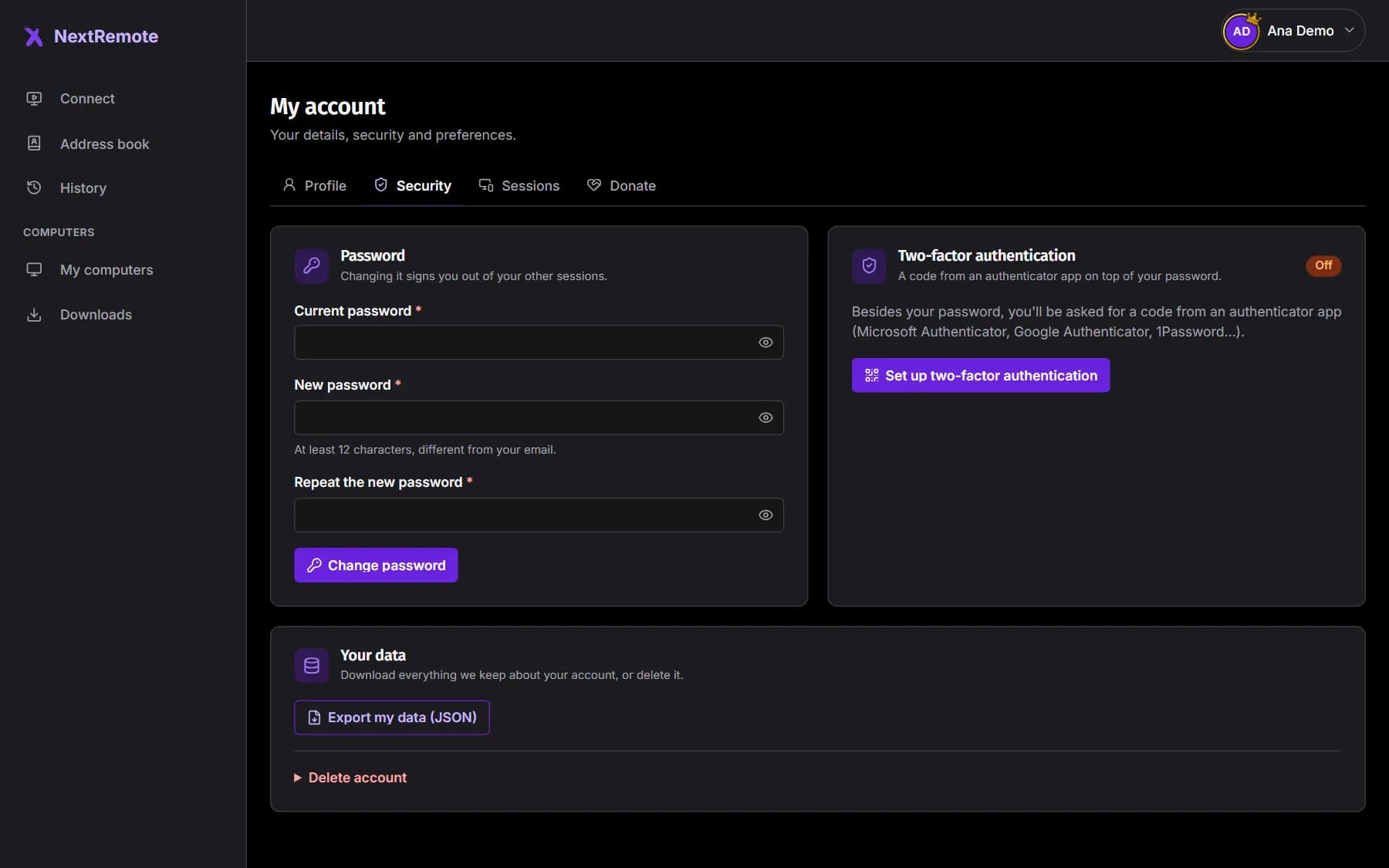
In "Security", change it whenever you want. At least 12 characters.
Two-factor authentication
Turn on two-factor authentication with an authenticator app: scan the QR code and type the 6 digits. Keep the recovery codes.
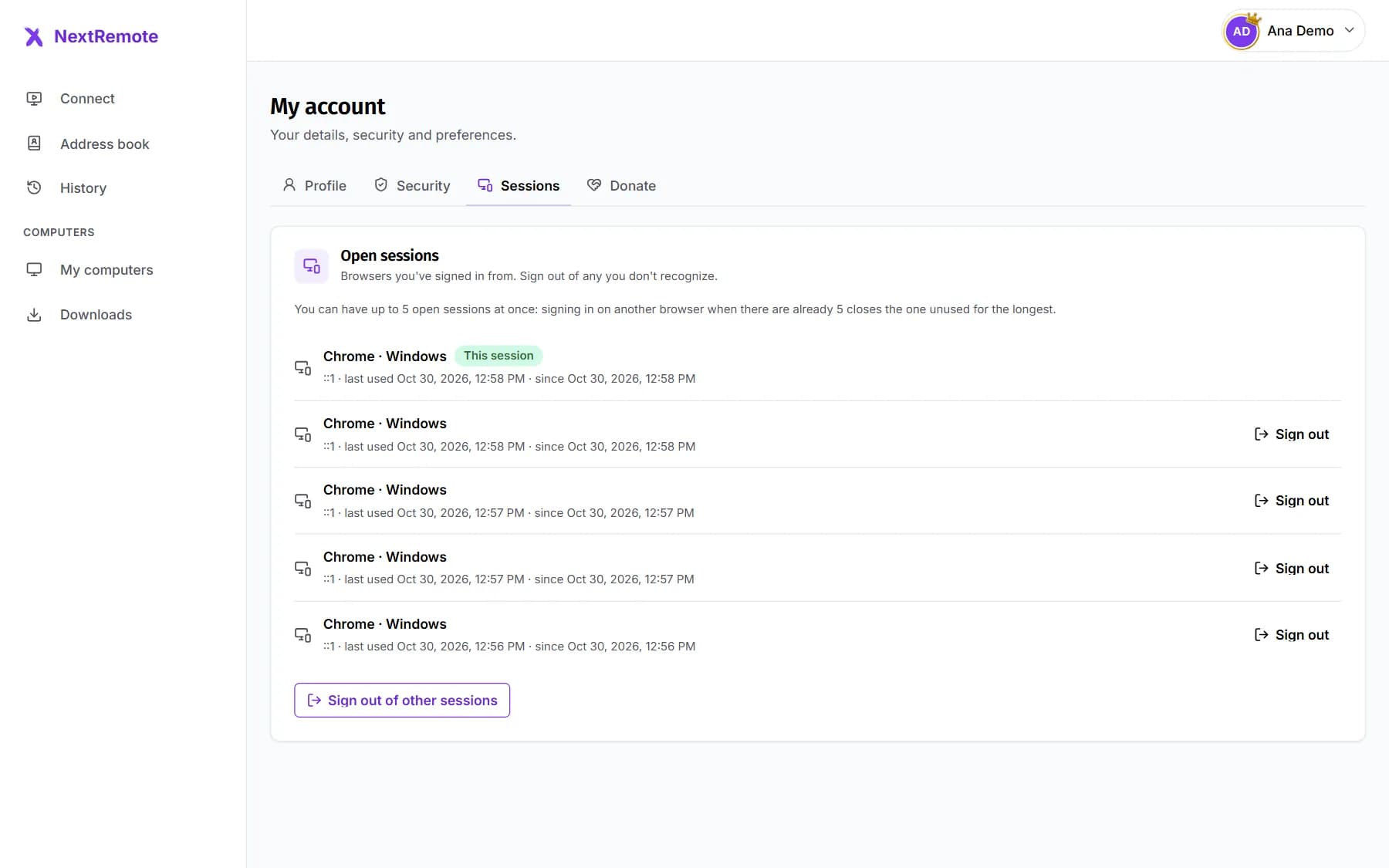
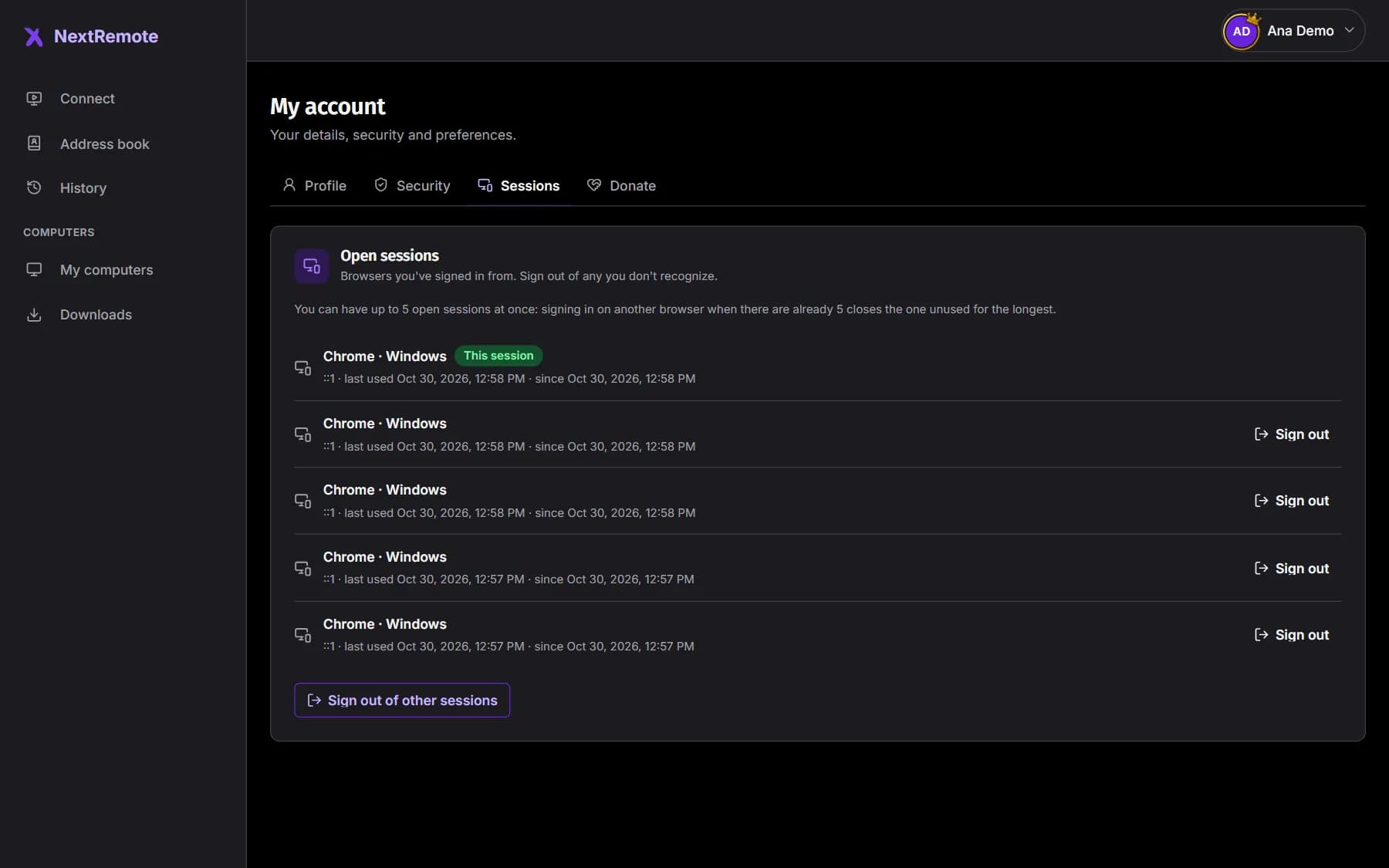
Open sessions
In "Sessions" you see the browsers you have signed in from, with their IP and last use. Close the ones you do not recognise.
Export your data
In "Security" › "Your data", "Export my data (JSON)" downloads everything we store about your account: profile, computers, address book, recents, history, contributions and ratings.
Delete your account
"Delete account" unlinks your computers, cancels your monthly contribution, deletes your address book and removes your name from the history. It cannot be undone.
If something goes wrong
I lost the phone with two-factor authentication
Sign in with one of your recovery codes instead of the app code and set up two-factor authentication again.
It says the code is wrong
Check that the phone's time is set automatically and try again with the new code.
I forgot my password
In "Sign in", press "Recover password" and follow the link sent to your email.
Too many attempts
Wait a few minutes before trying again.